
Windows 10 build 10565 has colored title bars, here’s how to get it


 1 min. read
 Published on

World-class 24/7 support with 82% for a 2 years plan and 2 months free
70% of our readers choose Private Internet Access
70% of our readers choose Private Internet Access

Amazing connection speed with 61% off and 4 months free for the 2-years plan.

Best security protocols with 83% off and 2 months free for a 2-year plan.
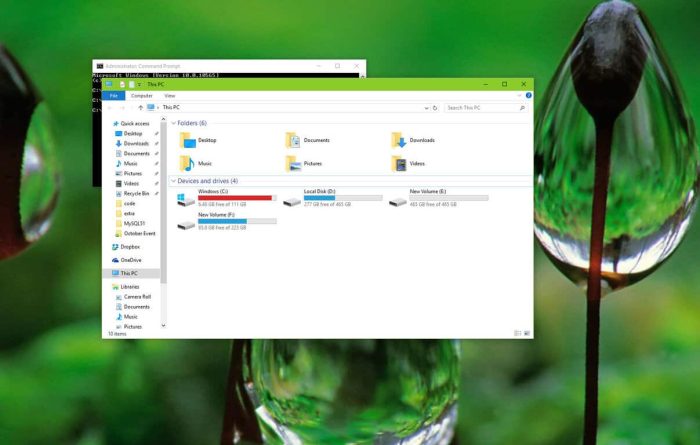
Microsoft rolled out a new Windows 10 desktop build for those of you participating in the Windows Insider program. Build 10565 comes with several new improvements, with colored title bars as one of the exciting new features. Title bars on apps now feature color, matching your theme.
“Thanks to feedback from Windows Insiders, with this build you can now enjoy your title bars with a full color intensity that matches the rest of your theme. Title bars will now appear darker,” Microsoft explained.
Unfortunately, if the window is inactive, the same old white colored title bar appears. Active windows will feature your theme’s color. Hopefully Microsoft improves this a bit more, but for now, enjoy having some color on your favorite app’s title bar.
Here’s what you need to do to get colored title bars on Windows 10 build 10565:
- First, make sure you activate Windows 10.
- Head over to Settings > Personalization > Colors
- Enable “Show color on Start, Taskbar, Action Center, and Title bars”


Read our disclosure page to find out how can you help Windows Report sustain the editorial team. Read more


Improve this guide




User forum
0 messages