
Where to Watch TV Shows for Free on a Windows PC in the U.S.


 2 min. read
 Published on
On a Windows PC in the U.S., you can watch a scheduled channel on Pluto TV, pick an episode on Tubi, or borrow a series through a participating library on Kanopy. Choose based on what you want to watch and whether you mind commercial breaks.
Pluto TV for a live channel guide
Open Pluto TV’s Live TV guide in a browser. Pick a category, then select a channel to join the program in progress. This works well if you want to turn on the news or find something already playing. If you’ve missed the beginning of a show, look for the title in Pluto’s on-demand catalog. A scheduled channel and an on-demand series are separate listings.
Pluto covers the cost with ads. You can watch in a browser, and a free profile lets you keep favorite channels and a watchlist across devices. Check Pluto’s supported devices.
Tubi for choosing your own episode
Go to Tubi and search for the series by name. Open the show’s page and check the season and episode numbers before starting. That matters if you’re trying to continue a show halfway through a season. A series appearing in search does not guarantee that every season is available.
Tubi shows ads during playback. Its catalog is free to watch and it does not ask for a credit card. Tubi explains how its free service works.
Kanopy for ad-free viewing with a library card
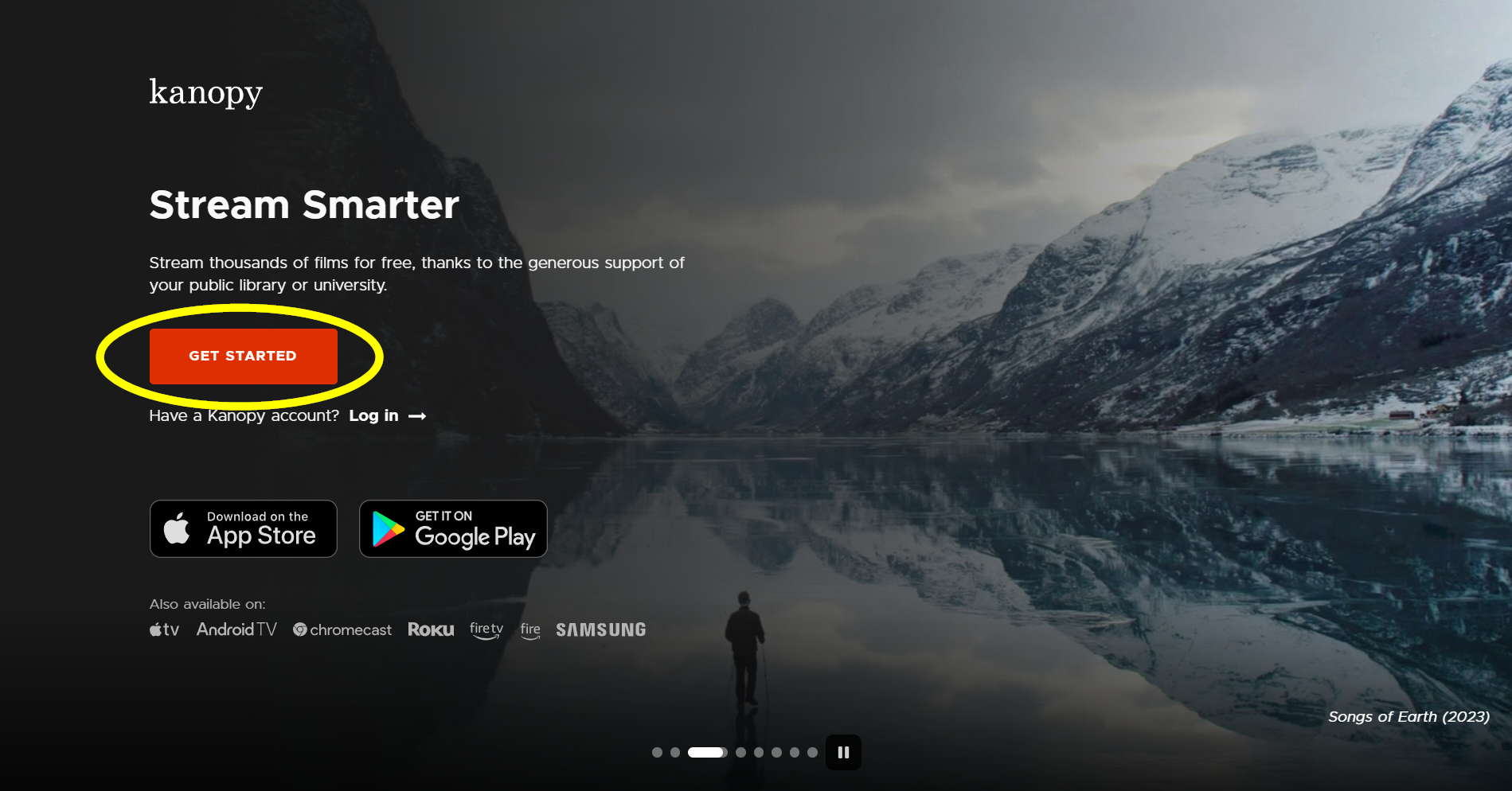
Visit Kanopy, choose Get started, then Find your library. Search for your library and follow its sign-in instructions. You may need your card number and PIN. The service is available through participating libraries and universities, and their catalogs can differ.
Before playing an episode, look beside the play button for the ticket cost and viewing window. One title might unlock a season for a set number of hours. Your library provides a monthly ticket allowance, and unused tickets expire when the month ends. Kanopy explains ticket limits and viewing periods.

Read our disclosure page to find out how can you help Windows Report sustain the editorial team. Read more


Improve this guide
User forum
0 messages