
Windows 11 KB5074109 Causes Install Errors for Some PCs


 2 min. read
  Published on
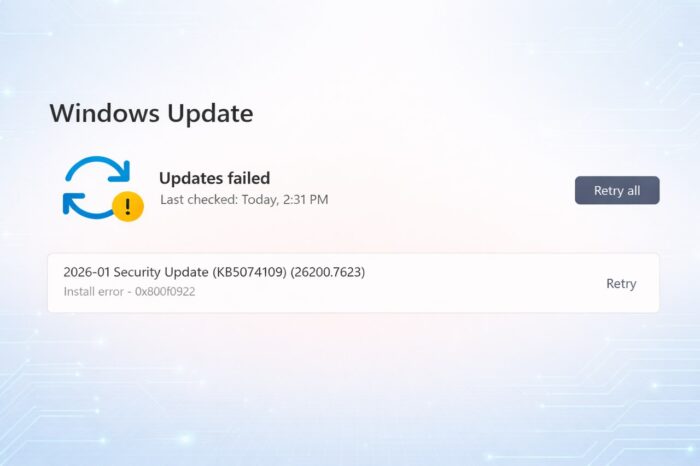
The Windows 11 KB5074109 update has already caused trouble for some users, despite introducing features like Secure Boot certificate updates.
Beyond the previously reported Azure Virtual Desktop connection failures and random NVIDIA black screen problems, users now report fresh installation errors.
Users report multiple Windows Update error codes
A Reddit user kozmos81 says Windows Update fails to install KB5074109 with error 0x800f0922. Other users report similar failures tied to error codes 0x80070306, 0x800f0991 and 0x80073712, suggesting the update process itself struggles on certain systems.
Error 0x80070306 may stem from a temporary Windows Update cache glitch. Several users claim that retrying the installation after some time resolves the issue, pointing to a short-term problem rather than a permanent block.
Microsoft has not acknowledged the installation issue yet
At this stage, the scope of the problem remains unclear. Only a handful of users have reported these installation errors, and Microsoft has not published an advisory or Service Health notice related to them, indicating limited impact so far.
No official fix exists yet, but affected users can try standard Windows Update troubleshooting steps, such as retrying the installation or clearing the update cache.
However, considering the growing list of reported problems linked to KB5074109, many users may choose to hold off on installing the update until Microsoft resolves the broader stability issues.

Read our disclosure page to find out how can you help Windows Report sustain the editorial team. Read more



Improve this guide


User forum
0 messages