
Firefox to Let Users Disable All AI Features With Dedicated Controls, Rollout Starts Later This Month


 2 min. read
  Published on

If you hoped for Mozilla to offer you more control over AI on the web, finally, there’s some good news. With the upcoming Firefox 148, which will launch on February 24, the browser will include a dedicated AI controls section in desktop settings. The new AI control settings will allow you to block all AI features or manage individual tools according to your preference.
“People want very different things from AI,” Mozilla notes. “Some want nothing to do with it, while others want helpful AI tools.” The new controls look to respect users on the side of AI, and those who aren’t very fond of AI. However, the company has confirmed that it’ll continue to develop new AI features.
At launch, Firefox AI controls will allow users to manage several features individually, including:
- Translations, to browse the web in your preferred language.
- Alt text in PDFs, for accessibility descriptions of images.
- AI-enhanced tab grouping, which suggests related tabs and group names.
- Link previews, which highlight key points before opening a link.
- Sidebar AI chatbots, which allow you to interact with tools like Anthropic Claude, ChatGPT, Microsoft Copilot, Google Gemini, and Le Chat Mistral.
You can toggle individual features on or off, or simply activate the Block AI enhancements option to remove all AI pop-ups, reminders, or new tools. Once set, preferences stay in place across browser updates and can be changed at any time.
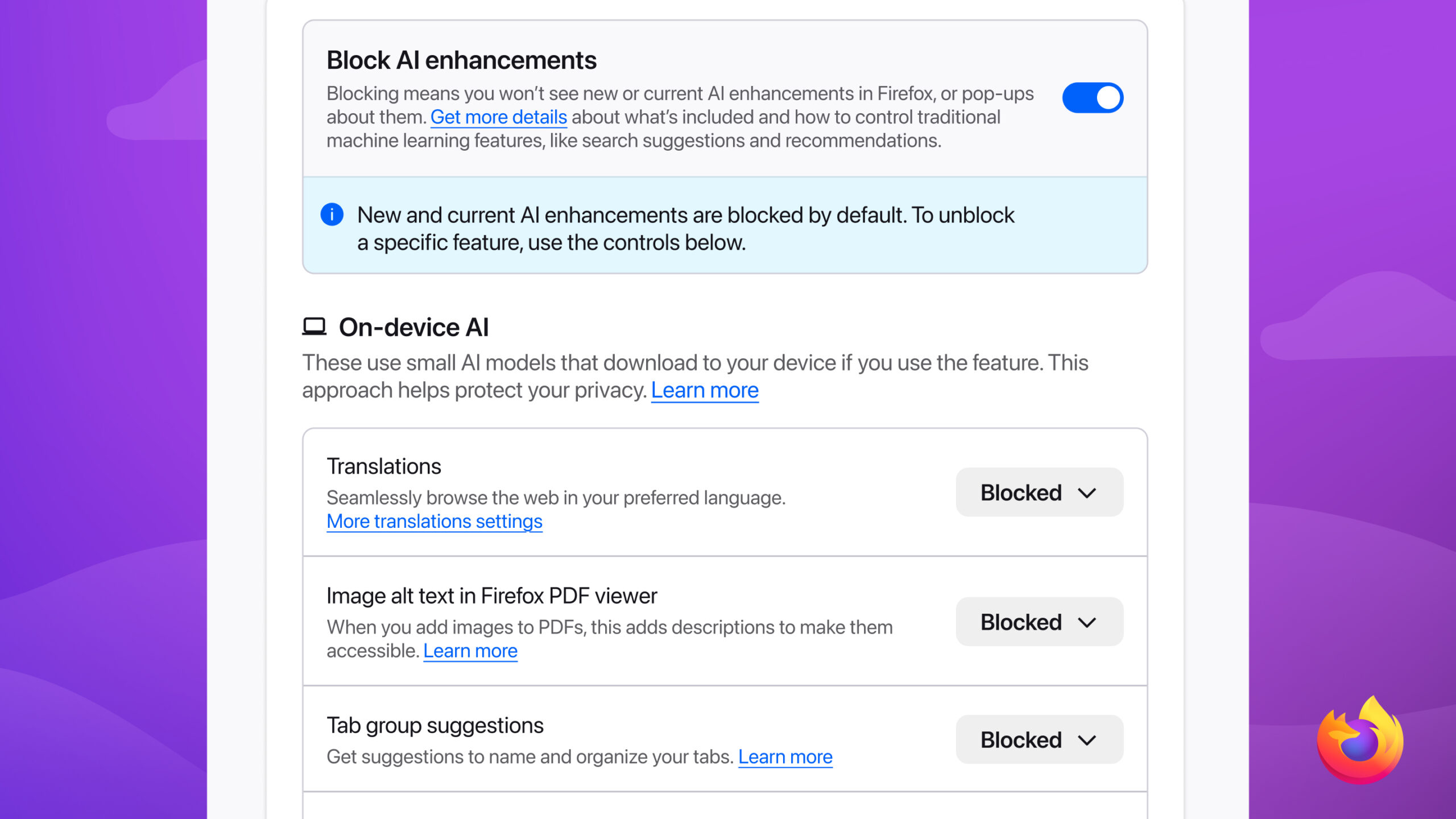
For those who want to test AI controls early, Mozilla is making them available in Firefox Nightly. The company also encourages users to share feedback via Mozilla Connect. At a time when companies like Microsoft and Google are stuffing AI into every bit of it, here you have Mozilla offering users the freedom to completely turn off AI features.

Read our disclosure page to find out how can you help Windows Report sustain the editorial team. Read more



Improve this guide




User forum
0 messages