
Windows 11 Experimental (Canary) Build 29613 Out With Audio Settings Improvements
The Build 29613.1000 is available for Windows 11 Insiders in the Experimental (Future Platforms) channel


 2 min. read
  Published on
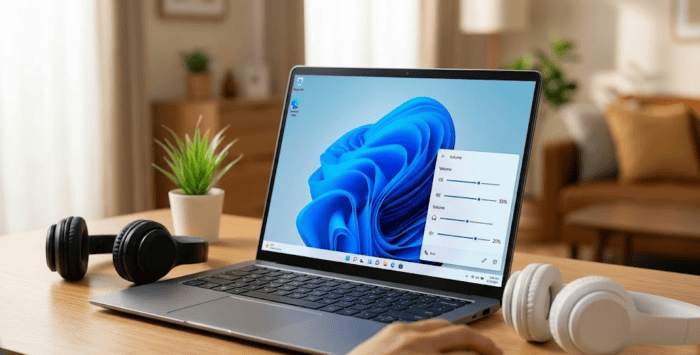
Microsoft has released Windows 11 Insider Experimental (Future Platforms) Preview Build 29613.1000. Notably, the improvements are also applicable to Insiders in the Canary 29600 Series Channel.
A bunch of audio settings improvements land for Insiders
The highlight of Experimental (Future Platforms) Build 29613.1000 is a series of enhancements to Settings > System > Sound, based on feedback from Windows Insiders. Microsoft has updated the “All sound devices” page, allowing users to change their default audio devices directly from the page without navigating through additional settings menus.
The company has also added live volume meters next to each listed device, making it easier for users to identify which audio device is actively playing sound in real time. To improve usability, the page now includes filters that let users switch between viewing input and output devices. Additionally, new toggles allow users to hide or display disabled, disconnected, and unplugged audio devices, helping keep the interface organized.
Another useful addition is expanded hardware information on device properties pages. Input and output audio device settings now display jack information where applicable, providing users with more detailed connection information.
Let’s not forget that Microsoft has also released three different builds for Windows 11 Insiders in the Beta, Beta (26H1), and Experimental channels.

Read our disclosure page to find out how can you help Windows Report sustain the editorial team. Read more



Improve this guide



User forum
0 messages