
How AI Is Changing the Way Professionals Work With PDF Documents


 5 min. read
  Published on
PDFs have been a workplace staple for decades and for just as long, working with them has meant friction: switching between tools to edit, convert, summarize, translate and sign. Artificial intelligence is changing that equation and the shift is happening faster than most people realize.
The latest generation of AI-powered PDF software is not just adding smart features on top of existing workflows, it is rethinking the workflow itself, consolidating tasks that used to require multiple applications into a single, connected experience.
The Real Problem With PDF Workflows Is Fragmentation
The challenge most professionals face with PDFs is not any single task in isolation. Editing a paragraph, running OCR on a scanned document, translating a contract, each is manageable on its own. The problem is that they rarely happen in isolation.
A typical workflow might involve opening a scanned invoice in one application, running OCR in another, copying the text into a translation tool and then returning to a PDF editor to finalize and sign. Every transition introduces delay, formatting issues and the kind of friction that quietly drains productivity across a working day.
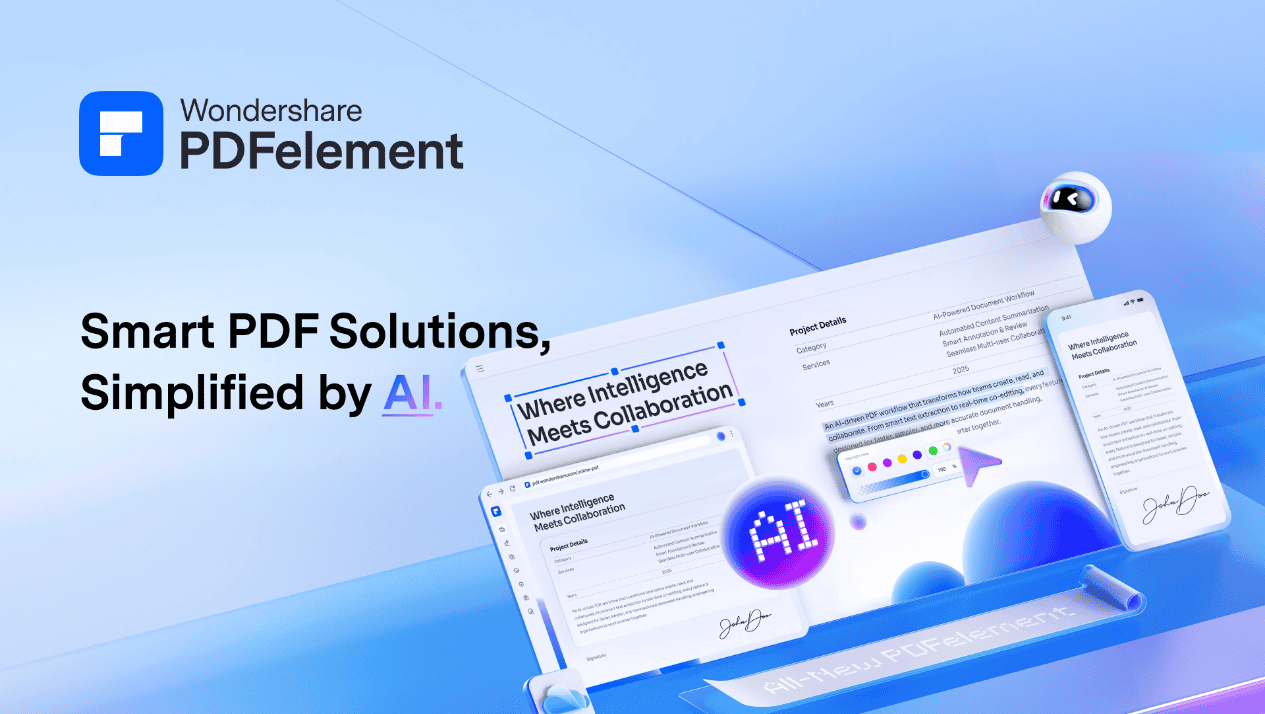
AI is now being used to collapse that fragmentation. Tools like Wondershare PDFelement V12 are designed around the idea that editing, converting, summarizing, translating and signing should all happen inside the same workspace.
Scanned Documents Are No Longer Dead Ends
One of the most persistent frustrations in document management is the scanned PDF. Contracts, archived records and paper invoices are frequently stored as image files visually readable, but impossible to search, edit or extract data from without additional processing.
Optical Character Recognition has existed for years, but modern AI has made it significantly more reliable. Today’s OCR tools process documents in over 20 languages, handle handwritten text, correct perspective distortion from phone-captured scans, and convert entire batches of files simultaneously, turning hours of manual transcription into minutes.
PDFelement V12 incorporates advanced OCR that makes scanned PDFs fully editable and searchable, with batch processing support for teams managing large volumes of legacy documents.
AI Is Making Long Documents Actually Manageable
Information overload is a genuine problem for knowledge workers. Legal teams review contracts running hundreds of pages. Researchers wade through dense academic papers. Reading every word is rarely practical, but missing a key clause can be costly.
AI-powered document interaction is addressing this directly. Rather than scrolling through an entire PDF, users can ask specific questions and receive contextual answers drawn from the document’s content. AI summarization extracts the most relevant conclusions, key findings, and action items in seconds, the document does not get shorter, but the time required extracting useful information from it does.
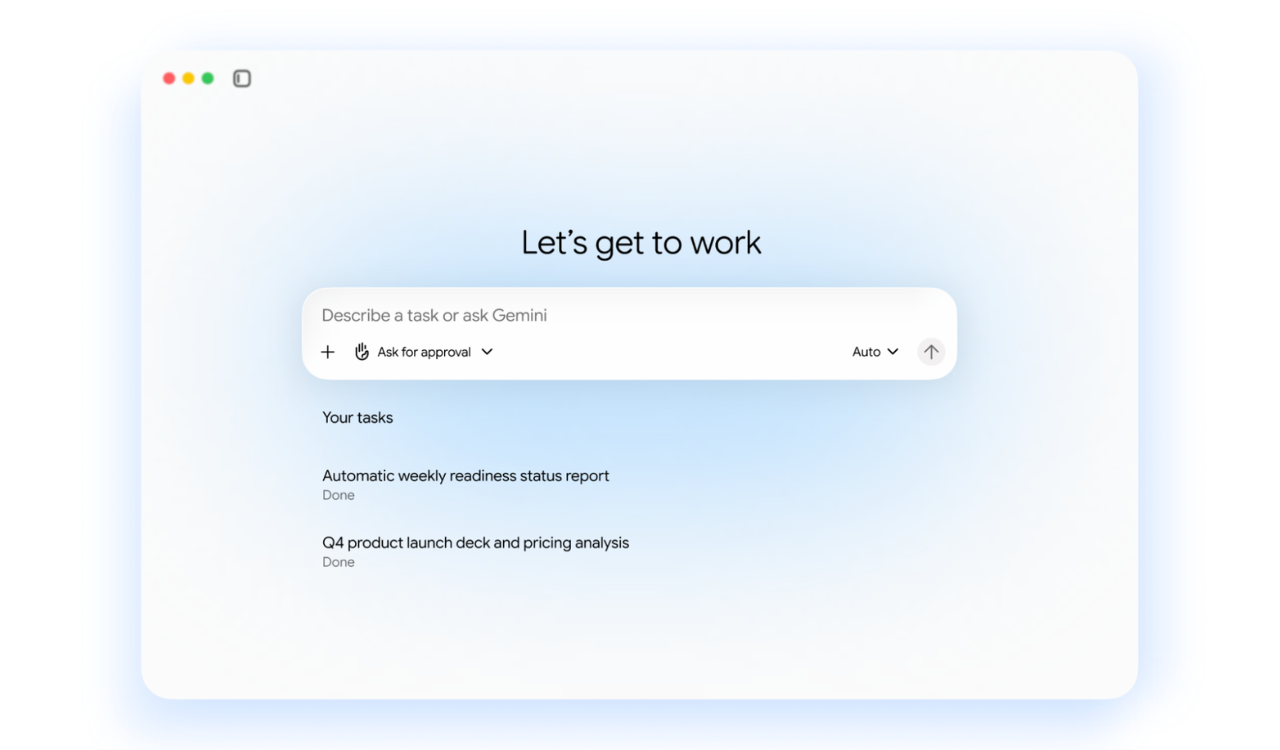
PDFelement V12 takes this further with multi-model AI support, letting users switch between ChatGPT, DeepSeek, and Gemini within a single session, a notable step beyond the single-model implementations that have characterized earlier generations of AI PDF tools.
Sensitive Information Needs More Than a Black Box
Redacting sensitive data has always been a painstaking task. Legal, compliance, and privacy teams have traditionally worked through documents manually, identifying names, ID numbers, financial details and medical information page by page before sharing files externally.
AI-powered smart redaction changes this entirely. By automatically scanning documents for sensitive patterns, personal identifiers, bank details, medical records and flagging them for bulk removal, AI dramatically reduces the time and error risk of manual redaction. PDFelement V12’s Smart Redact includes compliance presets for GDPR, US Financial Documents, US Medical Documents, and US Government and Legal standards.
Language Is No Longer a Barrier to Document Collaboration
Global teams and international clients are now the norm for many organizations. Document workflows frequently cross language boundaries, and the traditional solution of hiring human translators or moving content between tools, is both slow and expensive.
AI translation built directly into PDF software is changing the economics of multilingual document work. When evaluating free AI tools vs paid options, translation quality and language coverage are often deciding factors. PDFelement V12 supports professional-grade translation across 75 languages, up from 50 in the previous version with a domain-specific mode for legal, medical, and technical content. Batch translation means entire document sets can be processed simultaneously.
The Case for Keeping Everything in One Place
The productivity argument for consolidated PDF workflows goes beyond convenience. Every application switch is a potential source of formatting errors, version confusion and wasted time. The fewer transitions in a workflow, the fewer things that can go wrong.
PDFelement V12 has been recognized with 58 G2 awards, including Leader and Highest User Adoption and serves over 150 million users worldwide, including organizations like Deloitte and Hitachi. Available on Windows, macOS, iOS, Android and web, with pricing starting at $79.99 per year, it makes a compelling case for consolidating the entire PDF workflow into one platform.
Where PDF Software Goes From Here
The direction of AI in document management is clearly to reduce the number of steps between receiving a document and acting on it. Summarization, translation, redaction, OCR, conversion, and signing are converging into unified workflows rather than remaining separate tools requiring separate expertise.
For professionals who spend significant time inside PDF documents, that convergence is not a minor convenience. It is a meaningful reduction in the cognitive load of document management, one that compounds across every file, every day.


Read our disclosure page to find out how can you help Windows Report sustain the editorial team. Read more



Improve this guide



User forum
0 messages