
Windows 11 Insider Beta Build Adds Smarter Live Captions and Fixes File History


 2 min. read
  Published on
Windows 11 Insider Beta Preview Build 26220.9492 is now available, bringing a new Live Captions option alongside fixes for Hyper-V folder sharing and File History backups.
Live Captions can now ignore screen reader audio
Microsoft is adding a new Include Screen Reader audio setting to Live Captions. The option is disabled by default, so Live Captions will no longer transcribe audio generated by screen readers such as Narrator, JAWS, and NVDA unless users turn it on.
This should keep captions focused on microphone and system audio instead of mixing screen reader output into the transcription.
Microsoft fixes Hyper-V Plan9 folder sharing
The update also fixes an issue affecting applications that use HCS-managed virtual machines and share Windows host folders with Linux guests through Plan9.
Previously, shared folders could fail to appear inside the Linux virtual machine or remain inaccessible. Microsoft says the issue has now been addressed in the latest Beta Preview build.
File History backup failures are also fixed
Microsoft has also fixed a File History problem that could cause backups to fail unexpectedly with a “No usable drives found” error.
The fix should restore normal File History operation for affected Windows 11 Insider users.
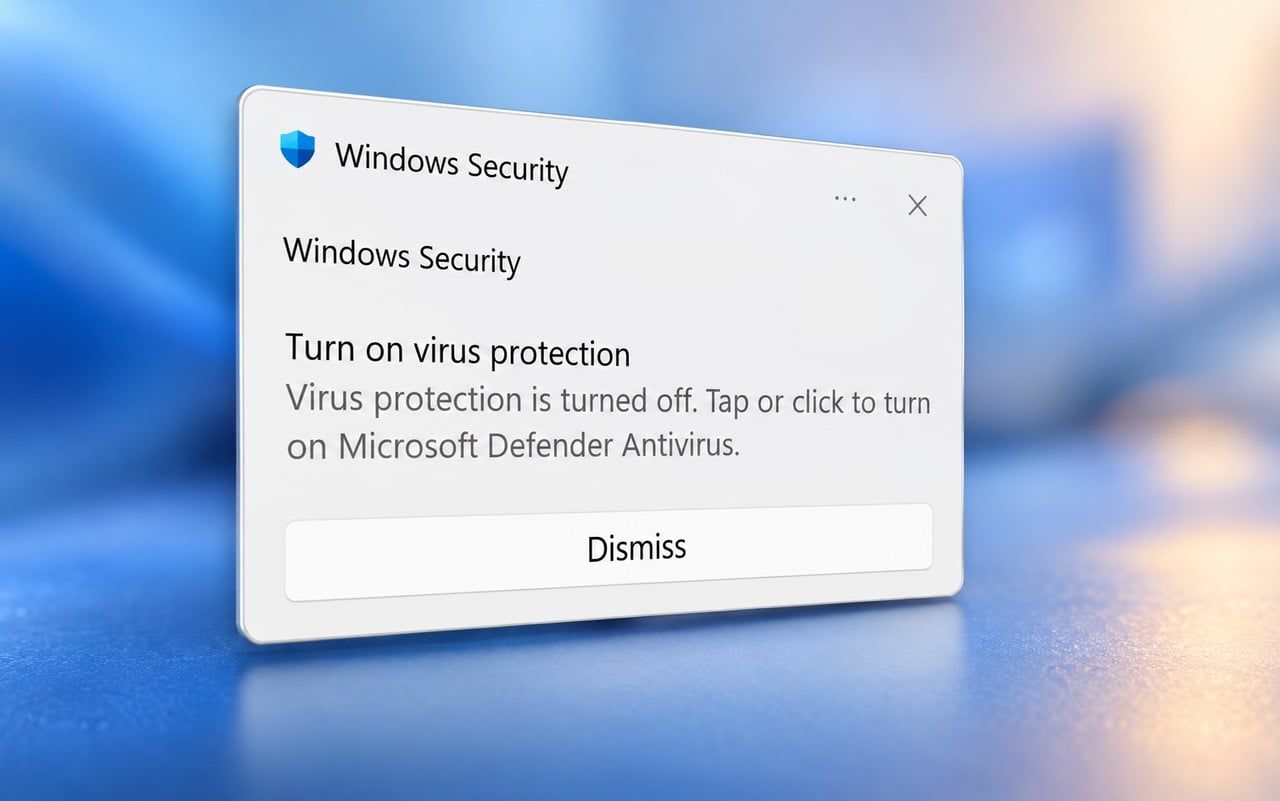
In other Windows news, Microsoft fixed a Windows bug that falsely warned Defender was disabled, while the company also confirmed that IE mode in Microsoft Edge will remain supported until at least 2029.

Read our disclosure page to find out how can you help Windows Report sustain the editorial team. Read more



Improve this guide



User forum
0 messages