
Microsoft’s September Windows Updates Are Breaking File History Backups


 2 min. read
  Published on
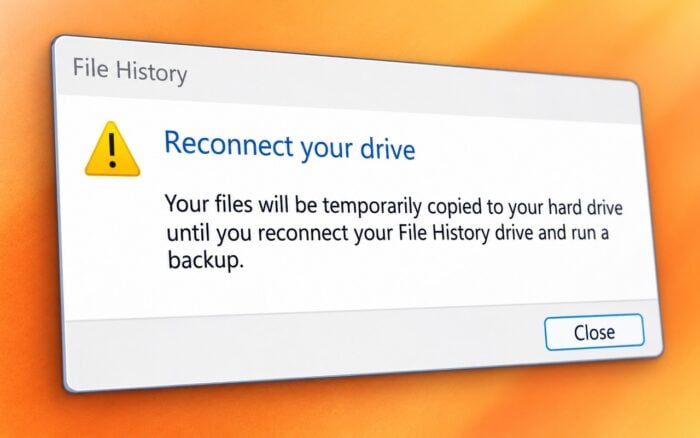
Microsoft says the September 2026 Windows security updates can stop File History from creating or updating backups on some Windows 10 and Windows 11 PCs.
The company confirmed the problem affects the September 2026 Windows security updates across several supported Windows releases.
Affected versions include Windows 11 23H2, 24H2, 25H2, and 26H1, along with Windows 10 22H2 and 21H2. Windows 10 Enterprise LTSC 2019 and LTSC 2016 can also experience the issue.
Microsoft says affected PCs may record crashes involving FileHistory.exe and KERNELBASE.dll in Event Viewer.
File History may incorrectly ask users to reconnect their drive
Some users may see a “Reconnect your drive” warning even when their external or network backup drive remains connected and works normally.
The Last Backup timestamp can also stop updating. In that case, File History may no longer create new backups even though the interface does not clearly explain what went wrong.
Microsoft also says previously backed-up files may incorrectly display a “No previous version available” message.
The File History bug adds another problem to the September Windows updates, as many have reported that the Windows 11 KB5124008 security update may also break domain authentication.
Microsoft has also shared a temporary fix for reports of Windows 11 KB5124008 breaking domain login.
Separately, users have reported that Windows 11 KB5124008 is breaking Always On VPN connections.
Via BleepingComputer

Read our disclosure page to find out how can you help Windows Report sustain the editorial team. Read more



Improve this guide




User forum
0 messages