
Windows 11 Gets Up to 20% Faster With Major Memory and Performance Improvements, Microsoft Claims


 2 min. read
  Published on

Microsoft has another Windows 11 upgrade in the works, and this one targets something everyone notices. The company says its latest improvements make Windows 11 up to 20% more responsive, with changes covering everyday tasks and system resource management.
Windows 11 is getting faster across the system
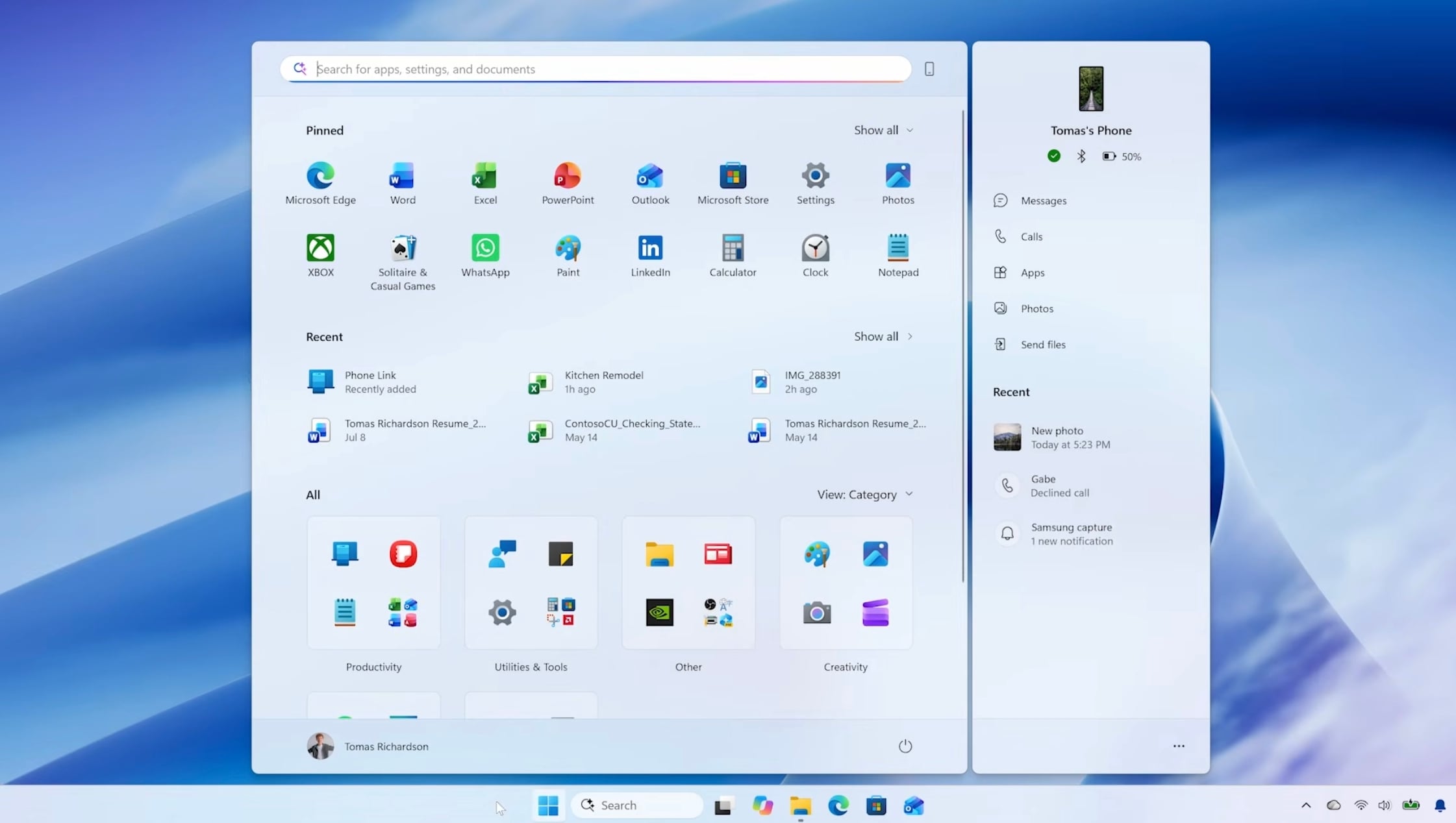
Microsoft says the improvements extend to Start, File Explorer, Search, Settings, Snipping Tool, Microsoft 365, and Edge. The company has also improved memory management to help PCs keep more resources available for active tasks.
Devices with 8GB of memory could benefit especially. The company also notes that Windows can now keep up to 2GB more active data in memory instead of moving it to slower storage. That could help when users open multiple applications or browser tabs. The company is also reducing background memory usage. On PCs with 8GB of RAM or less, Widgets now load only when opened. Microsoft says this can free up more than 200MB of memory for other applications.
Microsoft wants Windows 11 to feel less disruptive
Performance is only part of the update. Microsoft is giving users more control over Start and taskbar personalization, including taskbar placement. Widgets are also becoming cleaner and less distracting.
Windows Update is getting improvements designed to give users more control over installation timing and reduce unnecessary restarts. Microsoft is also improving Bluetooth reliability and Windows Hello sign-in. These changes are starting to roll out through Microsoft’s Windows update program. Do note that actual performance gains will vary depending on the device, configuration, and usage.

Read our disclosure page to find out how can you help Windows Report sustain the editorial team. Read more



Improve this guide


User forum
0 messages