
Can AI Note-Taking Devices Help Reduce Productivity Tool Overload?


 4 min. read
 Published on
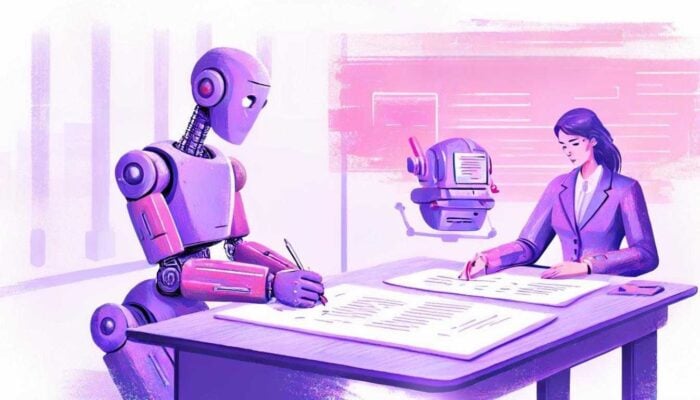
Another app means another place to check. That can be worth it if it takes over the work of writing up a meeting. But if it only produces more notes to sort through, the person using it has gained a new chore.
AI note-taking devices need to be judged on that basis. Recording a conversation, transcribing it and producing a summary can help with work that would otherwise be done by hand. The question is how much of that work disappears, and how much comes back in a different form.
The trouble with looking after the tools
A new tool often starts by solving a problem. Then there are folders to organise, settings to adjust and another list to keep current. It is possible to get quite busy doing all of that without finishing the work the tool was meant to help with.
One contributor to Reddit’s r/Notion, Available-Prize4403, described adding pages and trackers until they were spending more time fixing the setup than doing their work. That is their experience, not a result that applies to everyone using the app. Other people in the discussion said a workspace they had configured replaced several separate applications.
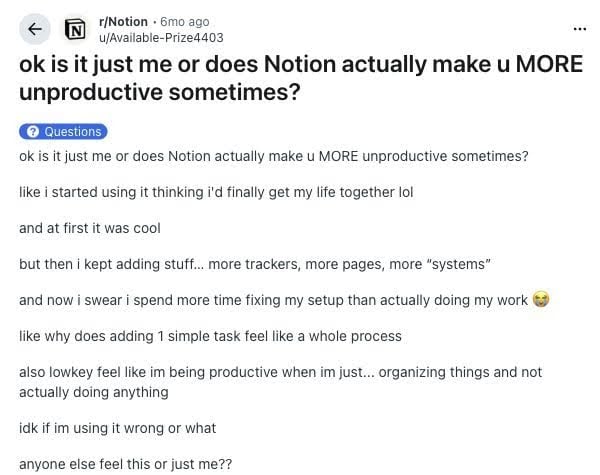
Both accounts make sense. Some effort spent setting up a tool can remove repeated work later. The difficulty comes when the setup keeps asking for attention and the original jobs remain. A new inbox does not help much if it joins all the old ones.
There is also more to the burden than the clock shows. In the 2008 paper The Cost of Interrupted Work: More Speed and Stress, Gloria Mark and colleagues studied 48 participants doing an email task. Participants finished faster under interruption but reported greater stress and effort. Getting through a task quickly did not mean it felt easier.
For note-taking software, that leaves a fairly ordinary question: after using it, is there less to do?
Recording solves part of the problem
A user posting as Jealous-Leek-5428 in r/productivity described why they started recording meetings. They wanted to participate rather than spend the conversation writing everything down. That helped during the meeting, but going through the recordings afterwards became another job.
The recording had kept the information. Finding the decisions was still up to them. This is a good reason to connect recording with transcription and summaries: the person can search for a topic and read a shorter account before deciding what needs checking in the audio.
These AI recording devices put those capabilities together with dedicated hardware. Plaud Note Pro is a physical AI note taker that records in-person conversations and phone calls. Plaud Intelligence provides transcription and summaries, so someone can review the discussion as text afterwards. Recording needs to be started in line with applicable consent requirements and workplace policy.
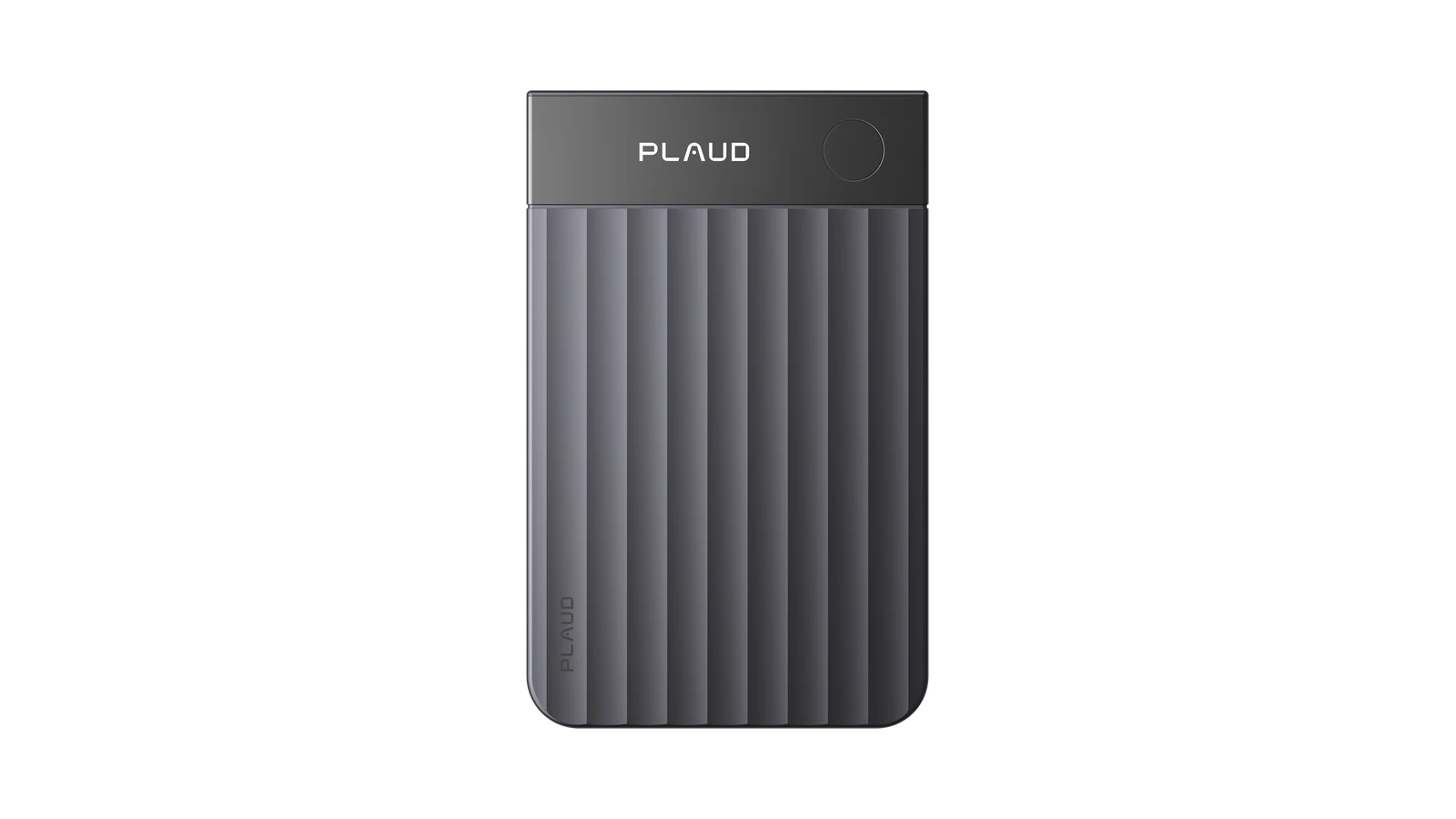
A separate recorder can be useful when a conversation happens away from the computer. But the reason to keep the recording is still to use something from it. A transcript that nobody opens has not done the same job as notes used to answer a question or prepare a follow-up.
A summary helps when it gives someone a useful place to start. They can find what the meeting covered and return to the relevant passage, instead of treating the whole recording as required listening.
A draft still needs someone to use it
The summary also needs to keep the distinctions that matter. A deadline someone suggested is different from a deadline the team accepted. If the shorter version loses that detail, someone has to check the source before updating the project.
Work of this kind appears in a 2025 CHI study by Hao-Ping Lee and colleagues. The researchers surveyed 319 knowledge workers about generative AI use. Participants described checking information and fitting AI responses into their work. The team included Microsoft Research staff, and the findings came from self-reports rather than tests of recording devices.
Checking a draft is a reasonable job to leave to a person. It is also work that belongs in any honest account of what the tool saves. Generating the text may be quick, while deciding what to do with it takes longer.
On a Windows PC, notes can be reviewed beside an existing proposal or project document if the software supports the necessary access and export. A confirmed change can then go into the record colleagues already use. There is less reason to maintain a separate action list if the task already has a home.
That is the case AI note-taking devices need to make. They can take over recording and some of the work of finding and organising what was said. The payoff should be an answered question, a corrected document or a follow-up ready to send, with fewer loose notes left to deal with afterwards.


Read our disclosure page to find out how can you help Windows Report sustain the editorial team. Read more


Improve this guide


User forum
0 messages