
Anti-Hacking Software: 7 Best to Use [2026 Reviewd]
Protect your virtual money from crypto miners with leading antivirus


 6 min. read
  Updated on
Key notes
- Good anti-mining software will keep your PC safe from intruding crypto miners.
- The list includes crypto-jacking security tools that use advanced AI to scan and remove threats.
- We included a couple of crypto blocker browser extensions if you don’t want to download a standalone program.
- Some of the products below have free trials, and some are completely free. Try them out before you device.

Cryptocurrencies and especially Bitcoins have triggered a massive frenzy among users. Many installed crypto-mining software on their computers hoping to strike digital gold.
Recent reports from many cybersecurity companies revealed that many entities (including torrent developers) have installed crypto-miners on users’ computers without telling them.
Taking into account this severe threat, you should really consider installing a crypto-jacking blocker on your computer.
For the time being, the offer is not as diverse as the one for, let’s say antivirus software, but we’re sure that many software developers will make building crypto-jacking blockers their priority in the future.
Without further ado, here are the best anti-cryptocurrency mining tools that you can install on your Windows 10 computer.


What are the best tools to block coin miners?
TotalAV – Blocks the sites that mine on your PC
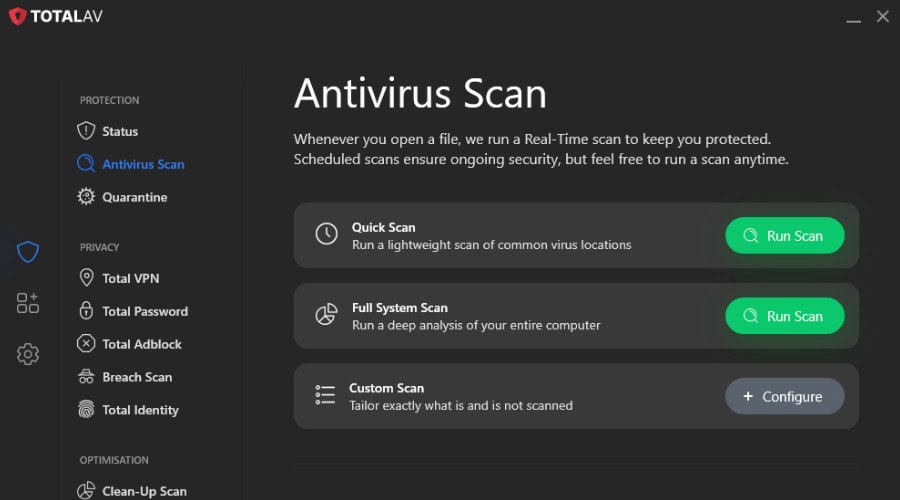
Most cryptojacking arrives through a web page running a mining script or a bundled download, and TotalAV covers both routes. WebShield blocks known malicious sites, including those hosting miners, and real-time protection stops miners bundled with software from installing.
Scheduled scans catch anything already running, the ad blocker in the higher plans cuts down the scripts that load in the first place, and one subscription covers Windows, Mac, Android and iOS.
- WebShield blocks malicious and mining sites
- Real-time protection against bundled miners and malware
- Scheduled scans to catch anything already running
- Ad blocker in the higher plans
- Windows, Mac, Android and iOS
TotalAV
This well-known effective antivirus will keep you safe from crypto miners.
Bitdefender Total Security
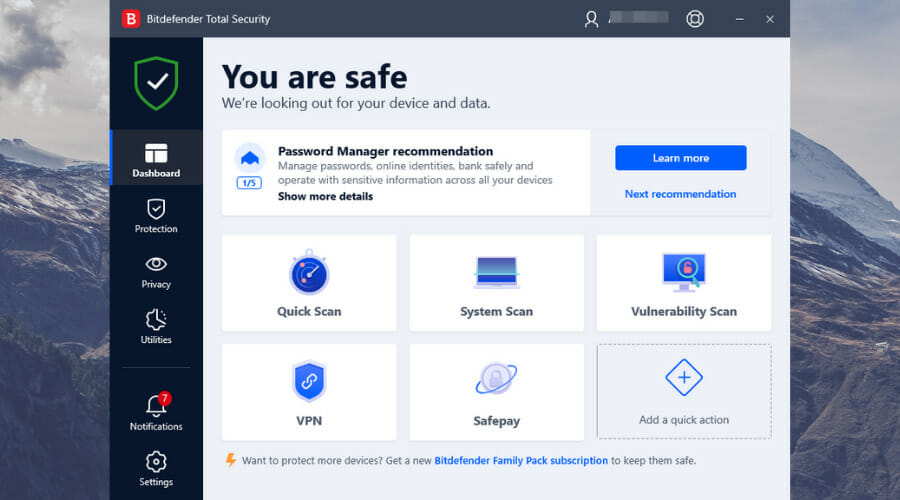
Consider this market-leading antivirus to get unbreakable privacy against crypto mining threats.Malwarebytes Premium – Trusted online attack shield
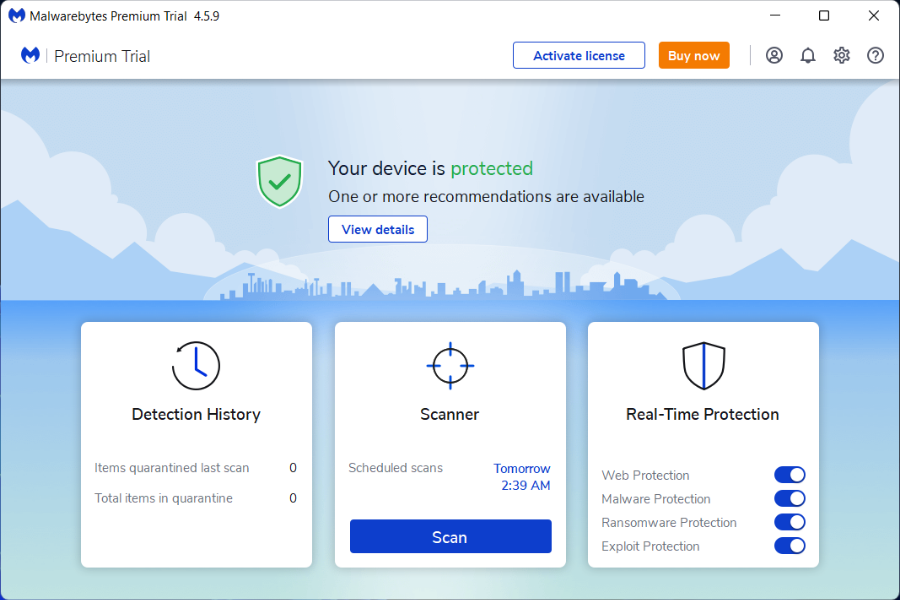
Malwarebytes Premium is a powerful anti-malware software that keeps your computer safe no matter how vicious the threats.
This security solution also blocks CoinHive, one of the most infamous cryptocurrency miners, alongside other miners.
Here is how Malwarebytes motivates their decision to introduce an anti-crypto miner module:
The reason we block CoinHive is because there are site owners who do not ask for their users’ permission to start running CPU-gorging applications on their systems. […] However, for those that do not know about this kind of technology, its purpose, or what it could do to their system, we are not comfortable allowing greedy website owners to abuse these users and so, we block it.
Of course, you can always change your mind and allow the crypto miner to run on your computer by adding it to the exceptions list.
Let’s take a look at some more of its core features:

Malwarebytes Premium
Keep your device protected from harmful ransomware and spyware attacks. Get the best deal now!Avira Free Security – Efficient crypto defense
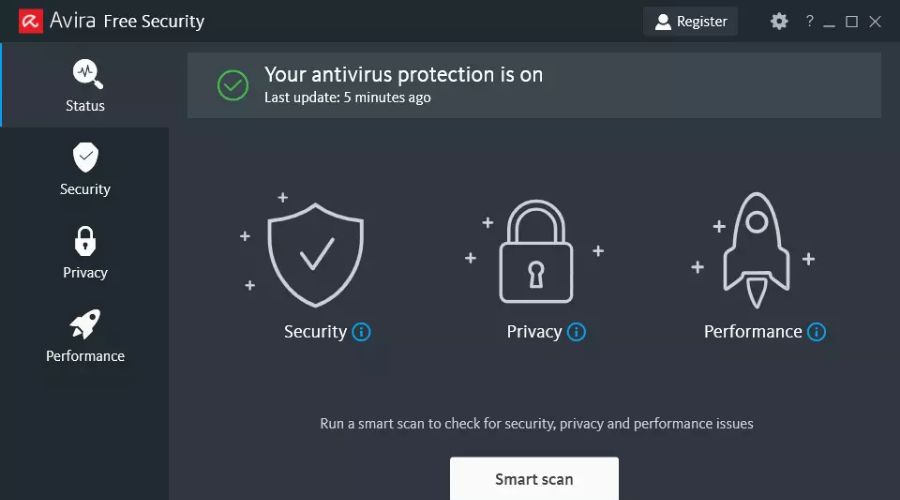
When it comes to free antiviruses, most of the choices on the market run pop-up ads for ad revenue. Avira Free Security, however, is completely free and doesn’t run any type of ads.
In addition, it comes with an in-built fast VPN and other privacy-related tools, as well as a PC cleanup tool. The software is popular and has been used by millions of people worldwide.
Let’s have a look at Avira Free Security’s main features:
- Anti-scam, spyware, ransomware, malware protection
- Privacy protection
- Free fast VPN
- Cleanup and optimization tool
Because some platforms are difficult to access due to geolocalization concerns, a VPN can assist you in hiding your IP address.
When you are in a location where you are unable to access it due to geoblocks, a VPN can save the day and allow you to advance. Nonetheless, it is important to recognize that not all VPNs are totally compatible with bypassing restrictions, such as a bitcoin platform.
This is where Avira Free Security shines with sites like Binance and eToro. If you want to go deeper and learn more on this topic this comprehensive guide will help you.

Avira Free Security
Avira Free Security is a completely free strong antivirus software used by millions of people.Avast Free Antivirus – Reliable online protection
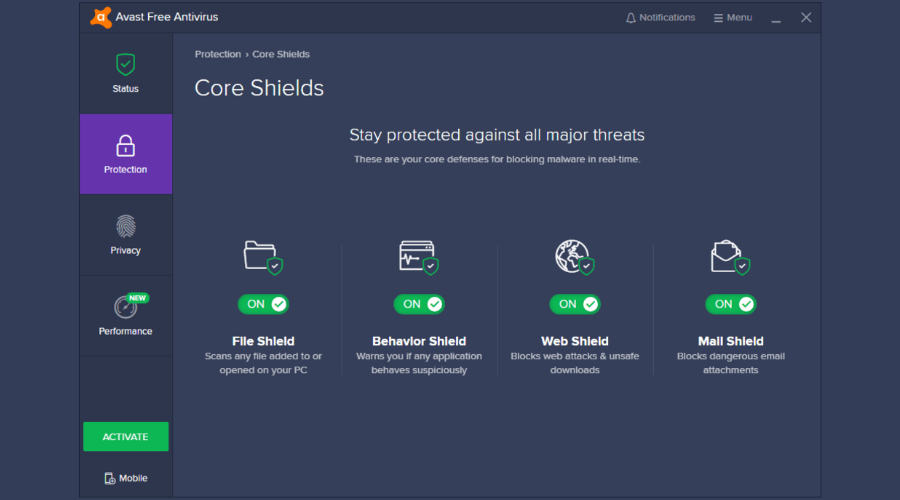
Avast Free Antivirus offers a strong defense against online threats. Even if this is the free version of the software, it utilizes advanced AI and machine learning systems.
In other words, the software is more than capable of dealing with viruses that were never seen before. The advanced AI surpasses the standard industry antivirus by miles.
Avast Free Antivirus is capable of finding Trojan viruses easily, it also quarantines suspicious files and gives detailed reports of its scans.
Let’s take a look at some more of its core features:
- Do not disturb mode
- App behavior shield
- Lightweight
- Low energy consumption
- Advanced scanner for malware, ransomware, etc

Avast Free Antivirus
One of the best anti-malware tools in the world, now completely free!MinerBlock – Greatest crypto security extension

MinerBlock is another anti-cryptocurrency mining extension that you can use to protect your computer’s resources.
This tool can block all web-based cryptocurrency miners irrespective of their source.
The extension uses two approaches to kill crypto-miners:
- It blocks requests/scripts loaded from a blacklist
- It detects potential mining behavior inside loaded scripts and kills it immediately.
In this manner, the extension can block inline scripts as well as miners running through proxies.
CryptoPrevent – Complete virus defense

CryptoPrevent is a small tool that you can use alongside your main antivirus or anti-malware solution.
Since crypto-miners are a relatively new thing, these two traditional security solutions don’t usually focus on identifying and blocking them.
In other words, CryptoPrevent fills this security gap proving users with protection against new and emerging malware threats.
CryptoPrevent does not slow down your system’s performance and it doesn’t affect computer speed in any way.
How do you know if your PC is being used for mining?
To know for sure if somebody else uses your PC to mine cryptocurrencies is when you’re having slower performance, CPU overheating, or laggy task execution.
At the same time, you should look for excessive power consumption and draining computer resources.
There you go, these are eight of the best crypto-jacking blockers that you can install on your Windows 10 device.
If you have other suggestions or recommendations, let us know in the comments section below.

Read our disclosure page to find out how can you help Windows Report sustain the editorial team. Read more



Improve this guide


User forum
0 messages