
Windows 11 KB5074157 Dev Update Brings Modern Account Settings UI & WebP Wallpaper Support


 1 min. read
  Published on

Microsoft today released Insider Preview Build 26220.7653 (KB5074157) in Dev Channel for Windows 11 25H2. Just to be clear, this is similar build was released earlier this week in the Beta channel. The update introduces some changes to the Account Settings.
Microsoft has updated the “Add account” and “Change account type” dialogs under Settings > Accounts > Other users. The company notes that it is “based on [the] modern WinUI framework with support for dark mode.”
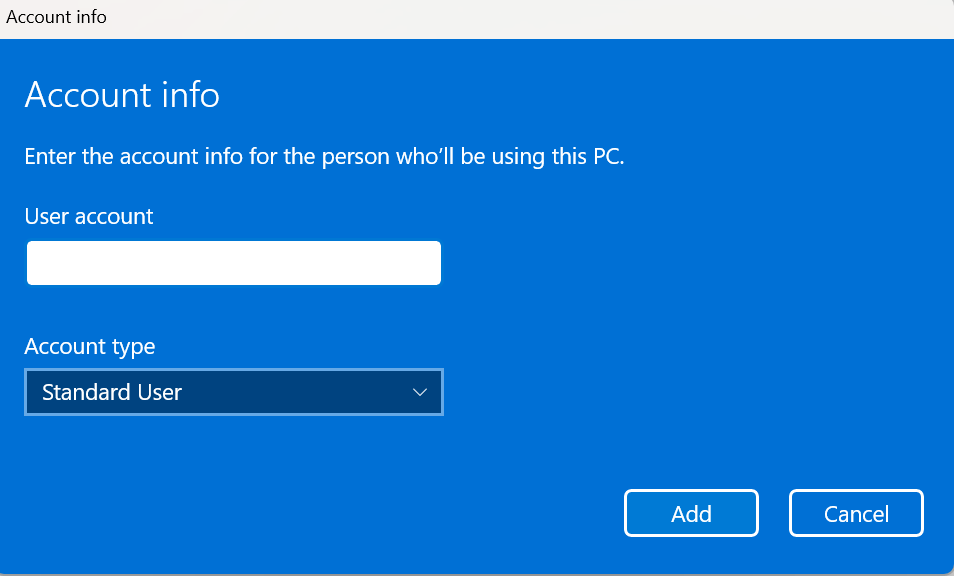
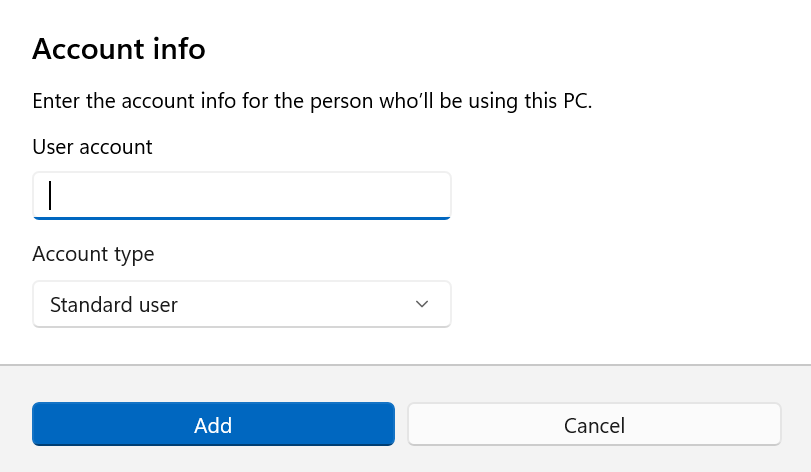
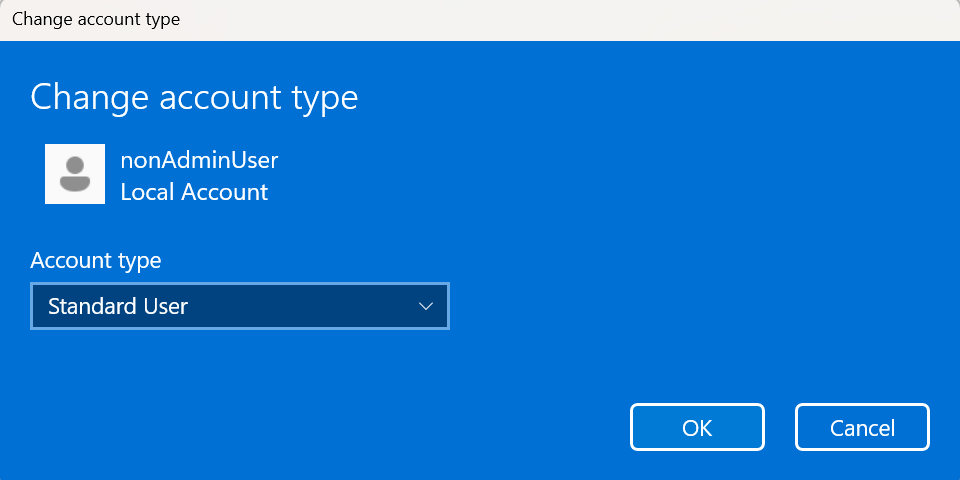
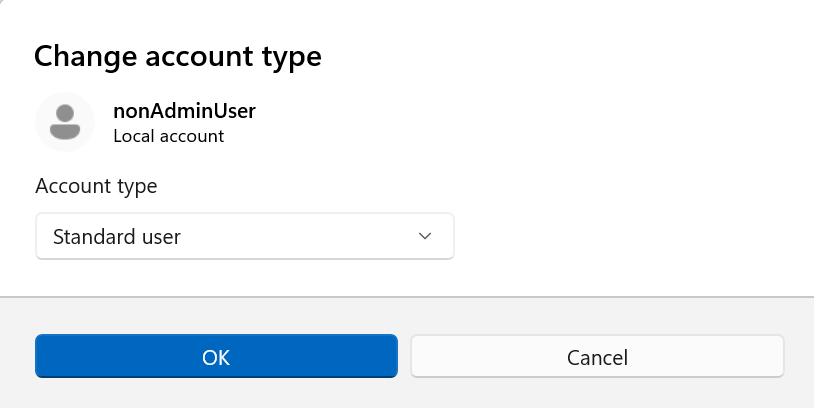
The visibility of the above dialog option will depend on whether a domain-joined work or school account is configured on the device. Moving on, KB5074157 update also ensures that Copilot prompt suggestions now load instantly in Click to Do. Microsoft says that it has removed the brief delay some users noticed before. That said, this improvement to Click to Do won’t be rolling out to Insiders in the EEA or China.
There’s also a small but welcome personalization update. Windows 11 now supports .webp images as desktop backgrounds. You can set it via Settings > Personalization > Desktop Background. It’s a minor addition, but it offers flexibility around the widely-adopted image format.

Read our disclosure page to find out how can you help Windows Report sustain the editorial team. Read more



Improve this guide




User forum
0 messages