
Office Web Apps Now Support Sensitivity Labels with User-Defined Permissions
Web experience now closer to desktop apps


 2 min. read
  Published on
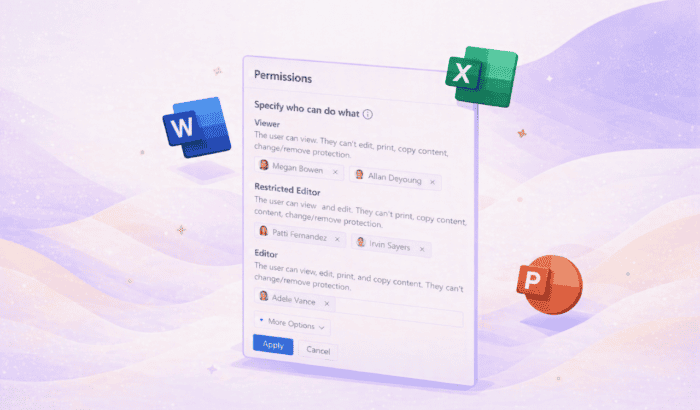
Microsoft is quietly improving how security features work across its web apps, and this time the focus is on reducing reliance on desktop software. The company has now started rolling out support for applying sensitivity labels with custom permissions directly in Office for the web.
Office web apps now handle permissions natively
Until now, users working in Word, Excel, or PowerPoint on the web could only open files that already had custom permissions applied. Any changes or new labels required switching to desktop apps, which slowed things down.
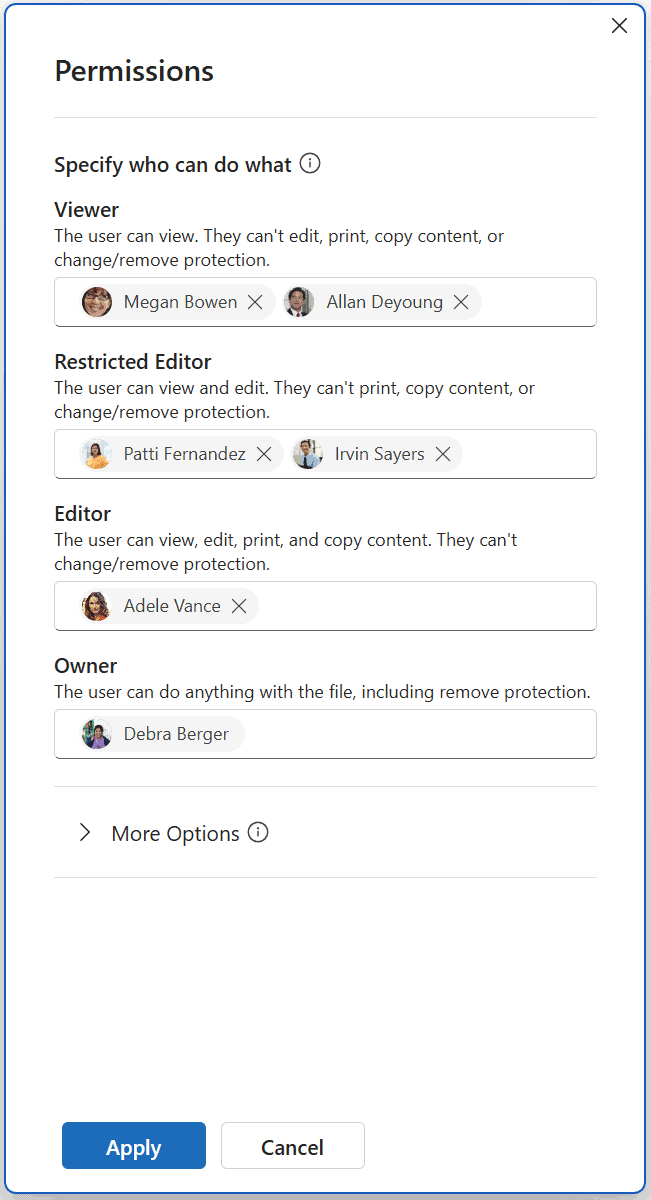
With this update, users can now apply sensitivity labels and manage permissions directly in the browser. Once a label is selected, a permissions dialog appears, letting users choose who gets access and what level of control they have.
Options include assigning roles like Viewer, Editor, or Owner, along with adding specific users or even entire domains. There are also additional settings, such as adding a contact email for access requests, though features like custom expiration dates are still not available in web apps.
Microsoft aligns web and desktop experiences
This update brings the web experience closer to what users already get on Windows apps. The same permission levels and terminology are now consistent across platforms, which should reduce confusion.
That said, enforcement still depends on existing configurations set through Microsoft Purview. Policies, encryption settings, and auditing remain unchanged behind the scenes. From an admin standpoint, this removes an extra step. Users no longer need to switch apps just to apply or modify permissions, which could improve adoption of these security features.

Read our disclosure page to find out how can you help Windows Report sustain the editorial team. Read more



Improve this guide




User forum
0 messages