
Why We Use These 8 Best Malwarebytes Alternatives


 9 min. read
  Published on
For over 20 years Malwarebytes has provided a high level of protection against malware and other security threats. However, in 2026, is it still the best solution on Windows?
To answer that question, I got hands on with dozens of Malwarebytes alternatives, narrowing down 8 of the best. These tools excel in malware detection, use less system resources, or offer extra features that aren’t available with Malwarebytes.
8 Best Malwarebytes Alternatives in 2026
Let’s take a closer look at what makes these Malwarebytes alternatives stand out:
1. MalwareFox – Best Overall Malwarebytes Alternative
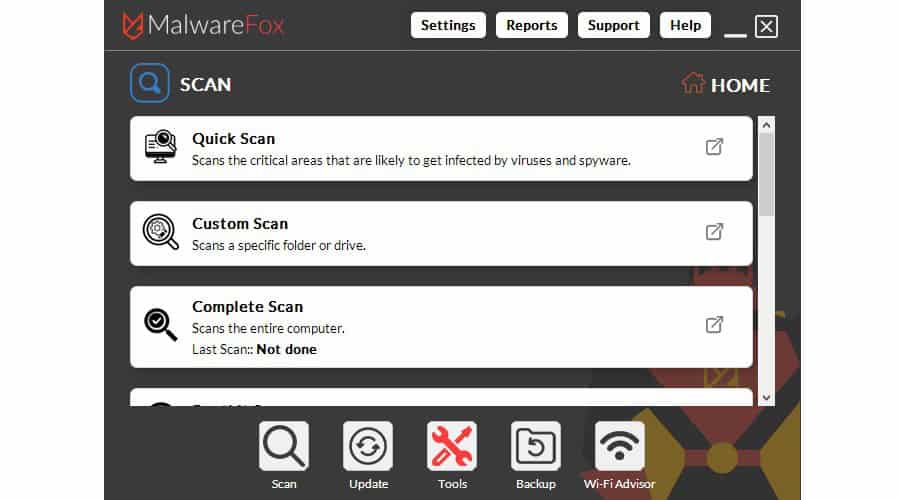
MalwareFox has quickly become my go-to Malwarebytes alternative, especially on my aging Windows laptop. Unlike Malwarebytes, which uses 150-300MB of RAM when idle, MalwareFox rarely exceeds 50MB of RAM or 1% of the CPU. In that sense, it’s truly a program that you can let run in the background without impacting other activities.
It also has a strong privacy profile, never storing or selling personal data, such as browsing logs or personal files.
Despite its lightweight design, MalwareFox includes a comprehensive set of security features. The ongoing free version lets you scan your system whenever you want and provides full malware removal capabilities.
The full suite, which can be used for 15 days for free, offers Real-Time Protection that continuously monitors your system for suspicious behavior. It blocks malware, spyware, trojans, zero-day attacks, and ransomware, before they can execute.
This is bolstered by the ability to backup and restore important files that might be targeted by ransomware and other malware.
Another standout feature is Browser Cleaning, which can remove intrusive browser extensions, malicious toolbars, adware, and browser hijackers. This is particularly useful for users who frequently download freeware or have dealt with aggressive popups and redirect issues. It also offers a quick way to clear your browsing history and cookies to prevent web tracking.
I found the Windows interface to be simple and uncluttered, making it easy for less technical users while still offering scheduled scans, exclusions, and custom scan options.
If, like me, you work with a lot of sensitive files, MalwareFox’s Secure Delete feature is a valuable addition. This ensures that once you delete files, they cannot be retrieved by forensic recovery software.
Other Notable Tools:
- Protect your USB devices from Autorun malware.
- Safely clean the Windows registry.
- Duplicate file finder.
- RAM optimizer.
- Virtual Keyboard to safely type without your keyboard.
- WiFi Advisor to detect if your internet connection is vulnerable.
In conclusion, if you want something lighter and more privacy-conscious than Malwarebytes, while still retaining essential real-time security features, it’s one of the best alternatives currently available.
2. Bitdefender – Best Lightweight Alternative
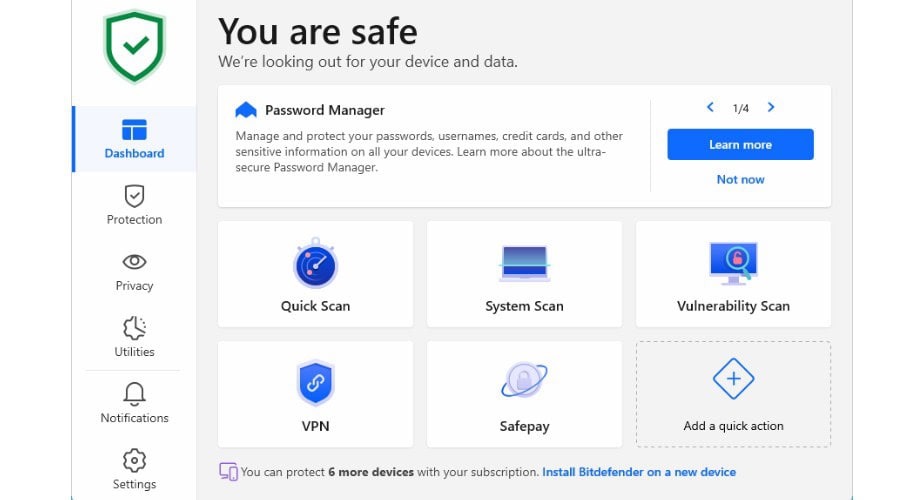
Bitdefender has long been regarded as one of the strongest antivirus engines available, consistently achieving excellent results in independent malware testing. While it offers a comprehensive security suite, what impressed me most was how little impact it had on overall system performance.
The software combines traditional signature-based detection with advanced behavioral monitoring, machine learning, and cloud-assisted threat analysis. This allows it to identify both known and emerging threats, including ransomware, spyware, trojans, rootkits, and phishing attacks.
One feature that stands out is Advanced Threat Defense. Rather than simply scanning files, it continuously monitors application behavior and can stop suspicious activity before malware has a chance to compromise the system. During testing, this worked quietly in the background without generating excessive alerts.
Bitdefender also includes a dedicated anti-phishing module that blocks fraudulent websites before personal information can be stolen. Additional protections include web attack prevention, vulnerability scanning, ransomware remediation, and a secure browser for online banking.
3. TotalAV – Best for Free Scanning
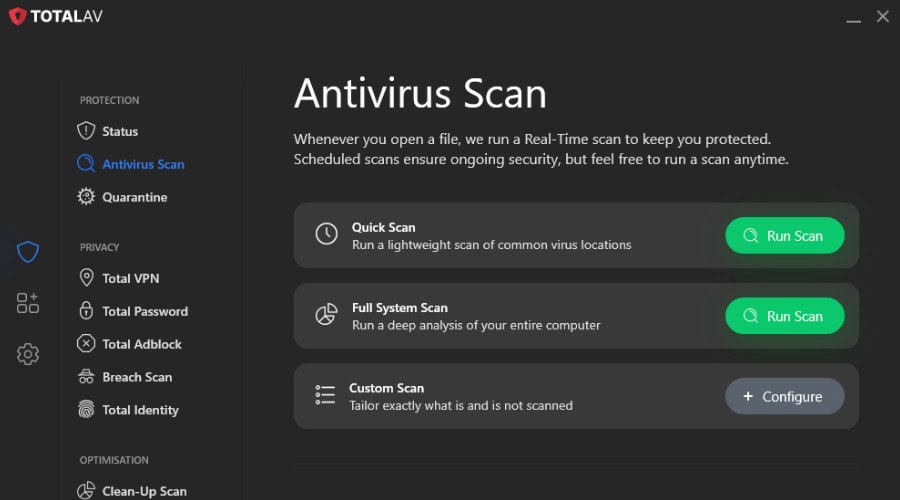
TotalAV has become increasingly popular thanks to its simple interface and generous free scanning capabilities. For users who primarily want an easy way to check their system for malware without dealing with complicated settings, it offers an accessible alternative to Malwarebytes.
The free version allows users to perform on-demand malware scans that can detect viruses, trojans, spyware, ransomware, and potentially unwanted programs. Scan results are presented clearly, making it easy for less experienced users to understand what threats have been found.
Upgrading unlocks real-time protection that continuously monitors your system and blocks threats before they can execute. The premium version also adds web protection, phishing detection, ransomware defense, and scheduled scanning.
The dashboard is clean and modern, avoiding the clutter found in some competing antivirus suites. Most features are accessible within a few clicks, making it particularly suitable for home users.
4. Norton 360 – Best All-in-One Suite
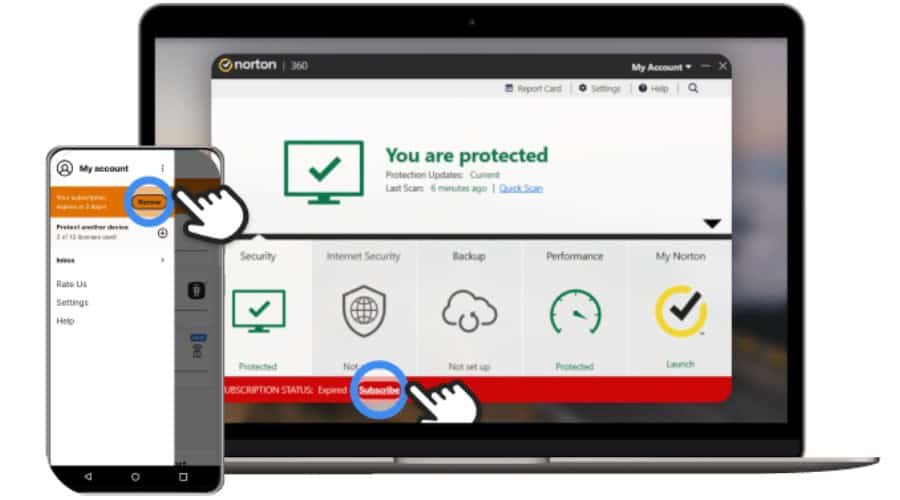
Norton 360 is far more than a traditional antivirus solution. While Malwarebytes focuses heavily on malware detection, Norton attempts to provide an entire security ecosystem covering privacy, identity protection, and device security.
Its malware detection rates consistently rank among the best in the industry, with strong protection against ransomware, spyware, trojans, phishing attempts, and zero-day threats. Real-time protection operates continuously in the background and rarely requires user intervention.
Where Norton really distinguishes itself is through its additional features. Depending on the plan selected, users gain access to a VPN, password manager, dark web monitoring, cloud backup, parental controls, and identity theft monitoring.
The included cloud backup feature is particularly useful for ransomware protection. If important files become encrypted by malware, clean copies remain available in secure cloud storage.
Norton also includes Smart Firewall technology that helps monitor incoming and outgoing network activity, adding an additional layer of protection beyond Windows Defender.
Despite offering such a large collection of features, Norton remains surprisingly easy to use.
5. Avira – Best System Optimization Features
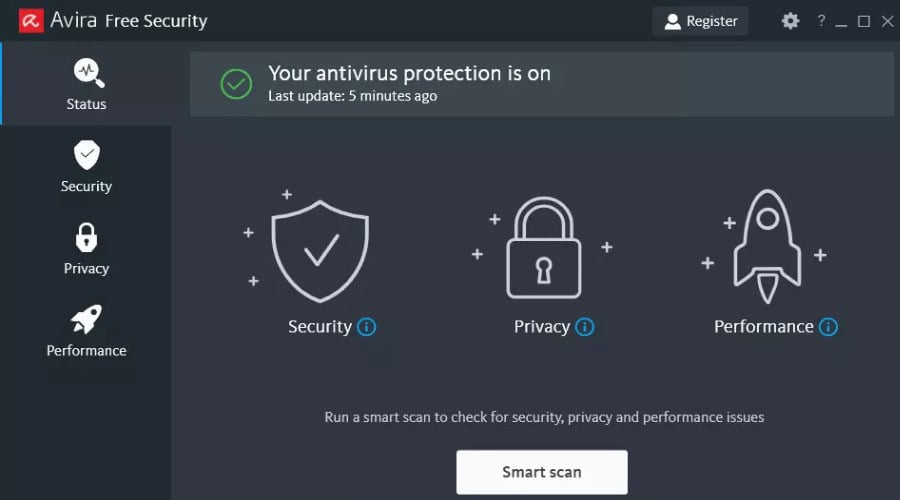
Avira combines strong malware protection with an impressive collection of system optimization tools, making it a particularly good choice for users looking to improve both security and performance.
Its antivirus engine uses cloud-assisted detection and machine learning to identify malware, ransomware, spyware, and phishing attacks. Scans are fast and generally have a minimal impact on everyday system performance.
The suite includes a startup optimizer, driver updater, duplicate file finder, privacy cleaner, battery management tools, and storage optimization features. Together, these tools can help older systems remain responsive without requiring manual maintenance.
The built-in Software Updater is particularly useful, automatically identifying outdated applications that may contain security vulnerabilities. Keeping third-party software updated is an often-overlooked aspect of cybersecurity, and Avira simplifies the process considerably. If your goal is to improve both security and overall PC performance, Avira provides a well-rounded package that extends beyond traditional malware protection.
6. Surfshark Antivirus – Best Alternative with VPN
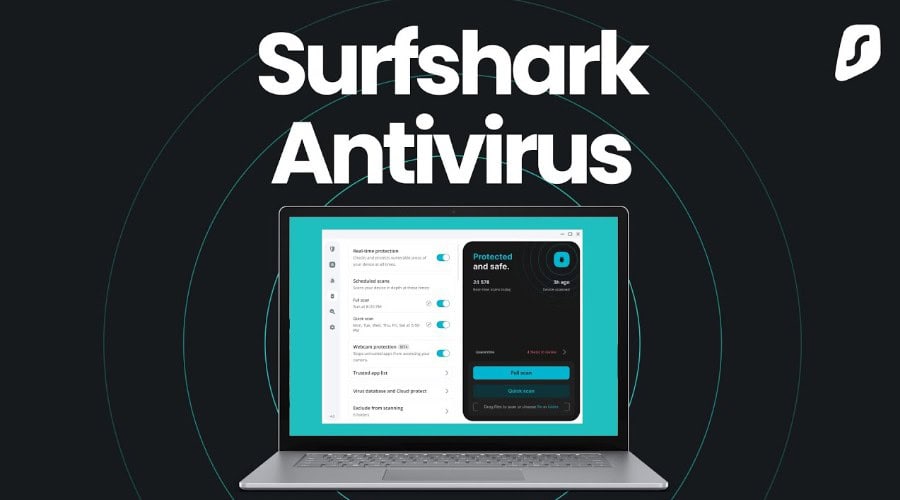
Most people know Surfshark for its VPN service, but its antivirus component has become increasingly capable in recent years. For users who value both privacy and malware protection, the combination is particularly appealing.
The antivirus engine provides real-time protection against malware, ransomware, trojans, spyware, and other common threats. Scheduled scans and on-demand scanning are both available, while malicious files are automatically quarantined before they can cause damage.
The major advantage is the integration with Surfshark’s VPN network. Users can protect their devices from malware while simultaneously encrypting internet traffic and masking their IP address. This provides a broader level of protection than traditional antivirus software alone.
Additional features include webcam protection, breach monitoring, alternative identity generation, and private search tools. These privacy-focused features make Surfshark especially attractive to users concerned about online tracking and data collection.
The interface is streamlined and avoids unnecessary complexity. Security, VPN, and privacy tools are all managed from a single dashboard.
7. Avast – Best Cross Device Protection
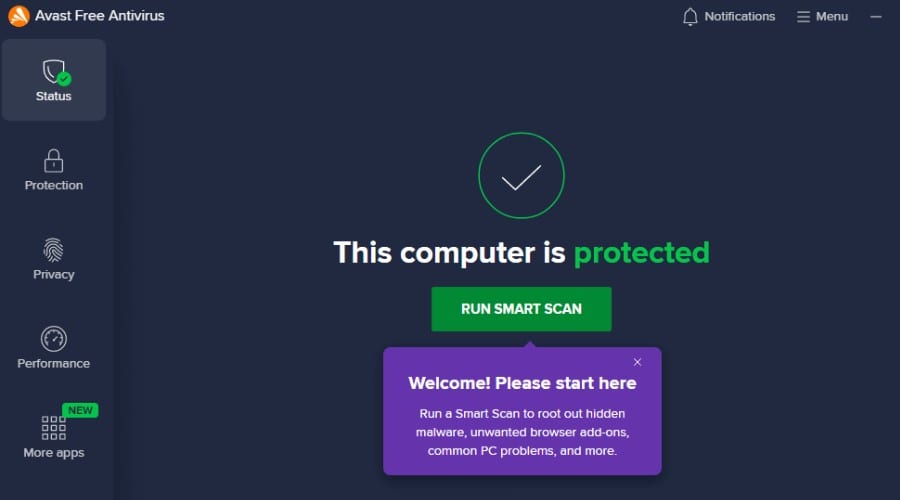
Avast remains one of the most widely used security solutions in the world, and one of its biggest strengths is support across multiple platforms. Whether you use Windows, macOS, Android, or iOS, Avast offers protection across all major devices.
Its antivirus engine provides real-time protection against malware, ransomware, spyware, phishing attacks, and malicious websites. Smart scanning can also identify outdated software, weak passwords, and common security vulnerabilities.
The free version remains one of the most feature-rich free antivirus products available. Users receive malware scanning, web protection, and threat detection without requiring a paid subscription.
Premium plans add advanced ransomware protection, firewall controls, webcam protection, and identity monitoring features.
8. ZoneAlarm – Best for Ransomware Protection
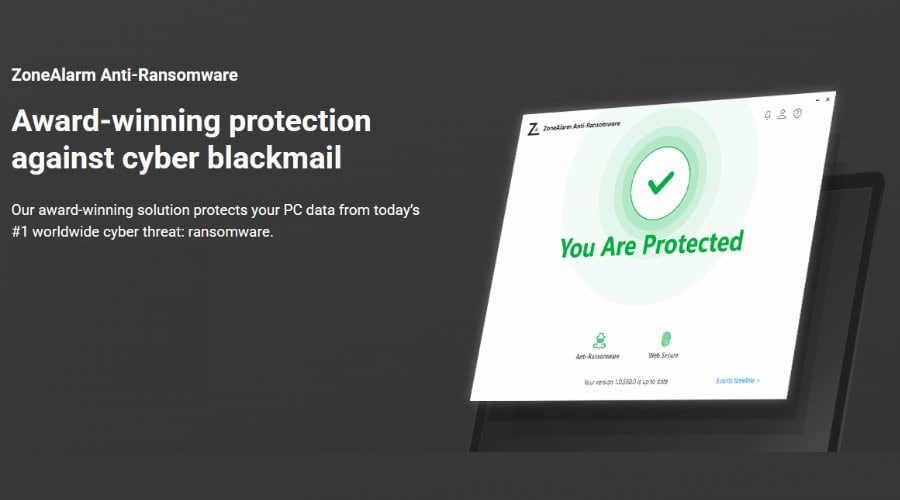
ZoneAlarm has built its reputation around network security and firewall technology, but its modern security suite also offers strong malware and ransomware protection.
The software combines antivirus scanning with behavioral monitoring to identify suspicious activity before threats can execute. Its anti-ransomware module continuously monitors sensitive files and can block unauthorized encryption attempts in real time.
ZoneAlarm’s firewall remains one of its strongest features. It provides detailed control over inbound and outbound network traffic, helping prevent malware from communicating with external servers or exfiltrating sensitive data.
While the interface is slightly more technical than some competitors, most users can rely on the default settings without needing to understand the underlying security concepts.
For users particularly concerned about ransomware, data theft, or network-based attacks, ZoneAlarm offers a powerful security package that goes beyond traditional malware scanning.
Conclusion
While Malwarebytes remains a capable anti-malware solution, it is no longer the only lightweight and effective option available. As this list demonstrates, there are now several excellent alternatives that either provide stronger malware detection, better performance, additional privacy tools, or more comprehensive security suites.
For most users, MalwareFox stands out as the best overall Malwarebytes alternative thanks to its low resource usage, privacy-focused approach, and strong real-time protection. However, each of the other solutions excels in its own area, whether that’s Bitdefender’s lightweight protection, Norton’s all-in-one security suite, Surfshark’s VPN integration, or ZoneAlarm’s ransomware defences.
Ultimately, the best choice depends on your priorities, but any of these alternatives can provide a strong layer of protection for your Windows PC in 2026.


Read our disclosure page to find out how can you help Windows Report sustain the editorial team. Read more



Improve this guide


User forum
0 messages