
Desktop Chrome Tests "AI Playback" for Read Aloud
Google seems to be preparing a new AI Playback mode for desktop Chrome, with the first UI now visible in Canary.


 2 min. read
  Published on
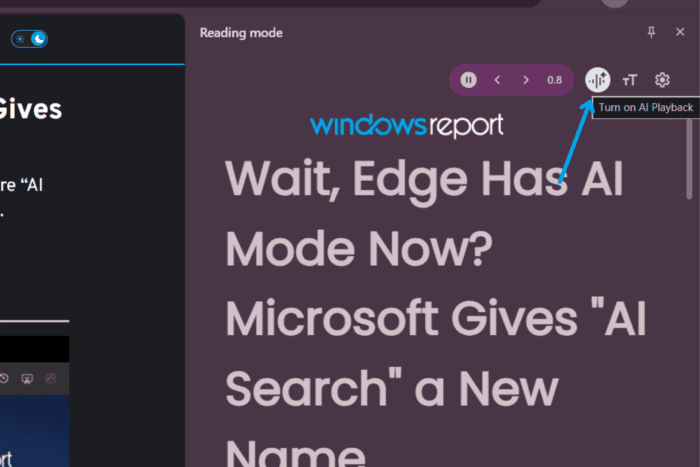
We recently reported that Google is testing a “Listen to this page” option in desktop Chrome’s context menu that opens Reading Mode and reads the page aloud. Now, Google is adding an “AI Playback” toggle to that Read Aloud experience.
The Read aloud feature could be useful for long articles and documentation that users would rather listen to than read. Chrome Canary now provides an early look at the new AI option.
Right-click a webpage and select “Listen to this page.” Chrome opens Reading Mode in the side panel and starts reading the page as usual. The playback controls now include a button with a Gemini-style sparkle icon.
Hover over the button and Chrome shows “Turn on AI Playback.” Click it, and the label changes to “Turn off AI Playback.”
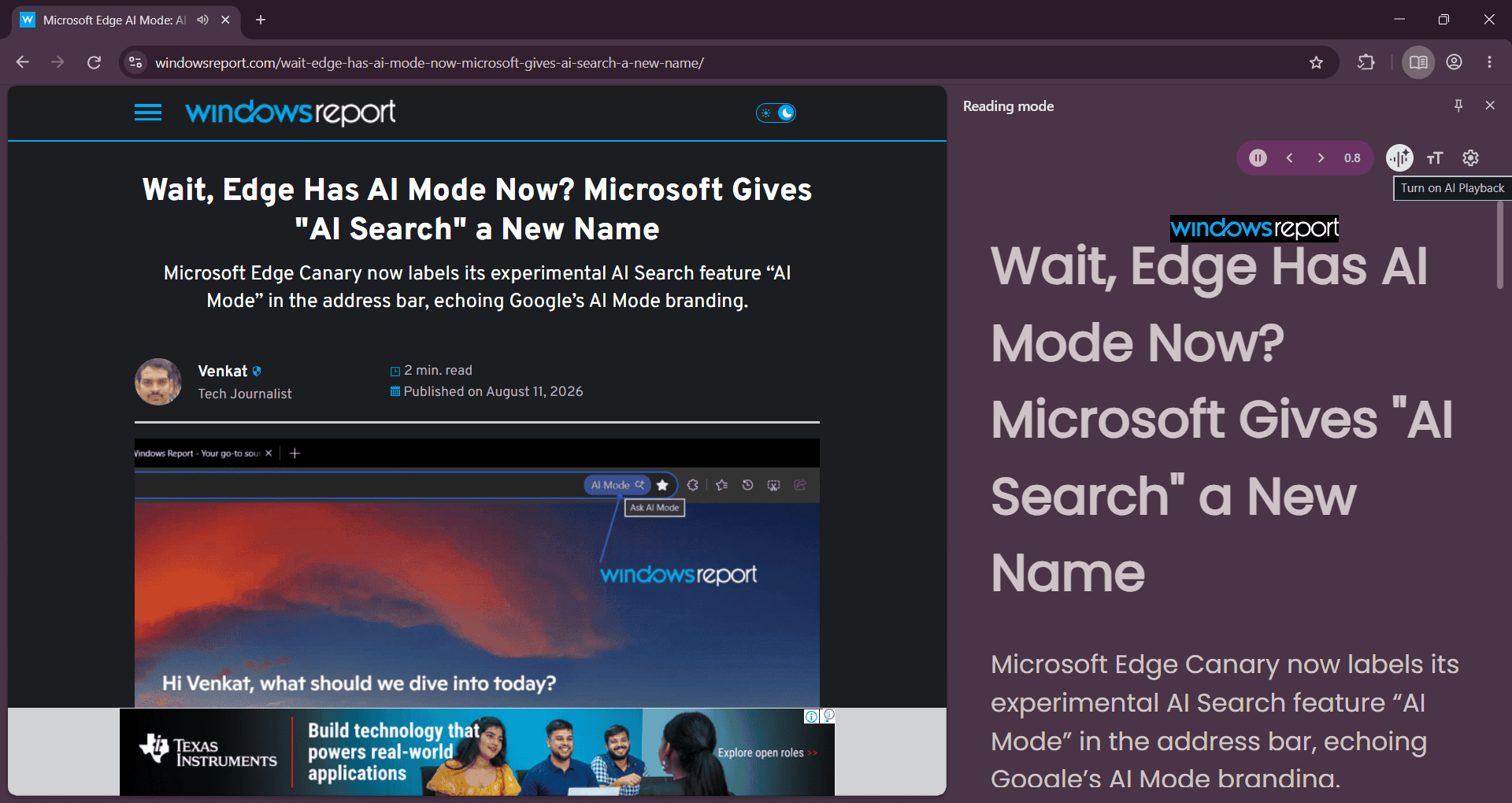
However, AI Playback does not actually work yet in the current Canary build. The button only toggles between its on and off states without changing the audio behavior.
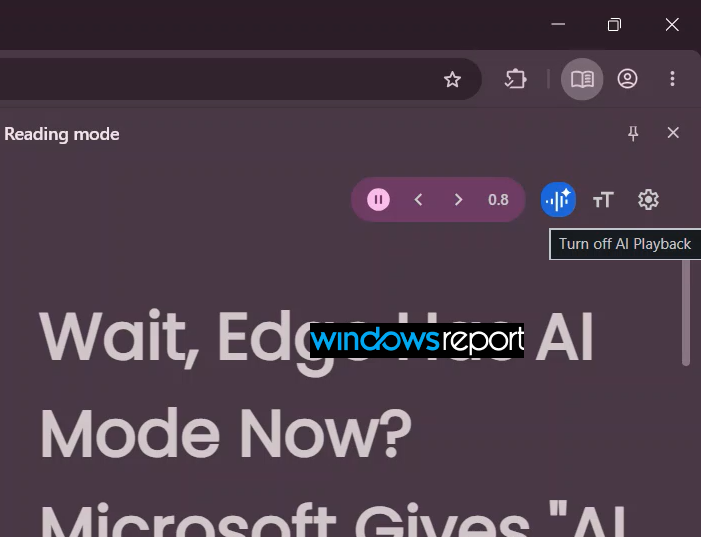
The new UI is backed by several Chromium changes spotted by Windows Report that add the AI Playback toggle to the Reading Mode toolbar. Google has also added an experimental flag on desktop, #ReadAnythingReadAloudExperimentalPlaybackUi, to enable the new playback UI.
The implementation currently uses a mock state transition for the button. This explains why the control responds when clicked even though the actual playback feature is not yet available.
Chrome on Android already offers an AI Playback option through “Listen to this page.” Google describes Android’s AI Playback as a mode that generates podcast-like conversations from the page, rather than simply reading its text verbatim.
That makes the new desktop option particularly interesting. It’s not yet clear whether the desktop version will match Android’s podcast-style experience. The current Canary build confirms that Google is preparing an AI Playback mode for desktop Read Aloud, but it doesn’t reveal the final behavior.
If Google brings the Android-style AI Playback experience to desktop, Chrome could eventually turn webpages into podcast-like conversations instead of simply reading them aloud.


Read our disclosure page to find out how can you help Windows Report sustain the editorial team. Read more



Improve this guide



User forum
0 messages