
Googlebook OS Is More Than Android for Laptops, Here’s What You Need to Know


 5 min. read
  Published on

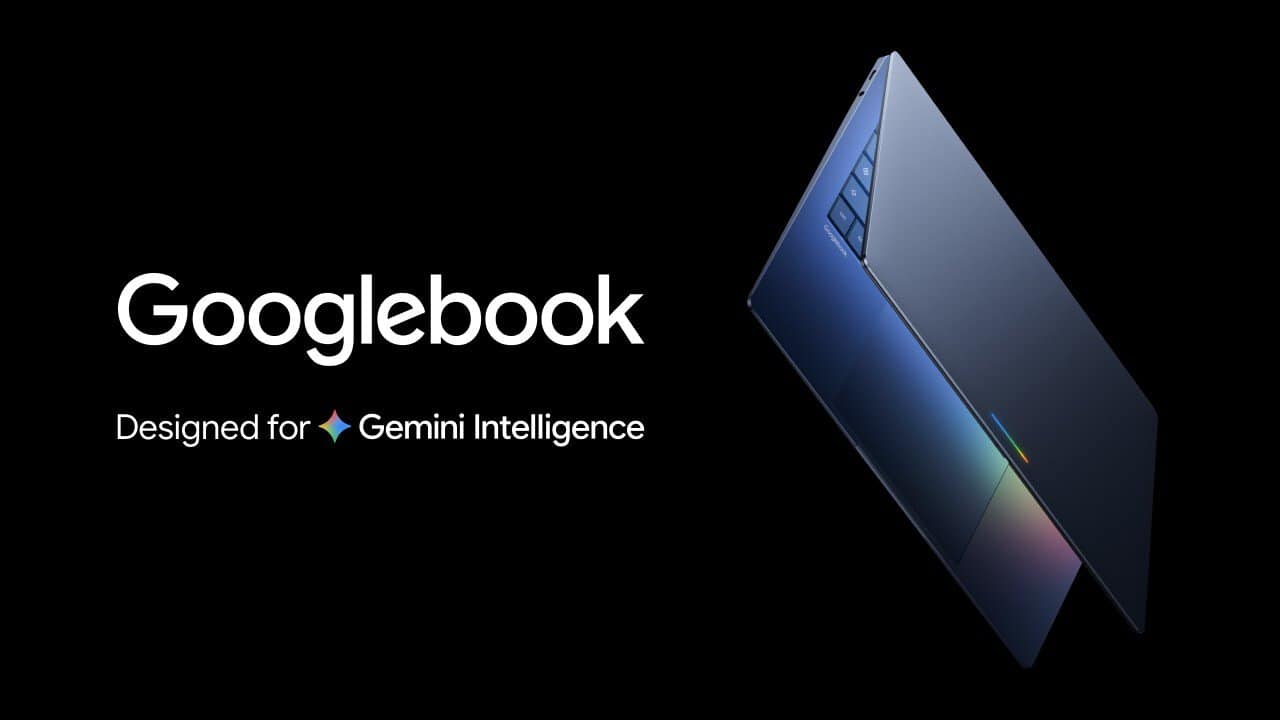
Googlebook OS is Google’s new laptop platform, but it is not simply Android running on a larger screen. Google is combining the Android technology stack with desktop foundations from ChromeOS, then building Gemini directly into the experience. The result is a laptop operating system designed around three things: deeper Android phone integration, traditional desktop capabilities and AI-powered tools that are part of the desktop itself.
Your Android phone becomes part of the laptop
Googlebook starts treating an Android phone as an extension of the laptop instead of a separate device. During setup, an Android phone can transfer settings, saved passwords, Wi-Fi networks and messages to the Googlebook. Google says this information is protected with end-to-end encryption.
The integration continues after setup through three main features. Continue On lets users pick up supported activities from their phone on the Googlebook. For example, someone working on a BandLab project on their phone can continue the task from the laptop’s taskbar.
Files provides access to files and photos stored on the connected Android phone directly from the Googlebook’s file manager. This removes the need to manually transfer files or send attachments to yourself.
Then there is Cast My Apps, which can stream and interact with Android phone applications inside a desktop window. That means users can access something like a delivery app or a Messages verification code without installing another version of the application.
Gemini isn’t just another app
Googlebook is also designed around Gemini Intelligence, with Google putting AI tools directly into the desktop workflow. Magic Pointer can bring Gemini into whatever is displayed on the screen. Users can ask it to perform tasks such as organizing calendar information or translating text, without constantly switching between applications. Google says Gemini only takes action when the user asks and the feature can be disabled.
Rambler takes a different approach. It turns spoken thoughts into structured content, including headings, checklists and formatted notes. Google says it can also handle spoken input in multiple languages. Create My Widget lets users describe the information or functionality they want in plain language. Googlebook then generates a custom desktop widget that can provide relevant updates throughout the day.
It still works like a proper desktop
Google isn’t abandoning traditional laptop functionality to make room for Android. Googlebook includes a desktop-class Chrome browser with extensions, while the Play Store provides access to millions of Android applications. Google says many of those apps are optimized for larger displays and keyboard and mouse input.
The platform also supports desktop-oriented applications including Adobe Photoshop, Adobe Lightroom and CapCut. Streaming services such as Netflix and HBO Max are supported as well, including offline viewing.
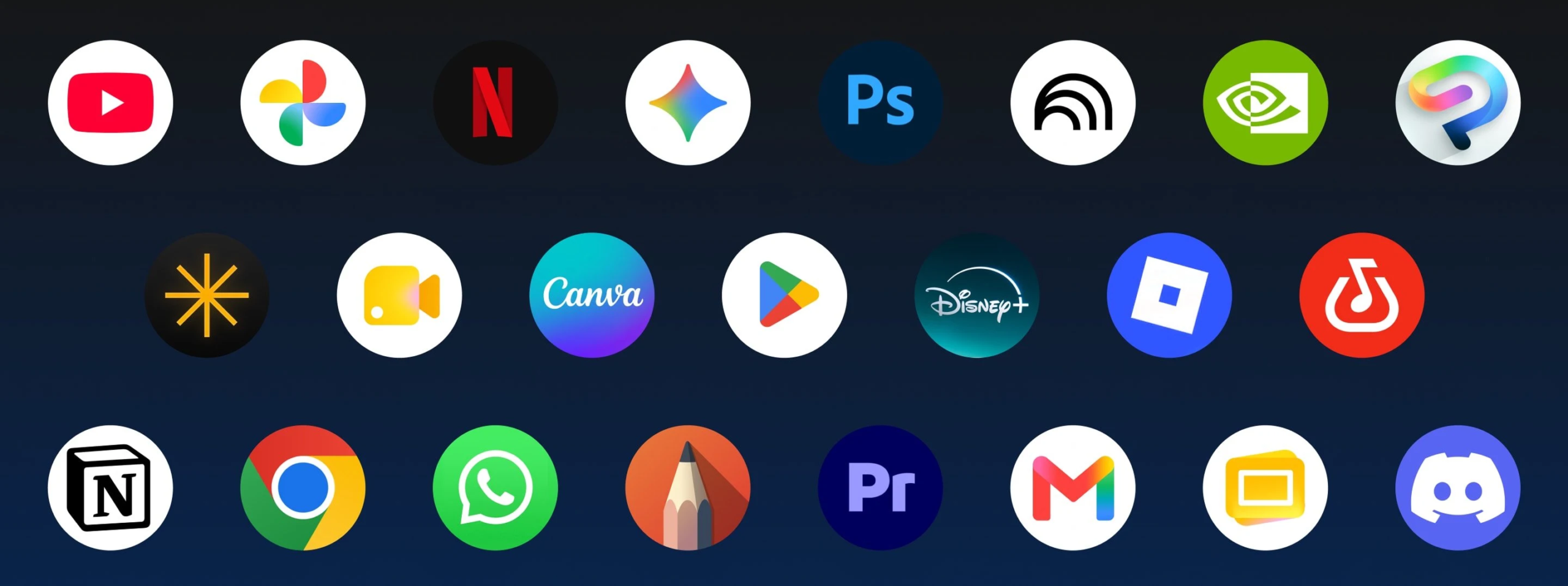
Gaming is another part of the pitch. Google says thousands of Android games can run on Googlebook, while buyers receive one complimentary year of GeForce NOW for accessing more demanding PC and AAA games through the cloud.
Googlebook is also built for developers
This is one area where Googlebook goes considerably further than a basic consumer laptop platform. Google includes Antigravity, its AI agent development platform, allowing developers to build, test and deploy applications directly on the device.
There is also a full terminal environment for developers who want to use tools such as Claude Code and Antigravity CLI. This gives Googlebook a more conventional development workflow rather than restricting users to web-based tools. The Linux environment is isolated from the rest of the operating system, which is where Google’s security architecture becomes important.
Googlebook puts security underneath everything
Googlebook uses the same core security architecture as ChromeOS, including a Google Titan hardware root of trust, defense-in-depth protections and on-device malware detection. The platform also introduces a Level 5 security-certified pKVM hypervisor. It powers the isolated Linux environment and allows users to run Linux development tools, access code repositories and execute autonomous agents while keeping that environment separated from the main operating system.
That is an important distinction because Googlebook isn’t simply giving developers terminal access and leaving everything running alongside the rest of the system.
The hardware is designed around the software
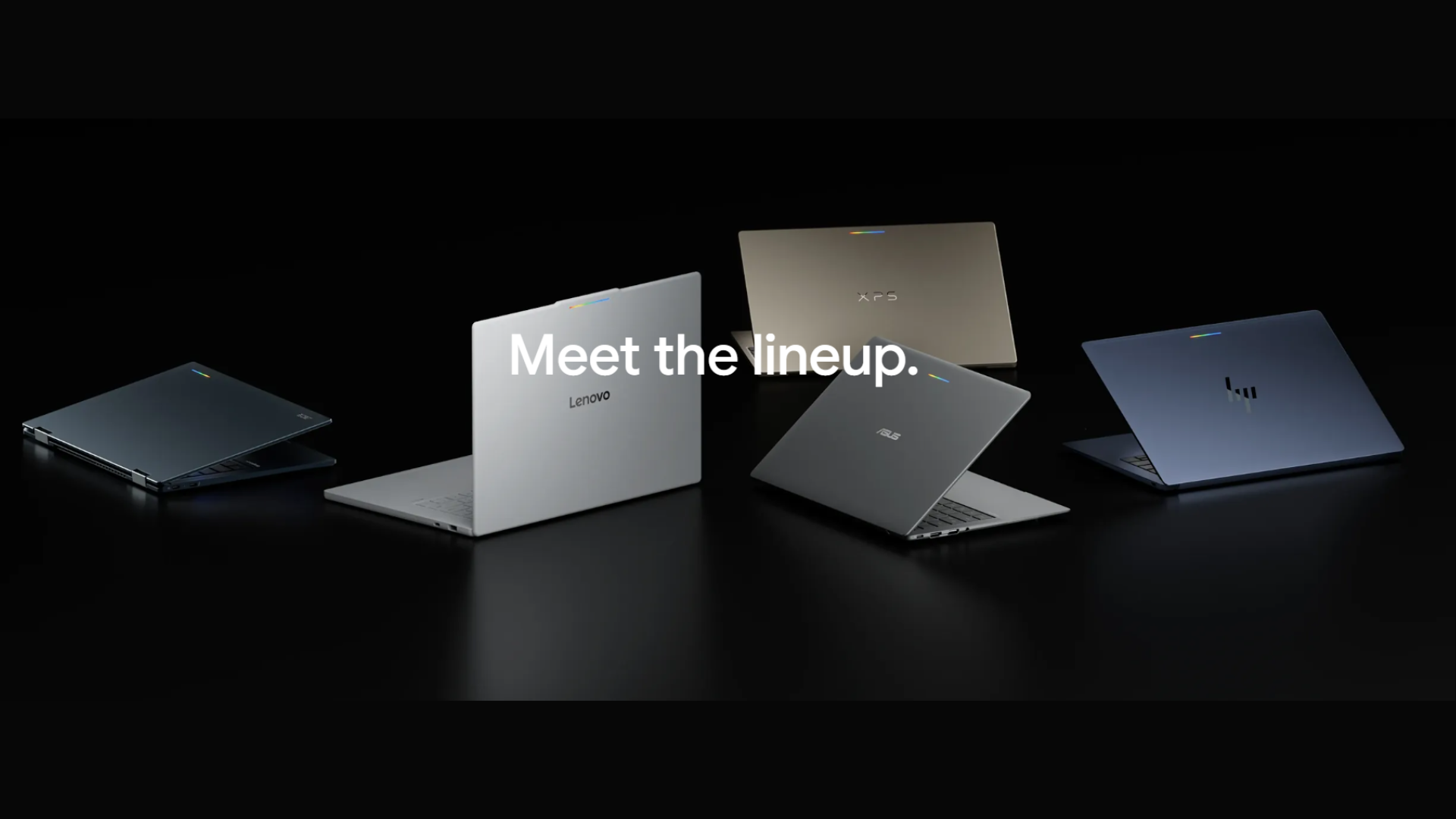
Googlebook isn’t being launched as a single Google laptop. Acer, ASUS, Dell, HP and Lenovo are producing the first generation, with prices starting at $899. Across the lineup, Google is requiring a fairly premium baseline. Devices use Intel or Qualcomm processors with dedicated NPUs capable of more than 45 TOPS, while displays can reach 2.8K OLED resolution.
Google is also emphasizing physical hardware such as haptic glass trackpads, backlit keyboards and premium materials including aluminum, magnesium alloy and carbon fiber. Battery life is rated at up to 14 hours.
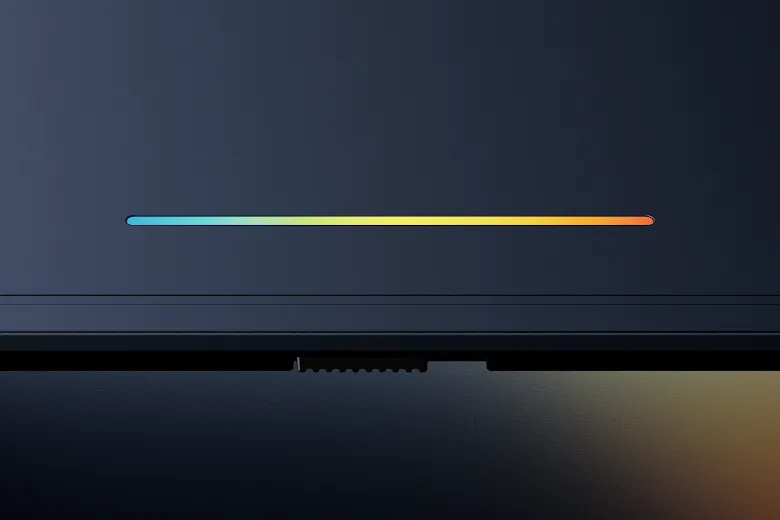
Then there is the Glowbar, a light strip on the exterior of the laptop. It can indicate charging progress, light up during startup and react with animations when users interact with Gemini. Google says third-party applications can also use the Glowbar for their own interactive animations.
So, is Googlebook just the next Chromebook?
Not quite. Googlebook borrows heavily from ChromeOS while adding the Android foundation and deeper phone integration that Google wants to make central to the laptop experience. It also pushes Gemini, Android applications and local AI hardware much further into the desktop workflow.
Google is therefore positioning Googlebook as a new laptop category, rather than simply another Chromebook generation. You can check our pre-order guide to get your hands on the latest Googlebooks.

Read our disclosure page to find out how can you help Windows Report sustain the editorial team. Read more



Improve this guide
User forum
0 messages