
Meet Snipboard: Stardock’s Flashy New Take on the Windows 11 Clipboard


 2 min. read
  Published on
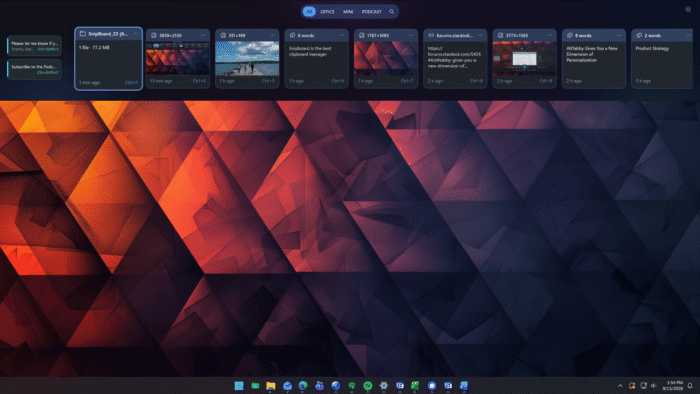
Copy and paste has barely changed over the years, but Stardock wants to give Windows users a much better way to handle their copied content. The company has announced Snipboard, a new clipboard manager that replaces the usual clipboard history with a visual dock for managing text, links, images, files and folders.
Snipboard appears when users press Windows + V, bringing up a dock-style interface that can be positioned on any side of the screen. Instead of scrolling through a basic history list, users get visual cards that make copied content easier to identify and reuse.
Snipboard turns clipboard history into a proper workspace
The new clipboard dock keeps frequently used content within reach while staying out of the way when it is not needed. Users can search their clipboard history and pin important text, links and images, preventing them from disappearing as newer items are copied.
One of the highlights of Snipboard is local network clipboard sharing. Users can copy text, links and images on one PC and paste them onto another connected computer. Snipboard can also transfer copied files and folders between connected PCs.
“Copy and paste is something everyone uses every day, but the experience hasn’t evolved much beyond the basics,” said Brad Sams, General Manager of Stardock Software. “With Snipboard, we wanted to build a clipboard manager that feels like it belongs in Windows while giving users a faster and more visual way to work with everything they copy.”
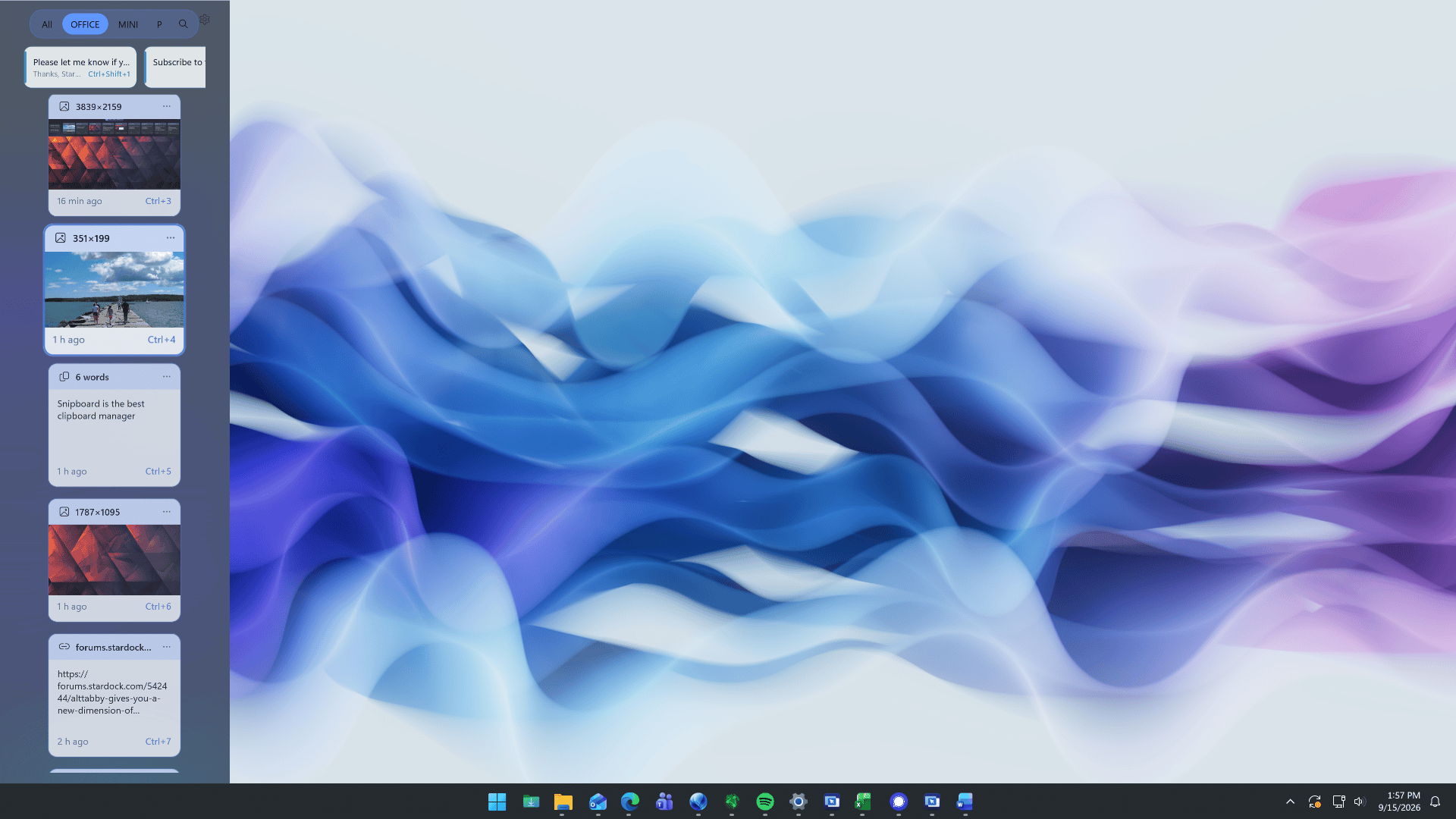
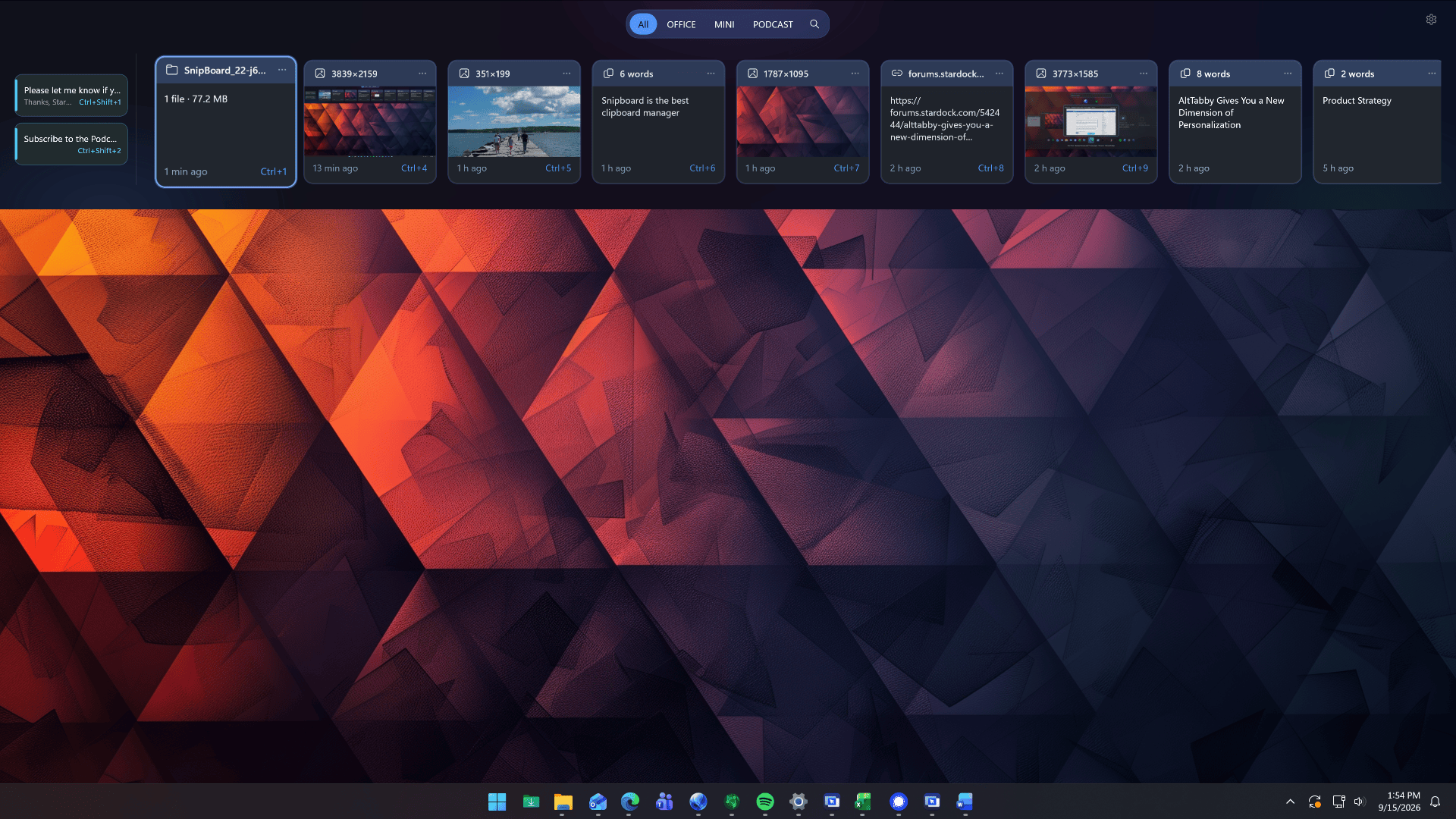
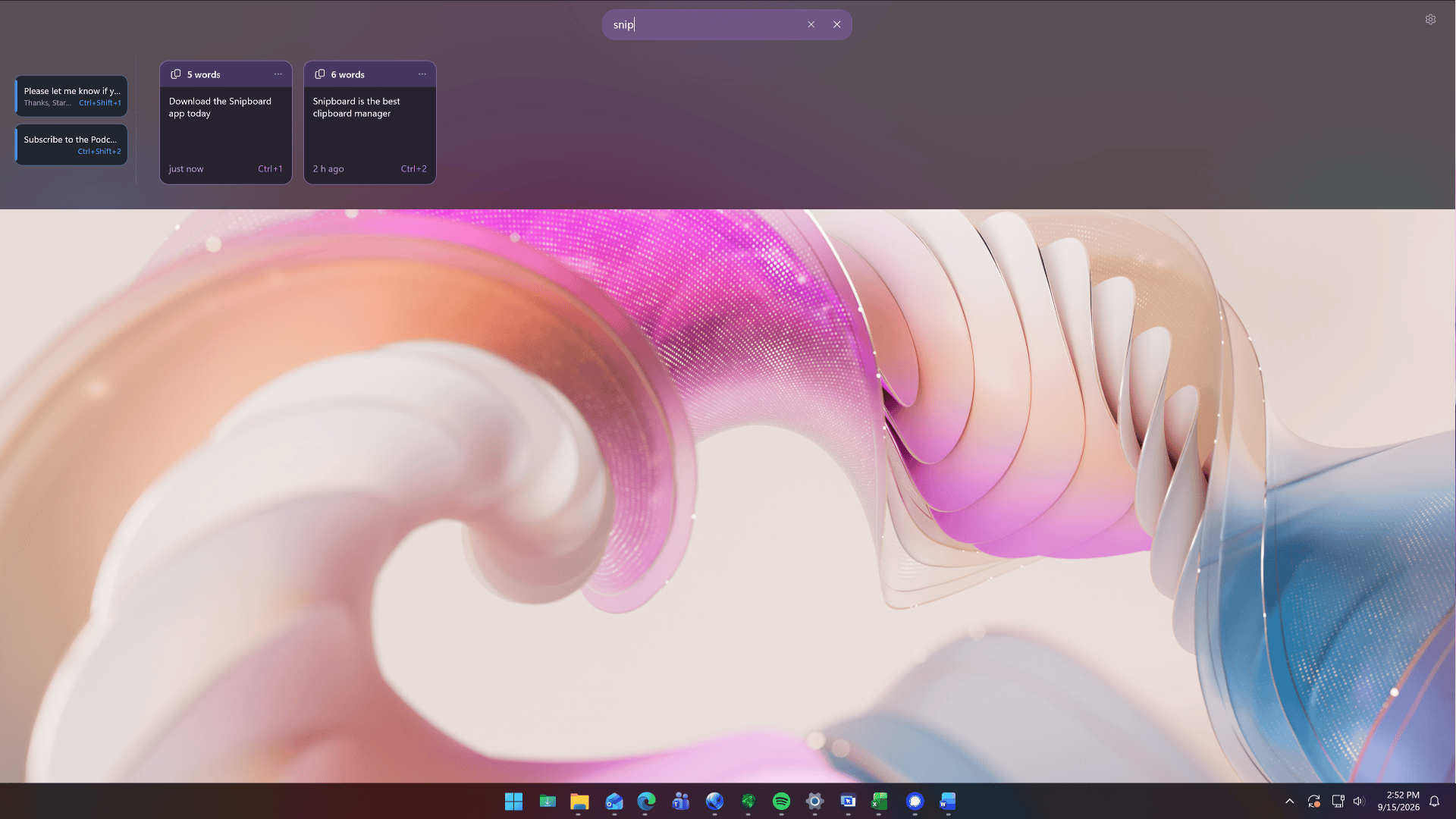
Image credit: Stardock
Stardock is also giving users plenty of control
Snipboard supports light and dark themes, customizable colors, card sizes, transparency, animations and keyboard shortcuts. Users can also decide where the dock appears and how it behaves.
Privacy controls are included as well. Users can exclude specific applications from clipboard history and sharing, set retention limits for older unpinned content, and pause device synchronization while keeping their local clipboard history available. Snipboard is available now as part of Object Desktop at no additional cost while it remains in beta.
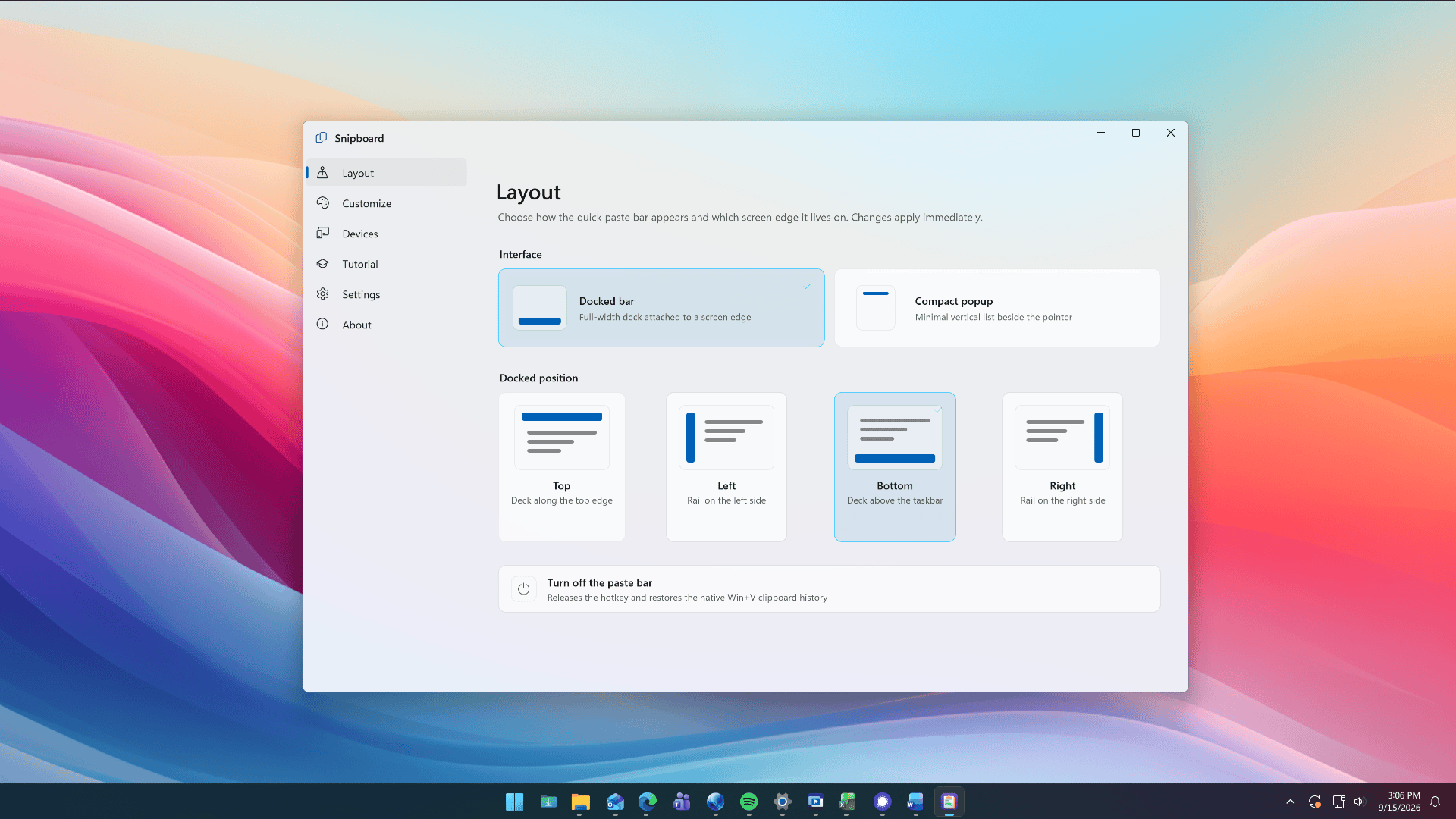
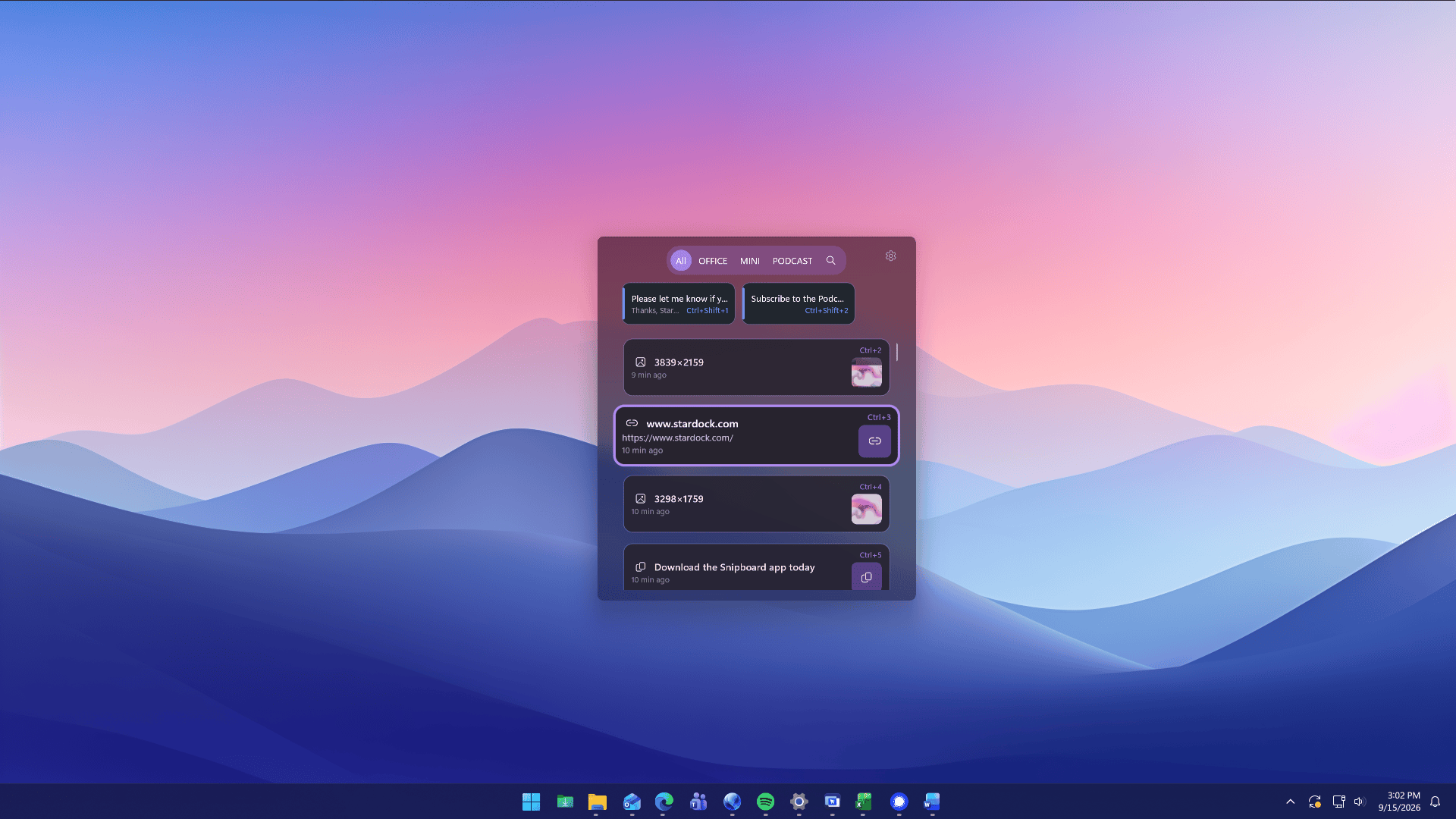
Image credit: Stardock

Read our disclosure page to find out how can you help Windows Report sustain the editorial team. Read more



Improve this guide


User forum
0 messages