
Microsoft Is Turning PowerToys Into a More Powerful Windows Performance Monitor


 3 min. read
 Published on
Microsoft is redesigning the Performance Monitor in PowerToys Command Palette, adding more detailed hardware information, real-time graphs, and improved monitoring tools for Windows users.
The changes cover CPU, GPU, memory, disk, network, and battery monitoring. Microsoft has already merged several improvements into the main development branch, although the redesigned interface has yet to reach the stable version.
PowerToys Performance Monitor gets more detailed CPU and GPU statistics
The redesigned CPU card introduces a 60-second utilization graph, individual logical processor usage, and a list of the five processes consuming the most CPU resources.
Users will also see additional performance information, making it easier to identify applications that consume excessive processing power without opening Task Manager.
Microsoft is also expanding memory monitoring. The updated Memory card displays RAM composition, memory speed, and the number of memory slots currently in use.
The GPU card receives similar improvements, including more detailed VRAM statistics and separate 60-second utilization graphs for different GPU engines.
These changes should make PowerToys Command Palette a more practical option for checking system performance directly from its interface.
Disk and network monitoring get new graphs
Microsoft is also improving how Performance Monitor displays storage and network activity.
The redesigned Disk card introduces 60-second read and write speed graphs, average response times, and information about the installed storage devices.
It also includes capacity bars for individual volumes, allowing users to quickly check available storage space.
The Network card gains upload and download speed graphs, connection type information, link speeds, and network utilization statistics. It will also display IPv4 and IPv6 addresses.
Together, these improvements provide a more detailed view of system activity without requiring users to switch between multiple Windows utilities.
Microsoft is planning an Overview dashboard
Microsoft is also working on a proposed Overview dashboard that combines important hardware statistics into a single interface.
Instead of opening separate cards for CPU, GPU, memory, and other components, users could monitor their system’s overall performance from one place.
A redesigned Battery card is also under consideration, with additional information about battery health and charging statistics.
Both features have appeared in GitHub pull requests, but the Overview dashboard has not yet been merged into the main development branch.
Microsoft has not announced a release date for the complete redesign or confirmed when these improvements will become available in the stable version of PowerToys.
Meanwhile, Microsoft is making other significant changes across its software lineup. The company recently announced that Microsoft To Do is shutting down in 2027.
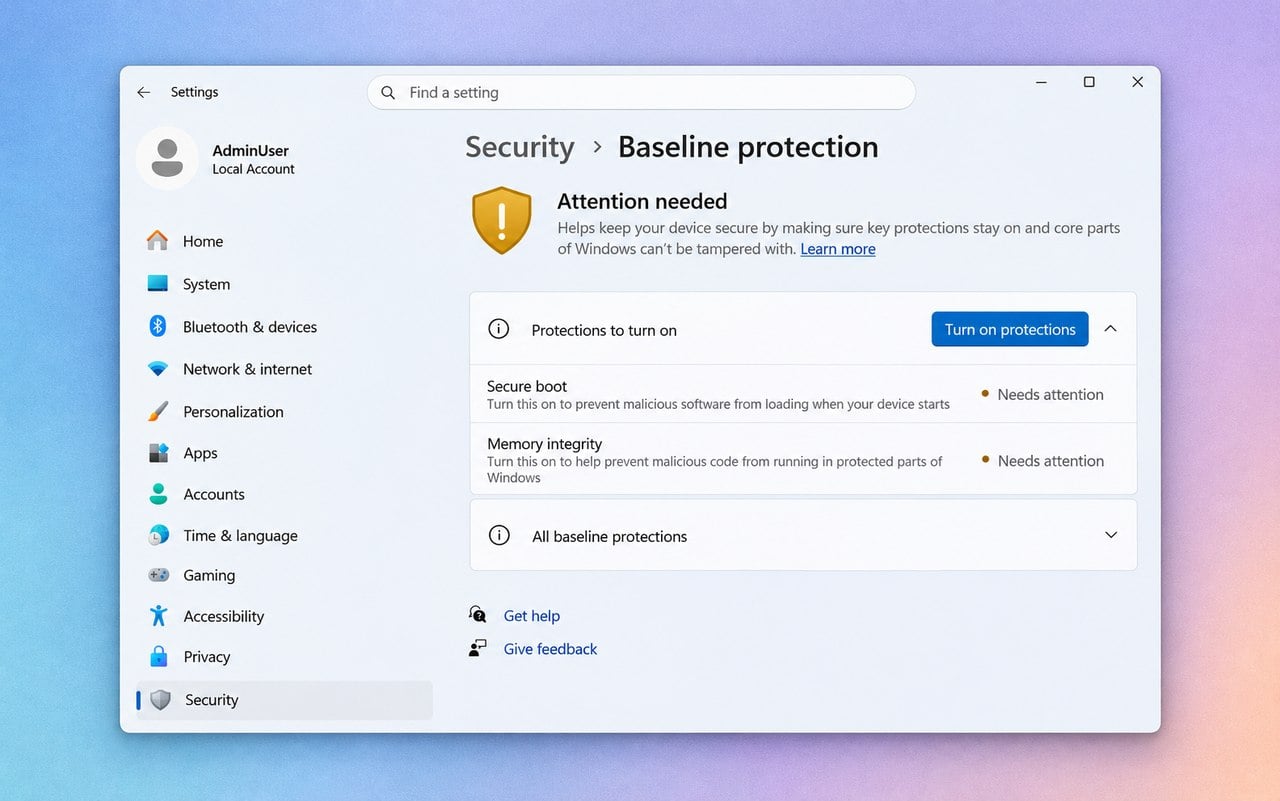
Windows 11 is also getting a new security feature called Windows Baseline Protection, which could prevent certain applications and games from running on less secure PCs.
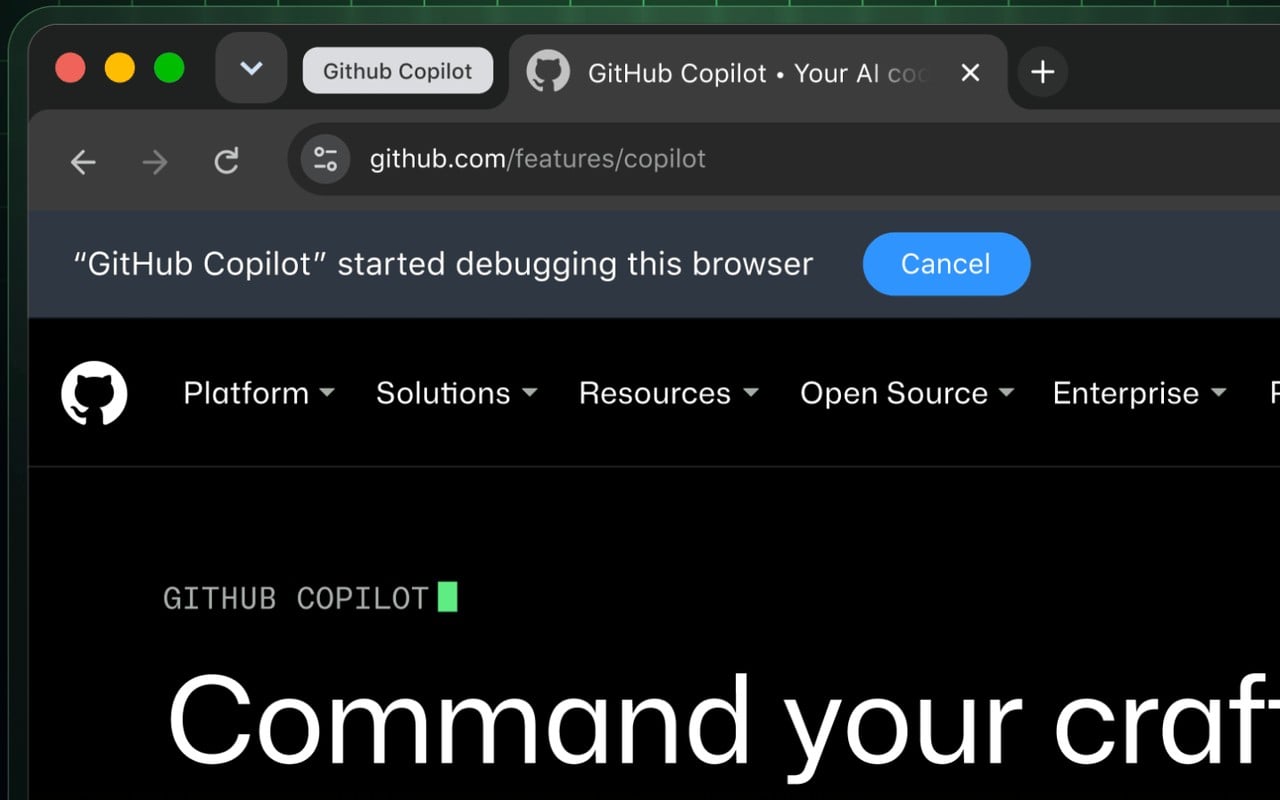
Microsoft has also introduced new capabilities that turn GitHub Copilot into an AI browser agent capable of interacting with websites in Chrome and Edge.
Via Neowin

Read our disclosure page to find out how can you help Windows Report sustain the editorial team. Read more


Improve this guide

User forum
0 messages