
AI Is Simplifying Creative Tasks for Everyday PC Users


 8 min. read
  Published on
The bar for “good enough” moved fast for creative tasks. A small brand posts visuals today that look “shot by an agency”. A solo creator ships a thumbnail and a deck for a pitch, all in one sitting.
Somewhere else, a photo that’s been sitting untouched for months finally gets fixed before it’s sent to family. But there’s the catch: none of them studied design. None of them sat through a course on the software.
AI is why that part isn’t news.
Here’s the part that matters more: nobody has the patience to wait anymore, for any of it. Feeds move fast, deadlines move faster, and rough-edged work just doesn’t cut it.
Waiting a week for a proper edit isn’t patience anymore. Sometimes that means a trend’s already dead by the time the edit’s done. Sometimes it just means the deadline passed.
Getting this kind of work done used to take training, or hiring someone who had it. Automation is changing that. Not because people got better at design or editing, but because the tool is now doing the part that used to require skill.
Why Creative Work Now Runs on Speed.
The way people look at creative work has changed. Your creative work has to stand out. Plus, it has to hold up against everything else competing for the same few seconds of attention.
- Feeds reward consistency. Posting 3-5 times a week on Instagram yields roughly 12% more reach per post compared to posting just once weekly but posting nonstop with weak content backfires just as fast as not posting at all.
- Trends move faster than editing used to. A format or sound that works today can feel stale within days. By the time a “proper” edit is ready, the moment it was made for is often already gone.
- Polished used to mean expensive. A clean-looking photo or video used to signal a real budget behind it. Now it doesn’t signal anything; it’s just what’s expected before a post gets taken seriously.
- Attention now runs on short-form habits. People are used to scrolling through quick videos all day. And that habit spills into everything else: a slide gets judged by the same standard people expect from a short clip.
Where AI Is Actually Changing Creative Work
Improving Photos and Images.
Image editing is one area where everyday users are seeing the impact of AI. Photos often suffer from common issues like blur.
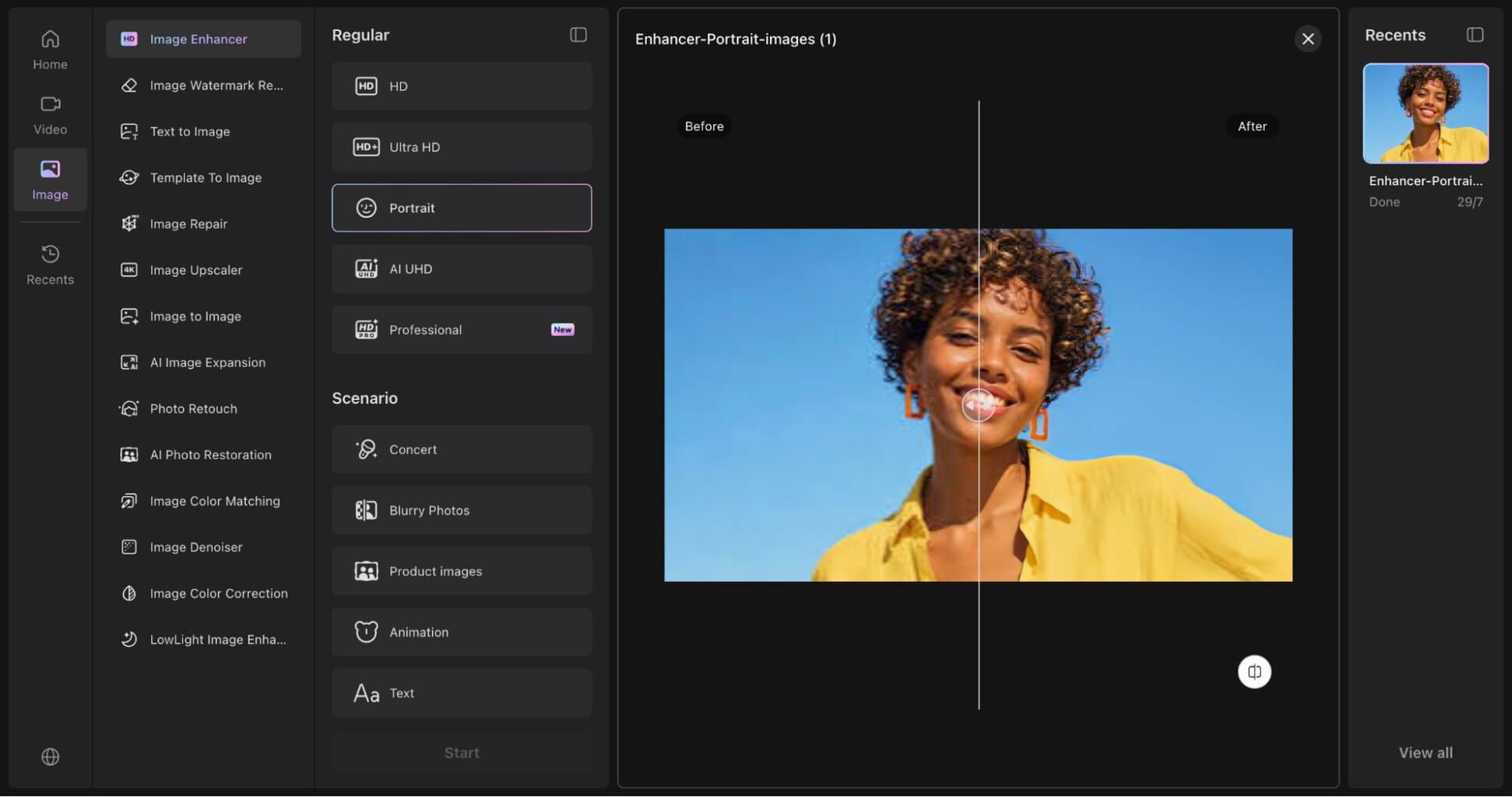
Fixing these problems manually used to mean learning different editing tools and settings, or paying a retoucher $20 to over $100 per photo and waiting days for a result you couldn’t preview first.
AI enhancement tools like Wink image enhancer simplify the process by automatically identifying areas that need improvement. They can help with:
- Blur reduction – Improves unclear images by sharpening important details.
- Noise removal – Reduces grain and improves image quality, especially in old photos.
- Colour correction– Restores faded colours and improves contrast.
- Face enhancement– Improves facial details in portraits and old family photos.
- Resolution improvement– Enhances pixelated images for clearer results.
AI editing tools with features like an image enhancer help users improve images without spending time on complex editing workflows. For example, someone restoring an old family photo may not have the original file anymore.
AI enhancement tools analyse the remaining image information, identify patterns around edges and textures, and rebuild the missing detail without multiple manual edits.
This makes advanced image correction accessible to people who’d otherwise have paid someone else to do it, or lived with the damage.
Making Video Editing Faster.
Let us understand this with an example. A bakery owner wants to create a reel showcasing a new cake launch. But there’s a catch.
The owner doesn’t have professional editing skills or enough time to refine every shot for different platforms. Hiring a freelance editor for something like this usually runs $50 to $150 a minute. This is difficult to justify for a single reel, not to mention a weekly one.
There is an algorithmic solution to this problem. The video AI creates multiple versions of a single file without additional editing. Now the user will receive
- Square (1:1) version suitable for social media.
- Vertical (9:16) version will fit Instagram Reels or YouTube Shorts.
- Widescreen (16:9) version will be prepared for YouTube or the user’s website.
The process of exporting and creating versions of various formats is simplified to one workflow. Resizing is just one aspect of the video editing process.
Polishing the video is also about eliminating the problems with quality, increasing clarity and enhancing its watchability. Here are a few video editing tasks that can be performed by an algorithm:
- Video enhancement – improving clarity and overall quality of a raw footage.
- Noise reduction – eliminating any unnecessary noise in recordings.
- Stabilization – decreasing the effects of handheld shaky footage.
- Automatic captions – adding synchronized subtitles without typing.
- Resolution improvement – upscaling the low-resolution clips to enhance the quality of the output.
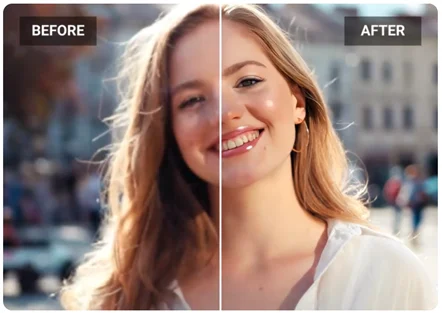
Inside the process, computer vision and deep learning algorithms are analysing frames and making edits. Object detection and segmentation models are used
Helping Users Create Better Visual Designs.
Creating visual content is not just about adding text on images. The difficult part is making everything work together. The spacing, hierarchy, and layout.
For someone without design experience, even a simple promotional post can involve many small decisions:
- Where should the product image sit?.
- How much text is too much?.
- Which layout makes the message stand out?.
- How should the design change for different platforms?.
AI helps reduce this “trial-and-error” process by analysing design patterns. It can:
- Recommend layouts based on the type of content being created.
- Adjust image placement to create better balance.
- Scale down design for different platforms without having to start from scratch.
- Ensure that there is consistency in appearance across various posts and resources.
For instance, an owner of a small business may already have the product image, pricing information and promotion ready but fail to make a neat social media graphic out of them.
Artificial Intelligence would help arrange all these pieces. Plus, it provides a user with an improved template without having to spend several hours learning how to use design programs.
Hence, users can concentrate on delivering their message rather than wasting time on formatting problems.
Creating, Editing Documents More Efficiently
PC users make reports and other forms of documents. Converting the raw data into an output is sometimes very time-consuming and could mean the difference between finishing long before the deadline and having to do an all-nighter to complete everything.
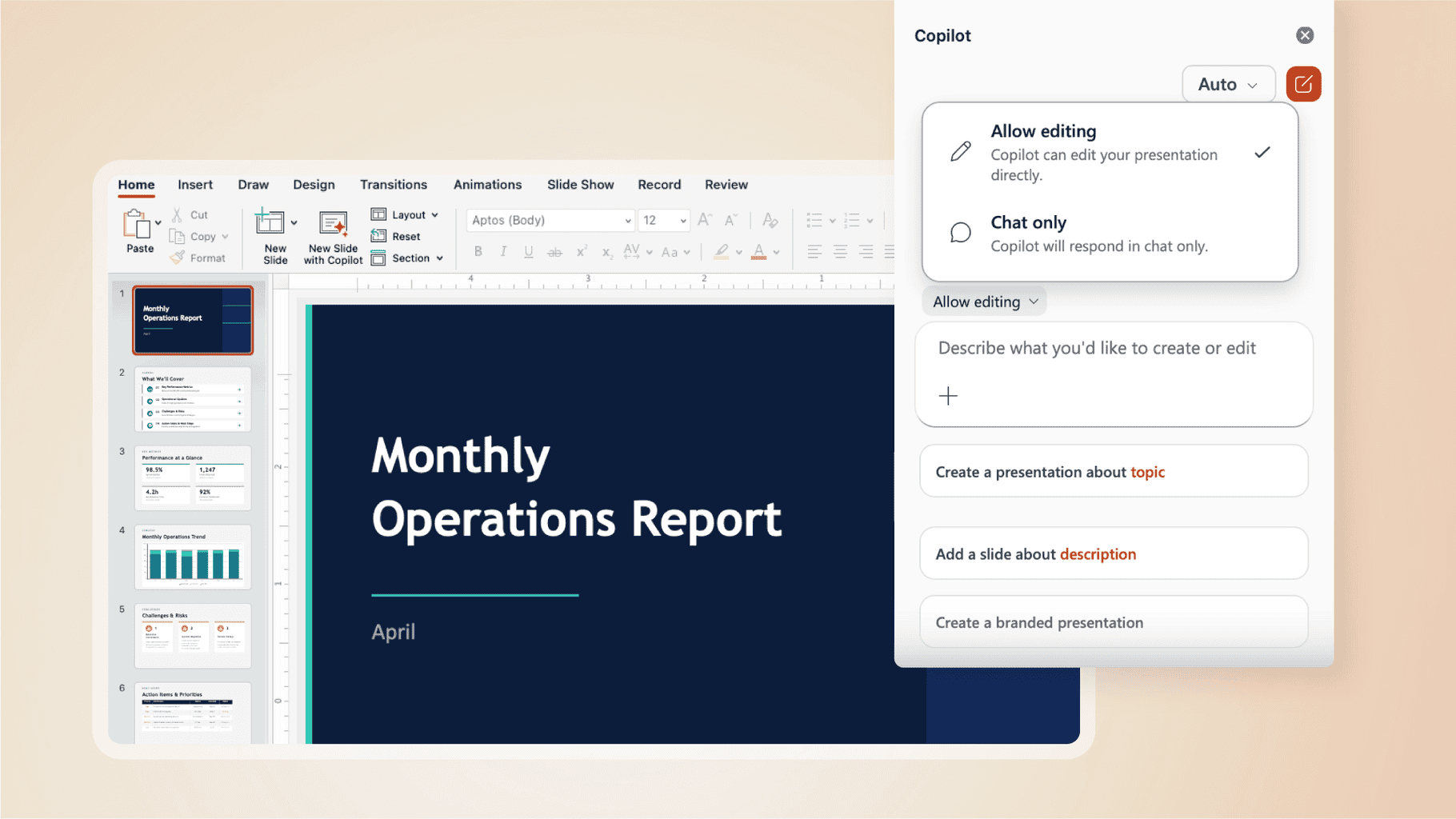
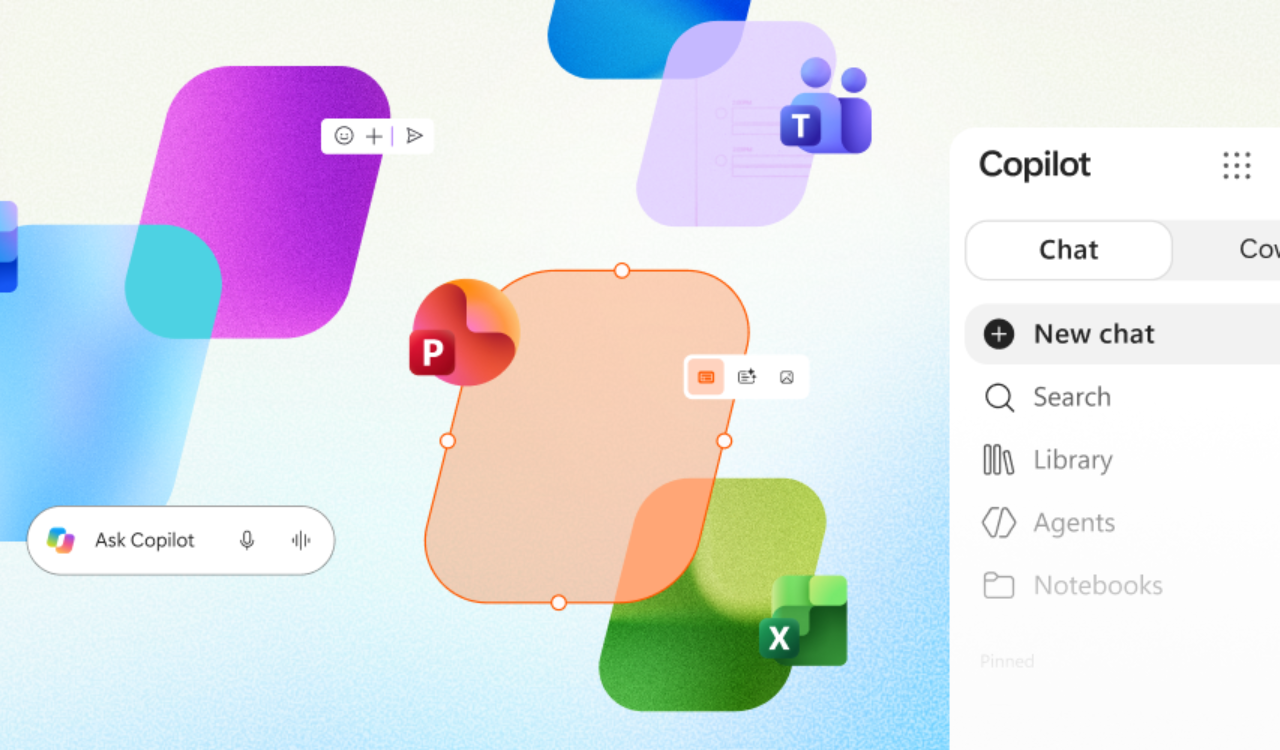
The use of AI in the form of Microsoft 365 Copilot is helping to simplify the process of making documents and presentations.
These tools can condense data and create the initial framework of the presentation out of it in a few minutes instead of an hour. AI can also suggest design improvements based on the material.
This shifts document creation from a manual formatting process into a more interactive workflow: less time spent placing text boxes, more time spent deciding what the document should actually say.
Time and Cost Comparison
| Task | Manual Cost (Time/Money) | AI-Assisted Cost | Time Saved |
| Photo restoration/enhancement | $20–$100+ per photo, plus 2–5 days waiting on a retoucher | Free to low-cost, run in-app | Days → under a minute |
| Video editing/formatting | $50–$150 per minute for a freelance editor | Included in most AI video tools | Hours → minutes |
| Visual design/layout | $50–$75/hour for a freelance designer, often 2–3 hours per post | Included in most AI design tools | Hours → a single sitting |
| Document/deck formatting | 1–2 hours of manual structuring per document | Included in tools like Copilot | An hour → a few minutes |
Getting Real Value From AI in Creative Tasks
The gap between someone who gets real value from these tools and someone who doesn’t isn’t skill: it’s how far they go before hitting “done.” A few things separate the two:
- Don’t stop at the first result. The first pass usually fixes the obvious problem: the blur and the messy layout. It rarely finishes the job on its own.
- Adjust what the tool can’t judge. A crop that’s technically fine might still cut off something that matters. A color correction might read as “accurate” and still feel off for the photo’s actual mood.
- Read it back before sending it. A caption or document that sounds fine on-screen can still sound stiff out loud. That’s usually the fastest way to catch what needs a second pass.
Looking ahead.
The next phase of creative work will depend on how effectively you can combine ideas and technology to create better outcomes.
Now, the opportunity lies in using AI to expand the creative process. Instead of committing to the first idea, users must refine their work through faster feedback cycles.
Going forward, two skills will matter just as much as technical editing ability. One, knowing what makes content effective. Two, knowing how to guide AI tools.
As AI continues to become part of everyday PC workflows, the strongest creators will not simply produce content faster. They will use these tools to experiment more and create work that would have been difficult to achieve alone.


Read our disclosure page to find out how can you help Windows Report sustain the editorial team. Read more



Improve this guide


User forum
0 messages