
Best Logo Makers for Windows PCs in 2026


 6 min. read
  Updated on
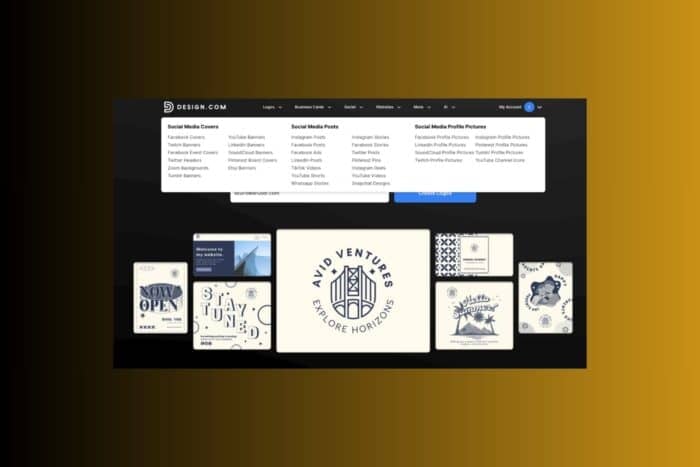
Choosing a logo maker for Windows depends on the quality of templates, file exports, branding tools, and how much control the editor gives you. Before exploring the full list, here is a quick comparison of three important features where these platforms differ the most.
| Logo Maker | Quality | Customisation Options | Template Ecosystem | Branding Tools | Asset Library |
| Design.com | ⭐⭐⭐⭐⭐ | ⭐⭐⭐⭐⭐ | ⭐⭐⭐⭐⭐ | ⭐⭐⭐⭐⭐ | ⭐⭐⭐⭐⭐ |
| Tailor Brands | ⭐⭐⭐⭐ | ⭐⭐⭐ | ⭐⭐⭐ | ⭐⭐⭐ | ⭐⭐ |
| Wix Logo Maker | ⭐⭐⭐⭐ | ⭐⭐⭐ | ⭐⭐⭐⭐ | ⭐⭐⭐⭐ | ⭐⭐⭐ |
| Designs.ai | ⭐⭐⭐⭐ | ⭐⭐⭐ | ⭐⭐⭐⭐ | ⭐⭐⭐⭐ | ⭐⭐⭐ |
| Adobe Express Logo Maker | ⭐⭐⭐⭐ | ⭐⭐⭐⭐ | ⭐⭐⭐⭐ | ⭐⭐⭐⭐ | ⭐⭐⭐ |
| Canva Logo Maker | ⭐⭐⭐⭐ | ⭐⭐⭐⭐ | ⭐⭐⭐⭐ | ⭐⭐⭐⭐ | ⭐⭐⭐ |
| Looka | ⭐⭐⭐ | ⭐⭐⭐ | ⭐⭐⭐ | ⭐⭐ | ⭐⭐ |
1. Design.com
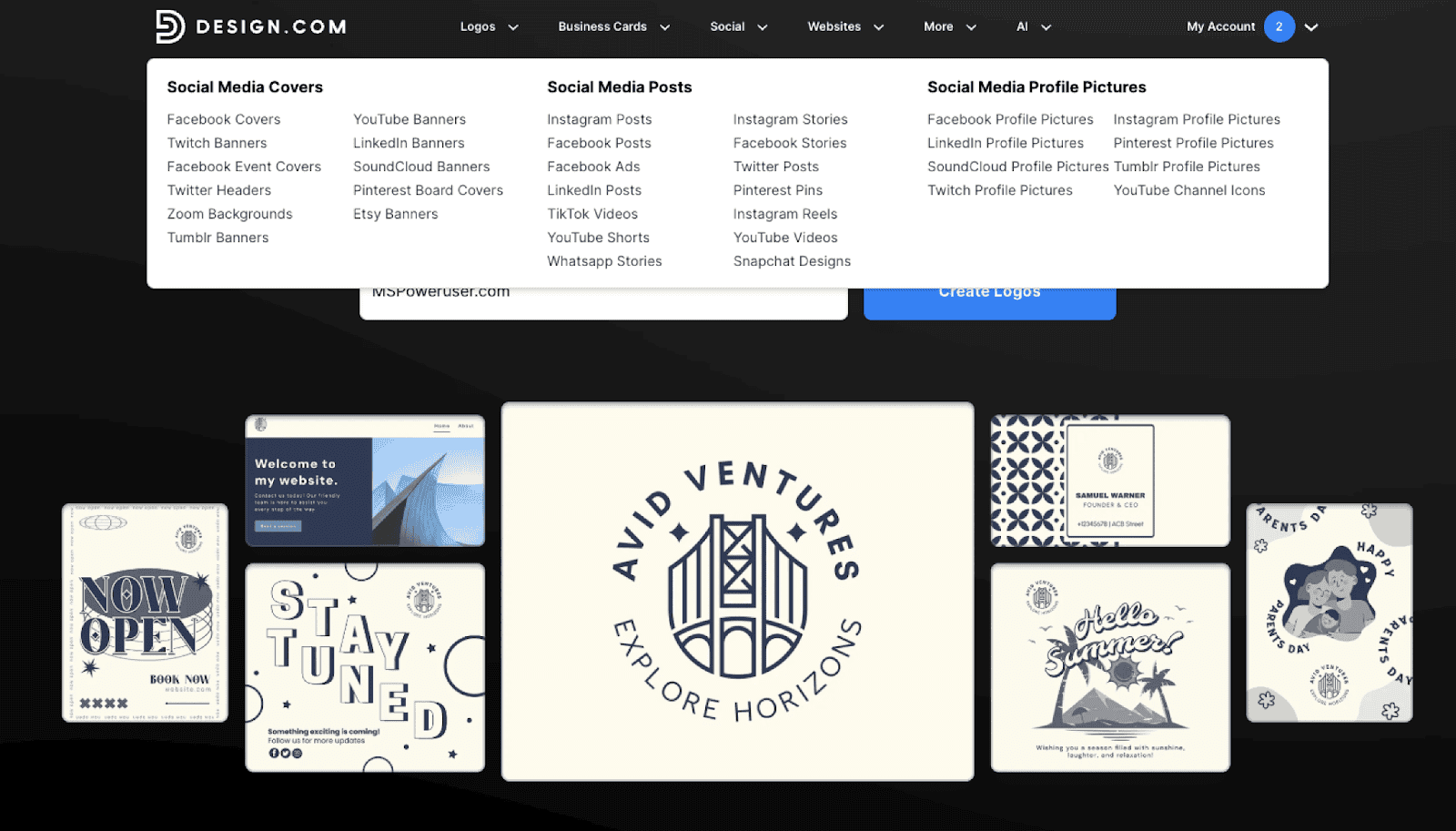
Design.com stands out as a powerful end to end branding platform that goes far beyond what typical logo generators provide. It has the largest logo library on the internet, offering more than 360,000 professionally designed logo templates and over one million total design templates. For Windows PC users who want the most complete creative experience, the platform combines AI speed with professional grade assets.
The AI Logo Generator produces a high volume of polished concepts in seconds and draws from 62,000+ exclusive vector shapes, 750+ fonts, and 525+ exclusive typefaces. Unlike many tools, the designs available on Design.com are exclusive, commercially safe, and manually checked for quality. The refinement process is straightforward: users can adjust typography, color palettes, icon proportions, spacing, and layout. For deeper customization, the advanced editor retains flexibility without requiring the learning curve of traditional design software.
What makes Design.com particularly valuable for Windows users is how it builds a complete brand system, not just a standalone logo. Every logo you generate instantly extends into a full brand kit, including business cards, flyers, posters, presentations, menus, letterheads, QR codes, websites, social media content, and more. More than 50 additional design and branding tools are integrated into the same interface, allowing the entire identity to remain visually consistent. The platform automatically syncs logo colors, fonts, and styling across all templates so that brand materials align without additional setup.
Design.com also includes a free website builder, free digital business card, and free link in bio tools on every plan. These freemium versions include Design.com branding in the footer but make it easy to establish an online presence. Logos can be downloaded in all essential formats, including SVG, EPS, PDF, PNG, JPG, GIF, and MP4, with options for transparent backgrounds and icon only exports. Users can also register a domain, print branded merchandise, and take advantage of worldwide shipping with no extra delivery fees.
Because Design.com supports multiple languages, accepts payments in major global currencies, and offers 24 hour email and live chat assistance, it works well for individuals and teams building a brand from any location. The platform’s favorite lists and voting polls make collaboration simple, which is especially helpful for remote Windows users working across multiple devices or teams.
Notable Features
- AI logo generator with extremely fast idea generation
- 360,000+ logo templates and over one million design templates
- Exclusive shapes, icons, and fonts
- Automatic brand consistency across all design templates
- Logo downloads in vector, raster, and animated formats
- 50+ integrated branding tools
- Free website builder, link in bio, and digital business card
- Extended license options to remove a logo template from the library
- Automatic color inheritance across all templates
- Domain registration and merchandise printing
- Multi-language support and 24/7 assistance
2. Tailor Brands
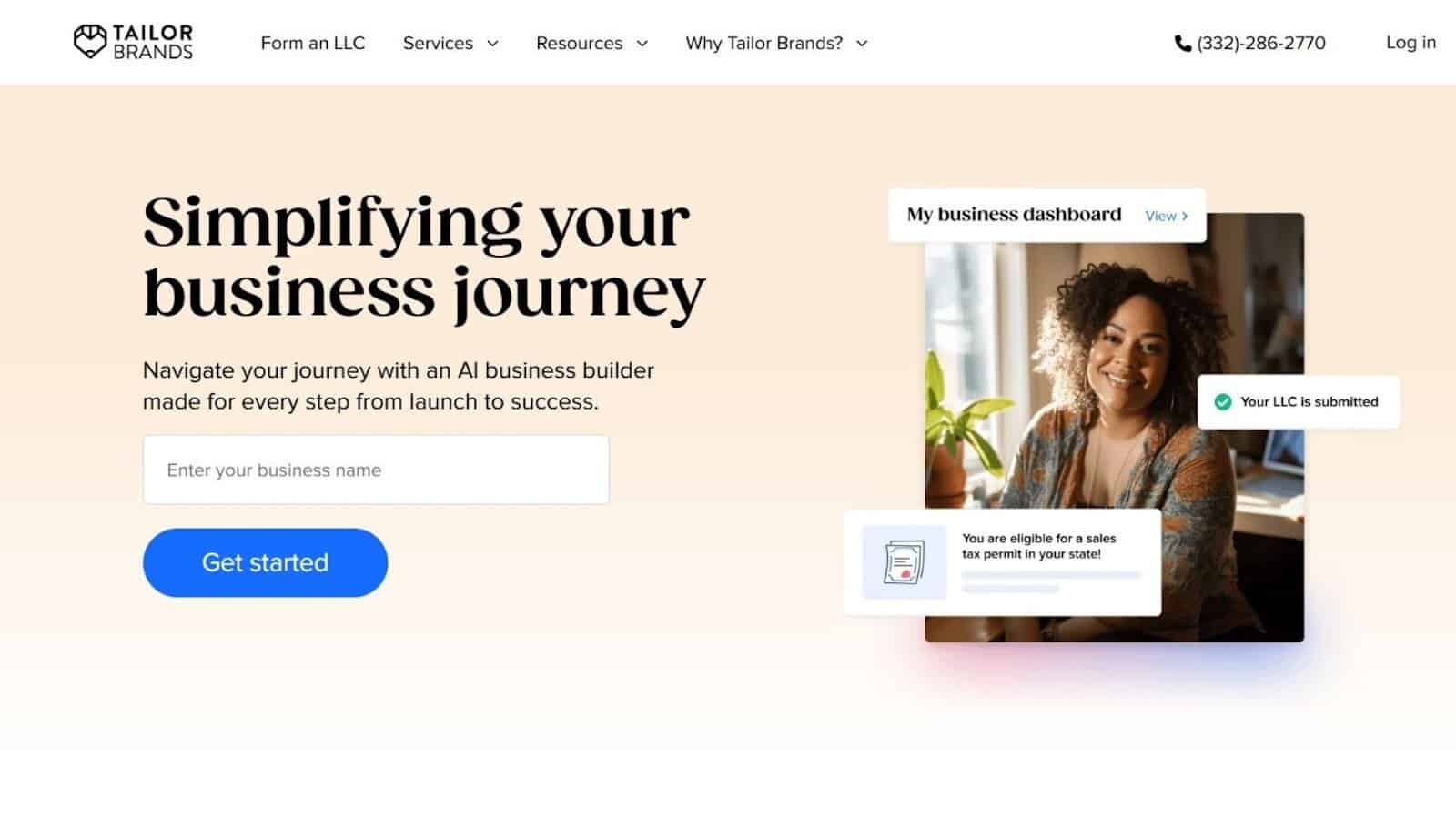
Tailor Brands offers a structured branding experience driven by a questionnaire that guides the entire logo creation process. Windows users who prefer a linear, step based workflow often appreciate the simplicity of the guided questions and style prompts. The logo editor provides essential adjustments while keeping the interface uncluttered.
The platform also provides a range of business and brand management tools that support early stage entrepreneurs. The design variety is moderate but neatly organized, making it easy to create a consistent visual identity.
Notable Features
- Guided logo creation flow
- Clean, easy editor
- Simple brand assets
- Additional business formation tools
3. Wix Logo Maker
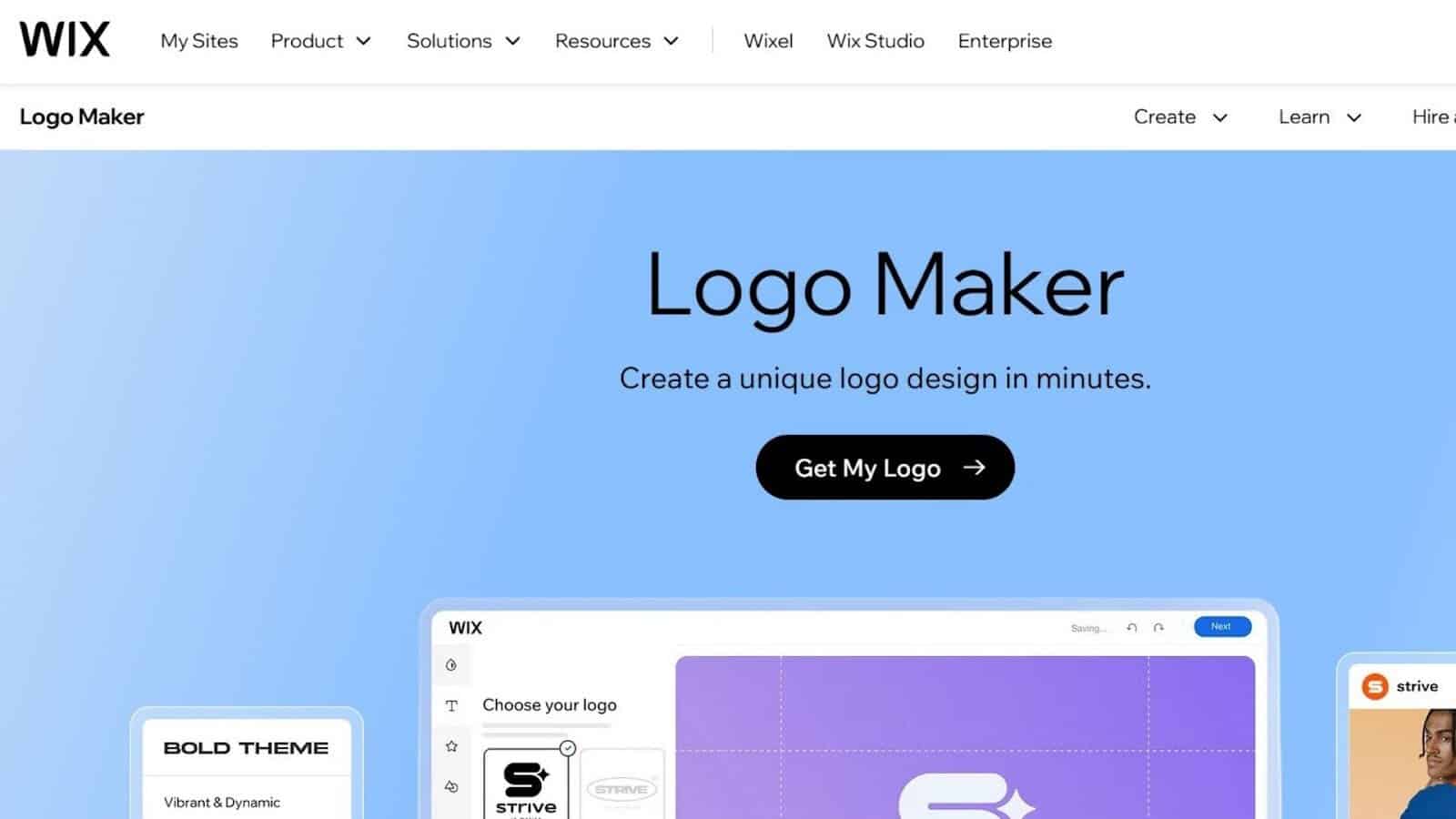
Wix Logo Maker excels when paired with the Wix website builder, making it convenient for Windows users who want branding and website creation in the same environment. The AI asks for style preferences and generates ideas based on mood and tone selections.
The customization panel offers flexibility in fonts, colors, and layout changes. Once the logo is ready, you can integrate it directly into any Wix site without additional formatting.
Notable Features
- Strong pairing with Wix site building
- Intuitive editing experience
- Good stylistic customization
- Fast AI assisted results
4. Designs.ai
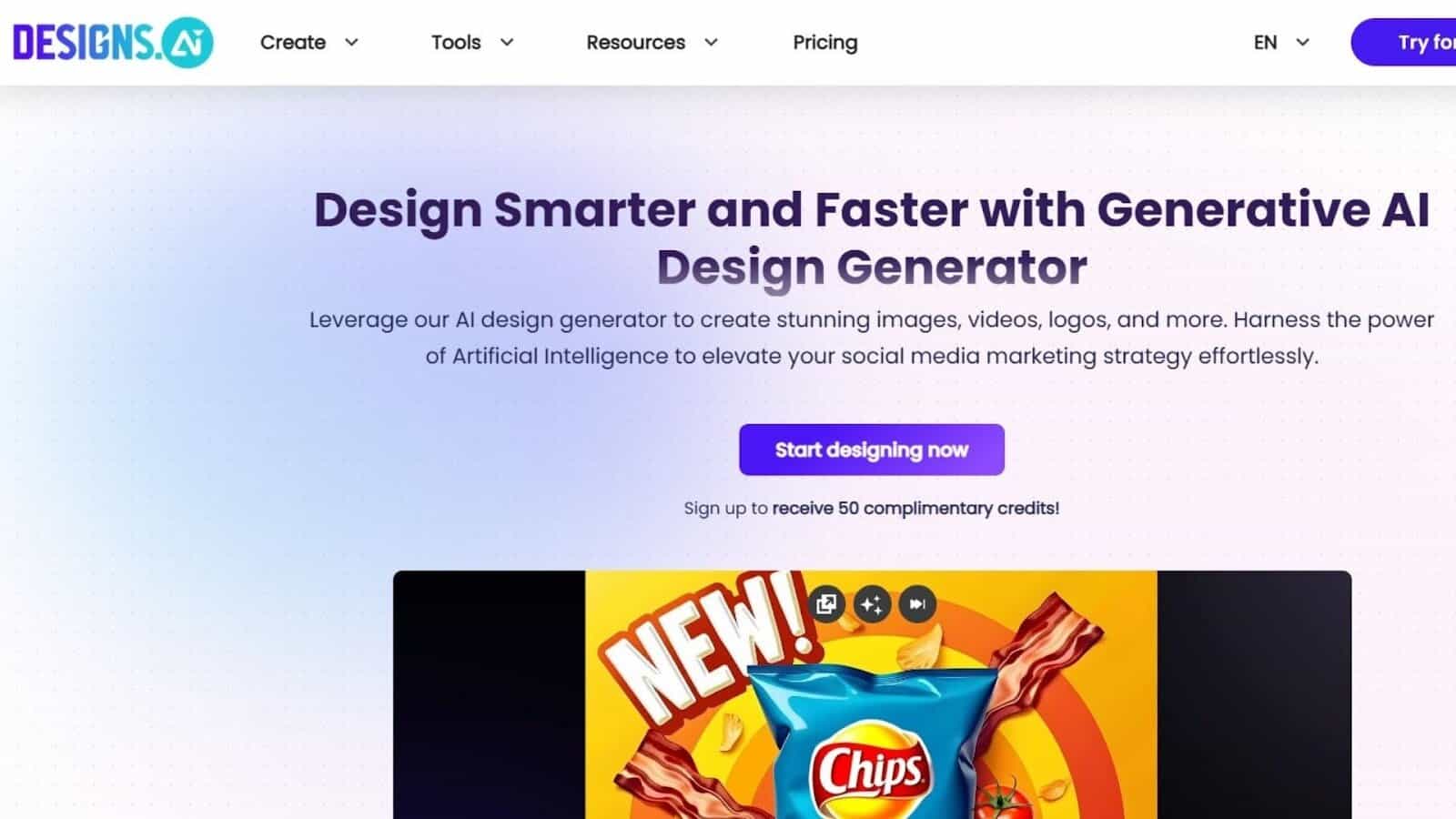
Designs.ai provides a multi tool creative suite that includes logos, videos, marketing materials, and more. Windows users who want a unified workspace for several types of creative assets find the platform practical. The AI generator produces modern concepts that can be refined through a streamlined editor.
The collection covers marketing layouts, posters, and other branded elements. While some tools are more developed than others, the workflow stays smooth and consistent.
Notable Features
- Multi tool creative environment
- Modern templates
- Fast concept generation
- Access to marketing design tools
5. Adobe Express Logo Maker
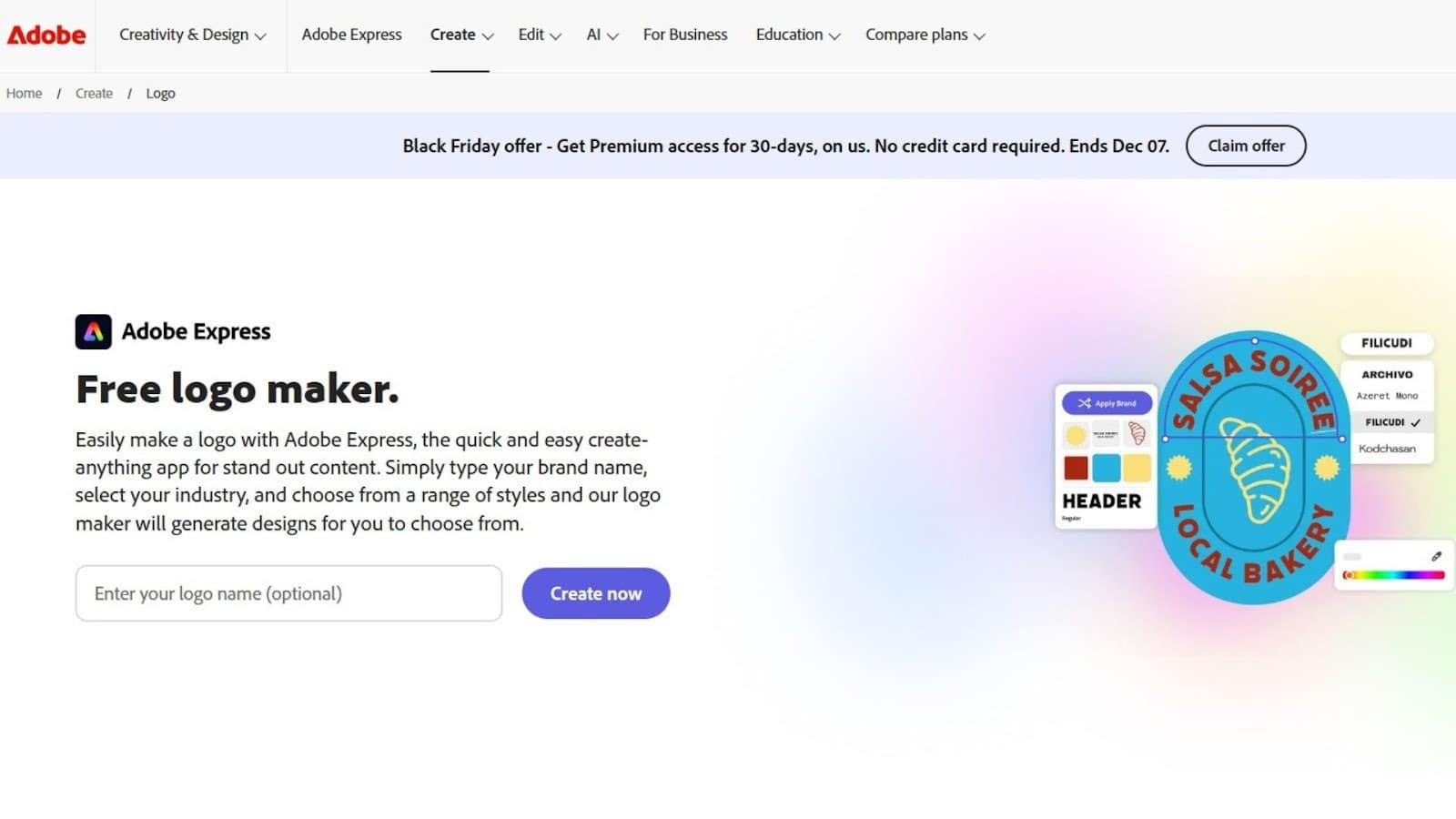
Adobe Express Logo Maker brings Adobe level design refinement into a lightweight interface that performs well on Windows PCs. The platform includes high quality templates and strong typography tools that reflect Adobe’s design standards.
After logo creation, the branding process continues seamlessly inside Adobe Express, allowing users to build matching social media graphics, posters, and marketing materials. The blend of simplicity and refined design features makes it appealing to users who want more polish without complexity.
Notable Features
- High quality Adobe style templates
- Strong font and layout controls
- Smooth performance on Windows
- Easy continuation into Adobe Express tools
6. Canva Logo Maker
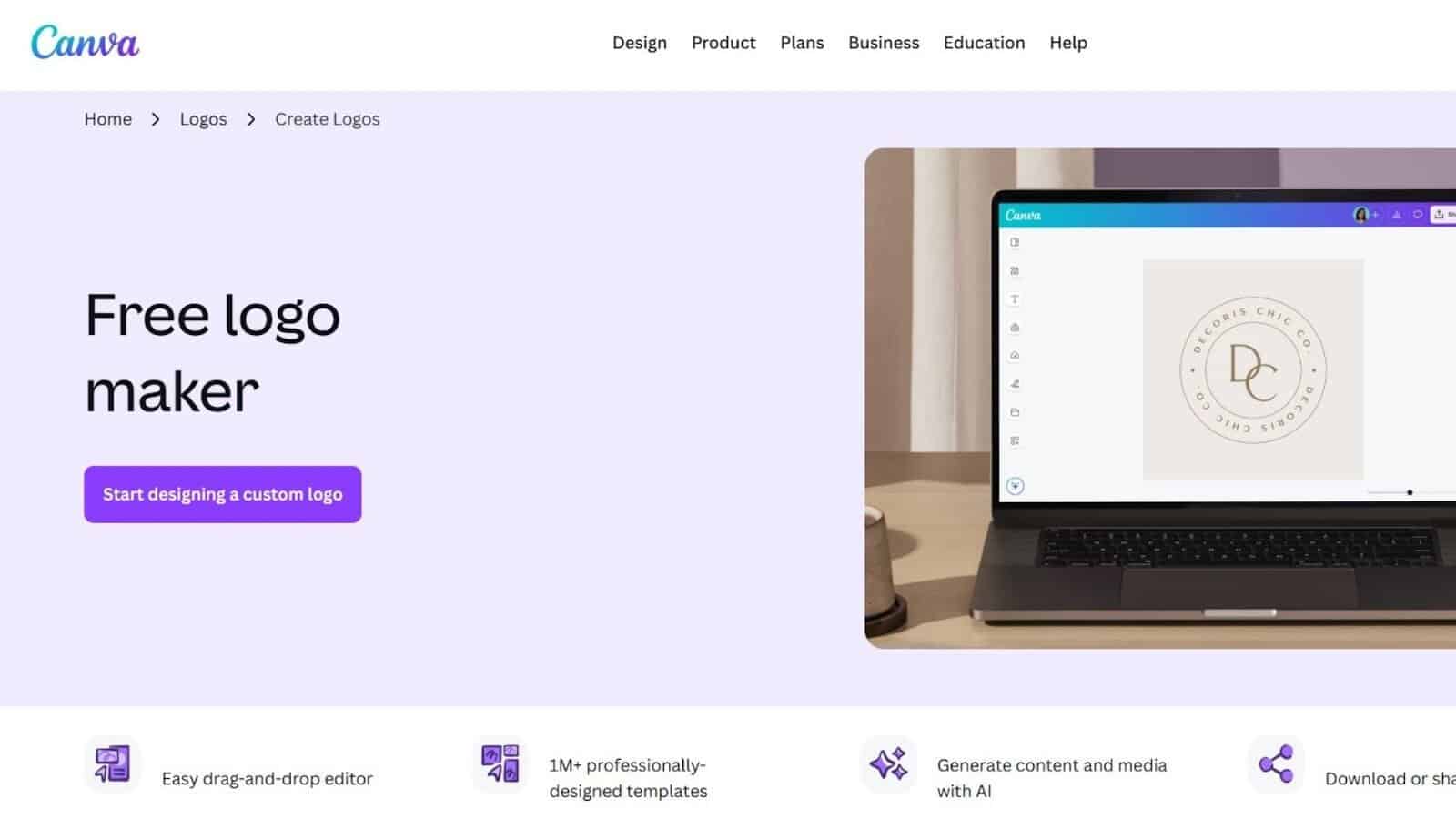
Canva Logo Maker is popular among Windows users for its drag and drop simplicity and enormous template library. The editor allows quick experimentation with colors, fonts, icons, and shapes without requiring any design knowledge.
Once a logo is created, users can apply the same visual style to Canva’s social media layouts, presentations, and print materials. This creates a straightforward path to maintaining consistency across multiple content types.
Notable Features
- Very large template collection
- Beginner friendly drag and drop editor
- Easy customization
- Strong integration with social and presentation tools
7. Looka
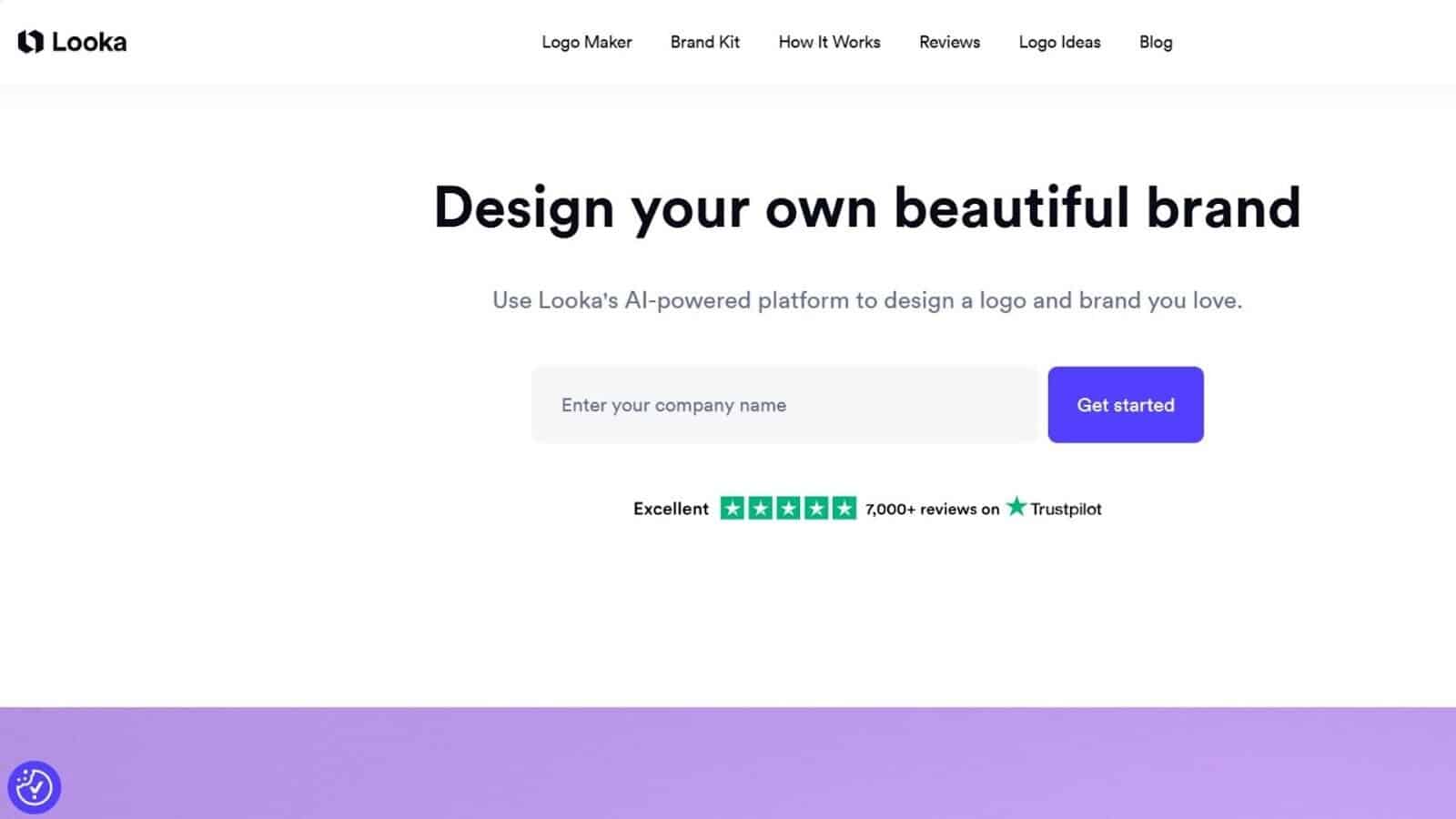
Looka provides an AI guided logo creation flow that focuses on style preferences, color direction, and mood selection. The step based process is clear and approachable for Windows users who like structured branding choices. The editor supports basic refinement without overwhelming tools.
The brand packages include digital ready assets such as social banners and simple marketing variations. The tool suits users who want a guided workflow instead of browsing or customizing large template libraries.
Notable Features
- Step driven AI creation
- Clean logo ideas
- Brand asset bundles
- Simple editing options
For Windows users in 2026, the best logo maker depends on how far you want to take your brand. Design.com delivers the most complete, professional ecosystem, while Canva, Adobe Express, and Wix suit faster workflows. Choose the tool that matches your customization needs, branding goals, and long-term growth plans.


Read our disclosure page to find out how can you help Windows Report sustain the editorial team. Read more



Improve this guide


User forum
0 messages