
ChatGPT Atlas is OpenAI's New AI Web Browser That Takes on Chrome, Edge & More
The new AI web browser reimagines how users browse and search


 2 min. read
  Published on
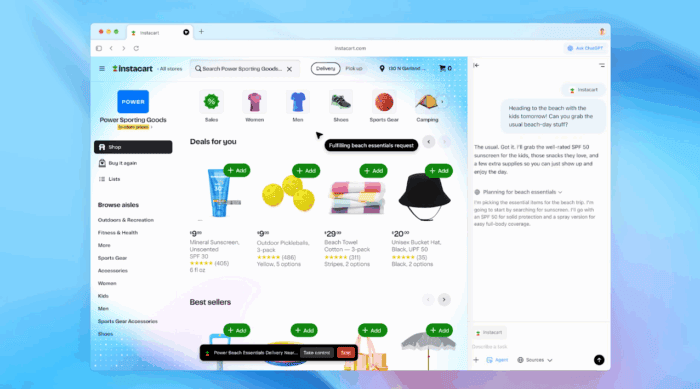
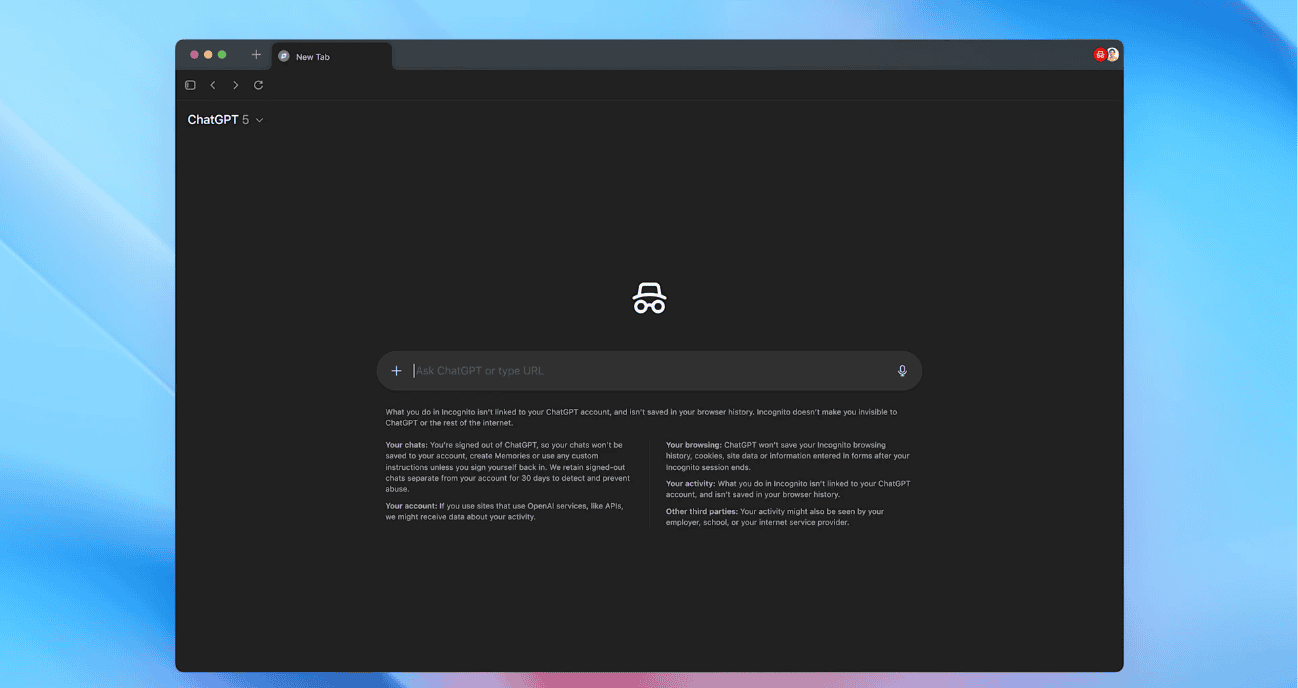
After months of speculation, OpenAI has finally lifted the curtain on ChatGPT Atlas, its first-ever AI-powered web browser designed to take on the likes of Google Chrome and Microsoft Edge. Atlas looks and feels like a modern browser, complete with tabs, favorites, and incognito mode.
But the difference is visible in its deep ChatGPT integration, which turns ordinary web browsing into a smart, conversational experience. As OpenAI describes, the built-in ChatGPT Agent can actively assist while you browse. You can summarize long articles, compare prices across multiple sites, or analyze data directly within the page you’re viewing.
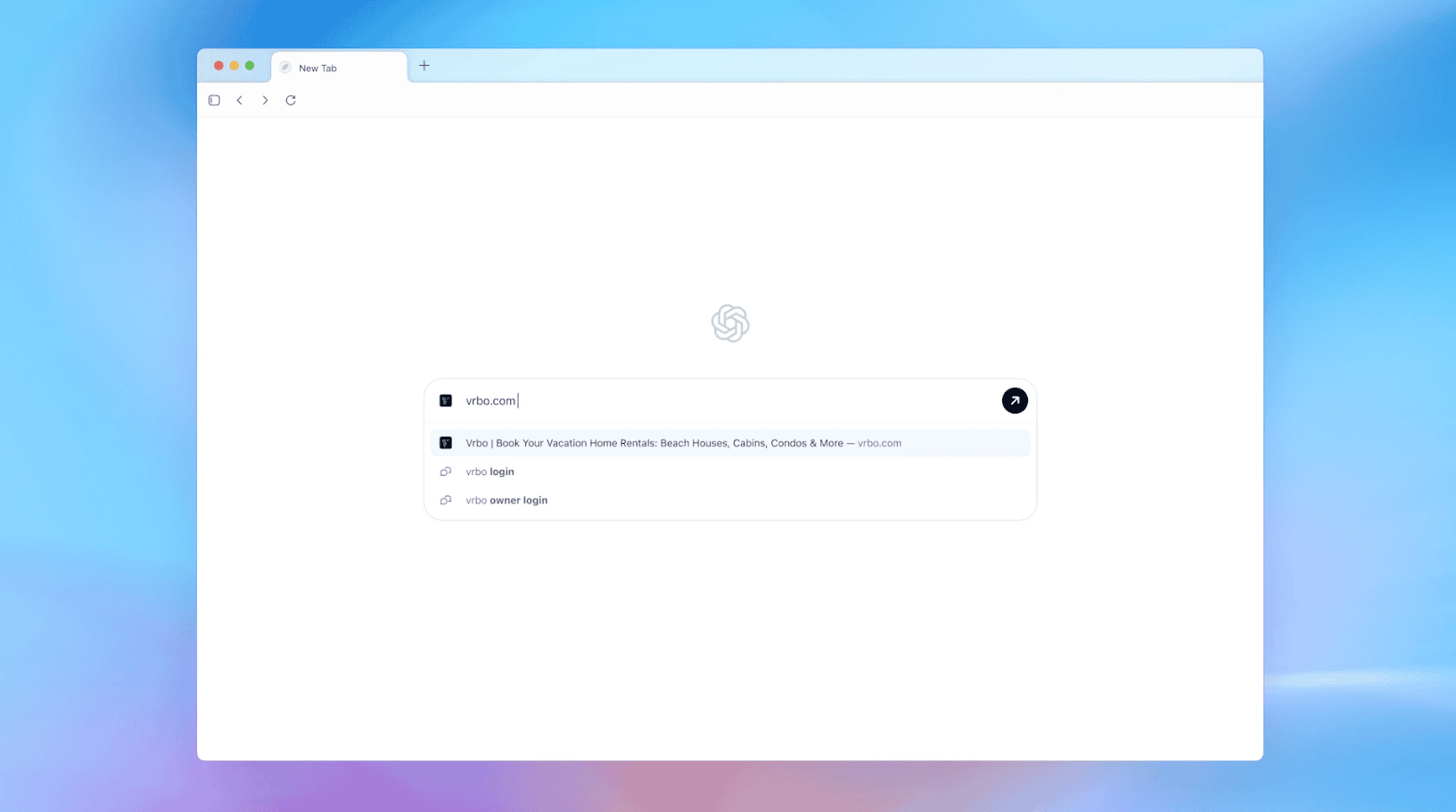
Additionally, you can even bring up a ChatGPT sidebar in any tab, making it feel more like a co-pilot for the web than a traditional browser. The browser’s memory feature allows Atlas to recall relevant details you’ve shared or explored earlier, offering contextual help when needed.
However, privacy controls remain front and center. Users can choose which sites ChatGPT can access, clear browser memories, and toggle Agent Mode permissions. When enabled, Agent Mode lets ChatGPT interact with websites. However, OpenAI says it operates within strict limits.
It can’t run local code, access your file system, or read passwords, ensuring that Atlas doesn’t overstep into personal data territory. What’s interesting is that Atlas also reimagines search. For example, when you look something up, you can easily switch between text, image, video, and news results.
For now, ChatGPT Atlas is available globally on macOS, with OpenAI confirming that Windows, iOS, and Android versions are coming soon. Agent Mode will debut in preview for ChatGPT Plus, Business, and Pro users. Interestingly, users who set Atlas as their default browser on macOS will receive a temporary boost in ChatGPT rate limits for up to seven days.

Read our disclosure page to find out how can you help Windows Report sustain the editorial team. Read more



Improve this guide




User forum
0 messages