
Google Lens in Chrome Now Works as a Full AI Sidebar Assistant
Chrome Canary now routes Google Lens into the same interface used by AI Mode. This turns the side panel into a unified assistant.


 3 min. read
  Updated on
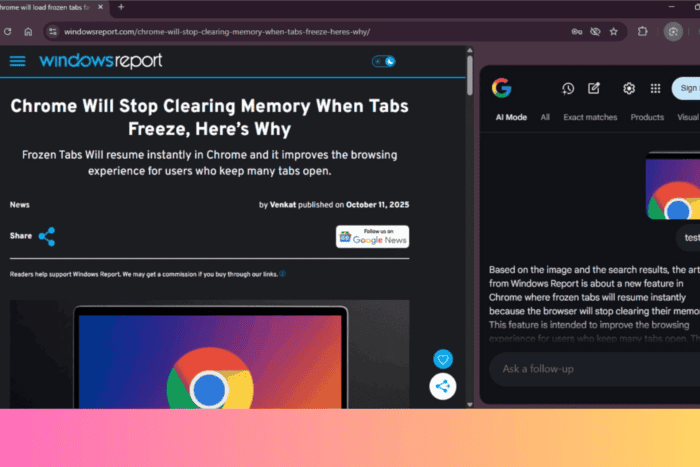
Google is testing another part of the AI Mode experience in Chrome Canary. We recently reported that AI Mode is moving into a native interface inside Chrome through the contextual tasks page. The latest update extends that work to the side panel, where Google Lens now routes into the same AI interface instead of a simple image result.
Google is changing how Google Lens works in Chrome. Lens is no longer just an image tool. It now opens Chrome’s native AI panel, and the side panel acts like a small assistant that works with page content and images in the same thread.
In this version, activating Lens does more than just highlight an image. It opens the AI panel on the right side of the browser. You see a clean layout with a chat box, suggested prompts, and quick actions. The panel can also read the page when you ask about it.
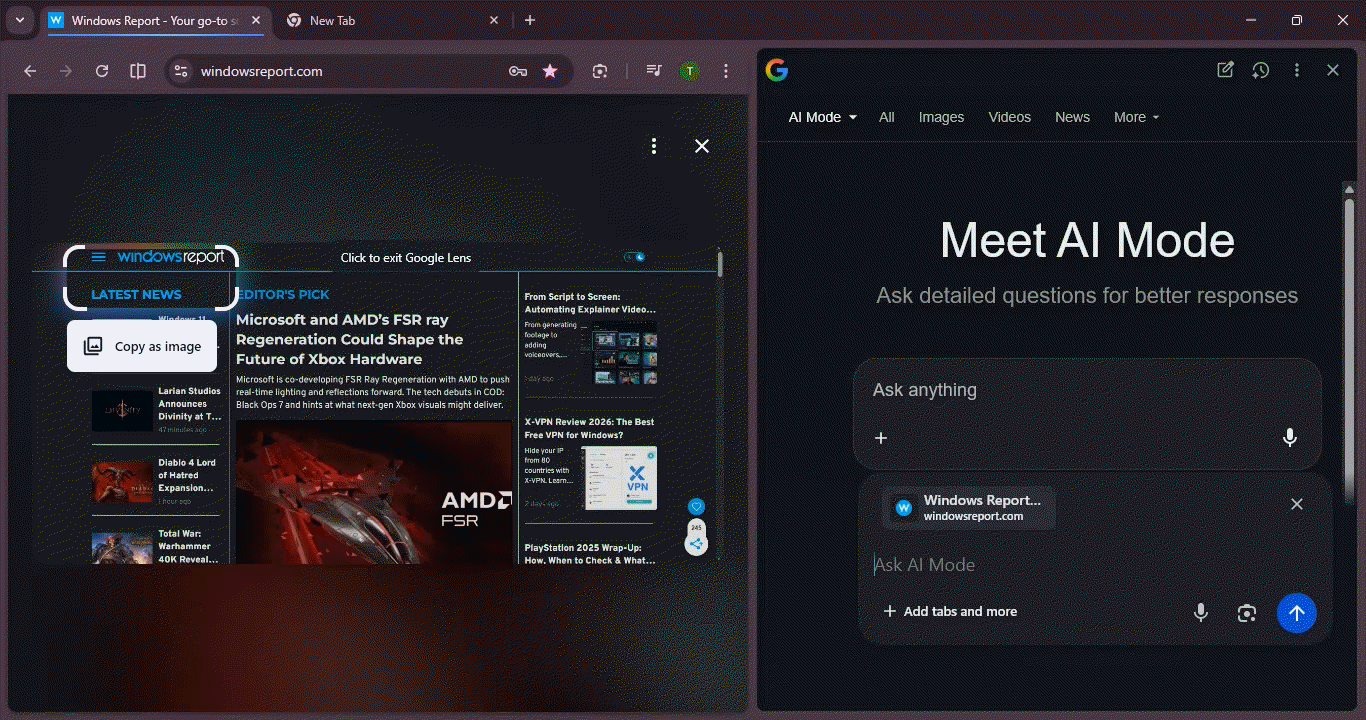
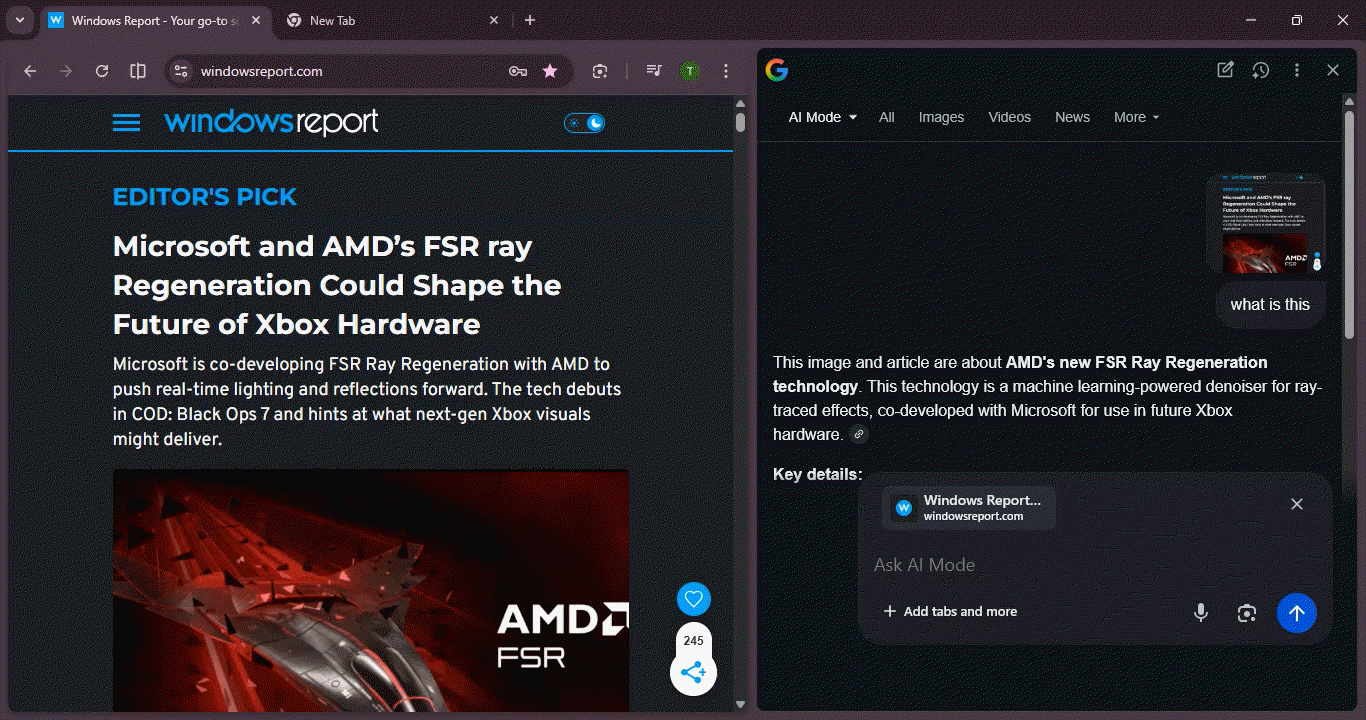
In our testing, we opened Lens on an article about AMD’s new FSR Ray Regeneration. The panel identified the topic and returned a short summary of the main points. AI Mode already works with open tabs and added files. This Lens path brings that behavior into the side panel and gives quick context without opening a new tab.
The side panel now includes more controls. You see options for New Thread, My Activity, Help, and Open in new tab. Selecting “Open in new ta”b moves the session to the chrome://contextual-tasks page and keeps the entire conversation intact. This shows that both views use the same system.
Lens also works as an image input inside the panel. You can add an image through the picker, and the panel responds in the same space. This keeps the task close to the page you are reading.
These changes give Chrome another entry into its native AI workspace. The side panel now joins the address bar button and the New Tab Page entry, and all of them share the same session.
The feature is still experimental. It appears only in the Chrome Canary desktop build, and parts of the layout continue to change. But this version shows how Google plans to use AI inside Chrome.


Read our disclosure page to find out how can you help Windows Report sustain the editorial team. Read more



Improve this guide




User forum
0 messages