
How to Fix Focus Mode Not Working in GTA 6


 4 min. read
 Published on
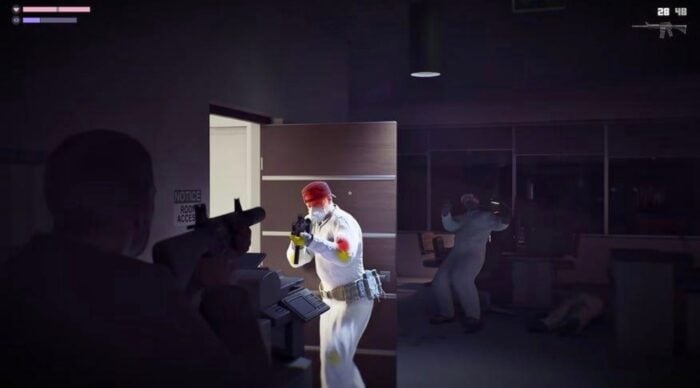
Earlier today, we detailed how to max health in GTA 6 in a separate guide. But if you are someone who is looking for fixes related to Focus Mode issues, this one is for you. As you may know, GTA 6‘s Focus Mode can make exploring Vice City considerably easier, especially when searching for valuables, enemies, police, or hidden clues. But some players have recently reported a frustrating bug where Focus activates without highlighting objects, characters, or other points of interest. If Focus slows down the world but stops highlighting nearby objects, you may be dealing with a gameplay bug rather than incorrect controls. Here’s what to try before restarting the entire game.
Table of contents
Why Focus Mode stops highlighting objects in GTA 6
GTA 6’s Focus Mode has two different functions. Regular Focus highlights nearby points of interest, while Combat Focus helps during gunfights by slowing time and marking targets.
Players have reported cases where combat functionality still works, but normal Focus stops highlighting police, characters, cameras, and other objects. One Reddit report describes the same issue, with a hard restart reportedly restoring the missing highlights.
1. Activate Focus Mode correctly
The first thing to check is whether you’re using the correct controller input.
- PS5: Click L3 and R3 simultaneously.
- Xbox Series X|S: Press both thumbsticks simultaneously.
Activate Focus without aiming your weapon to scan the surrounding area. It should highlight nearby points of interest and help locate items, enemies, and other interactive objects.
2. Switch characters and activate Focus again
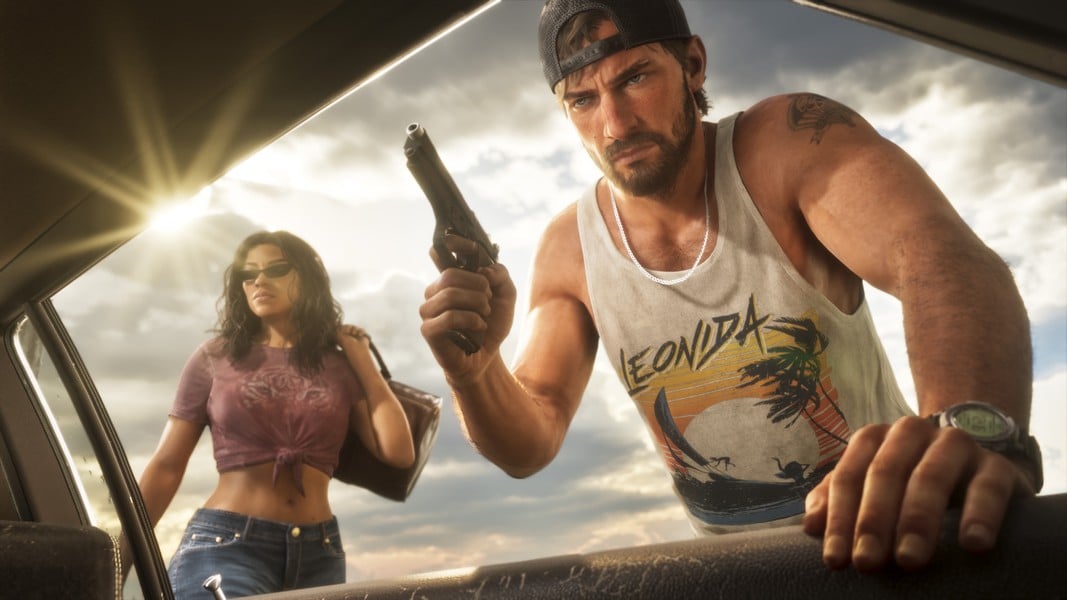
If Focus activates but nothing gets highlighted, try switching between Jason and Lucia. Both characters have access to Focus, and the ability works similarly for both.
After switching, return to the affected area and activate Focus again. This is a quick troubleshooting step, although players haven’t confirmed it as a permanent fix for the highlighting bug.
3. Reload your save
Save your game whenever possible, then reload that save. If the issue started after a mission or a particular activity, loading an earlier working save may help determine whether the problem is tied to that session. Don’t overwrite your only save if you suspect a mission-related bug.
4. Restart GTA 6 completely
This is currently the most promising workaround for the reported highlighting bug. Instead of returning to the main menu, completely close GTA 6 from your console’s dashboard. Launch the game again and load your save. Players reporting the issue say a full restart restored normal Focus highlighting, even when closing and reopening a save alone didn’t work.
5. Check your controls and game updates
If Focus still refuses to work correctly, check whether you have remapped your controller buttons. The default activation uses both stick clicks, but custom control layouts may change the input.
Also, install any available GTA 6 updates. Rockstar may address gameplay bugs through subsequent patches, although there’s currently no confirmed patch specifically fixing this Focus highlighting issue.
6. Understand when Focus actually drains
Regular Focus outside combat is generally free to use. Combat Focus, activated while aiming, consumes your purple Focus meter. If combat slow-motion stops working, your meter may be depleted rather than broken.
Wait for it to recharge or use Focus-restoring drinks. You can also improve the Focus stat through activities such as shooting range challenges, which help increase its effectiveness.
FAQs related to GTA 6’s Focus Mode not working
1. Why does Focus Mode work but not highlight anything?
Players have reported a bug where Focus activates but stops highlighting objects. A complete game restart has reportedly fixed it.
2. Does Focus Mode work for both Jason and Lucia?
Yes. Both characters can use Focus, and the ability works similarly for each.
3. Does normal Focus consume the purple meter?
No. Regular scouting doesn’t drain the meter. Combat Focus while aiming consumes it.
4. What is the quickest fix for broken Focus highlighting?
Completely close GTA 6 and relaunch it. This is the workaround currently reported by players.
5. Can a GTA 6 update fix the Focus bug?
Potentially. Rockstar could address it in a future patch, but no specific fix has been confirmed yet.

Read our disclosure page to find out how can you help Windows Report sustain the editorial team. Read more


Improve this guide

User forum
0 messages