
Microsoft Finally Brings Remote PC Connections to Windows App


 2 min. read
  Published on
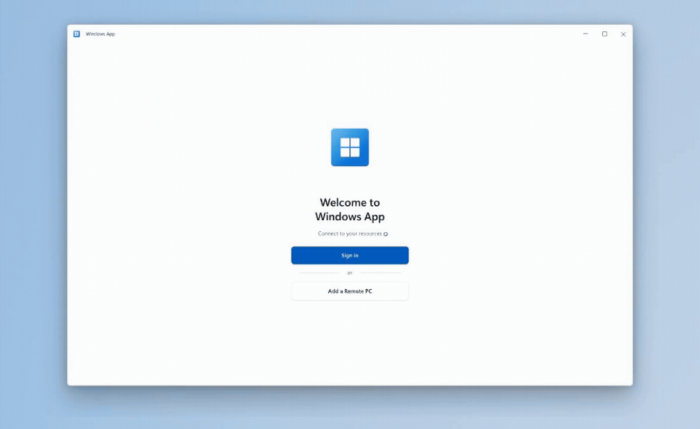
If you use Windows App for remote access, Microsoft just made the experience considerably more useful. Remote PC connections are now generally available, which gives users another way to access Windows devices remotely.
Windows App can now connect directly to your PC
Microsoft says Remote PC support lets users add direct connections to Windows PCs inside Windows App. You can connect to both physical and virtual Windows devices.
The feature does not require a work or school account. Users simply authenticate when connecting to their remote PC. You can add a computer using its PC name or IP address. Windows App also lets you customize display preferences and configure local resource redirection.
That makes Windows App more than a gateway for Microsoft’s cloud-based Windows services. Users can now manage traditional remote PC connections from the same application. Microsoft already supports Windows 365 Cloud PCs, Azure Virtual Desktop, and Microsoft Dev Box. Remote PC support now joins those options in one place.
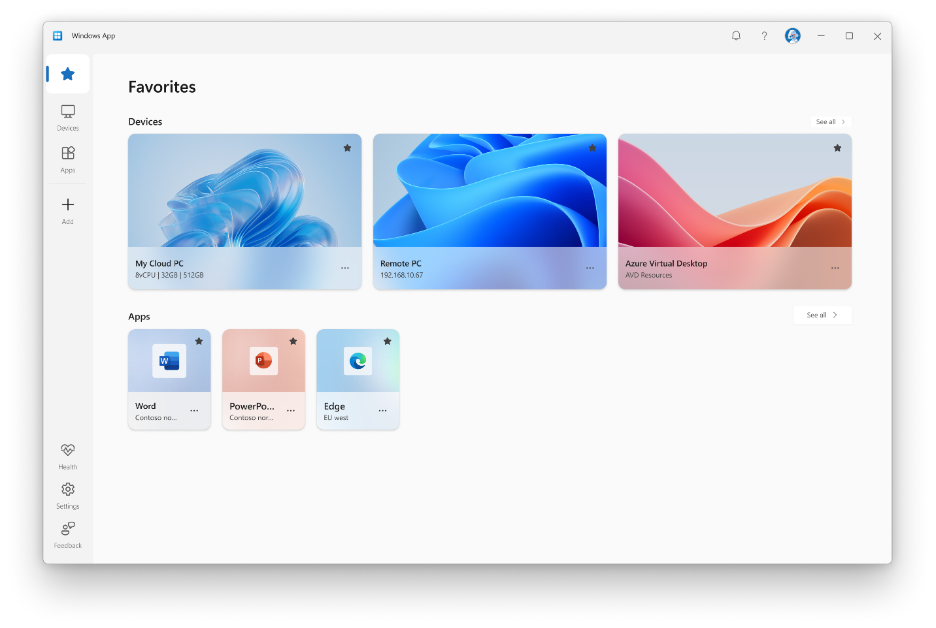
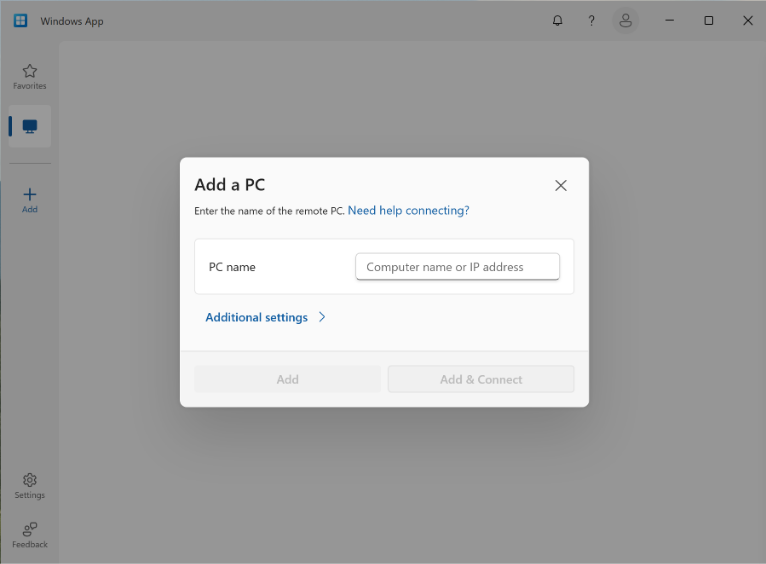
Image credit: Microsoft
Saving and managing remote PCs gets easier
Once you add a remote computer, Windows App can save the connection for future use. You can also pin frequently used devices to Favorites. This means you do not have to repeatedly enter the same connection details. Reconnecting to previously added PCs is also supported.
Microsoft says the feature should help users who rely on remote access for work, testing, learning, and everyday tasks. The company also thanked users who tested the feature during public preview. Getting started is fairly straightforward. First, enable Remote Desktop on the PC you want to access.
Then install or update Windows App through the Microsoft Store. Open the app, select Add a Remote PC, and enter the PC name or IP address. You can then choose Add or Add and Connect. Microsoft says Remote PC connections are now generally available on Windows App for Windows.

Read our disclosure page to find out how can you help Windows Report sustain the editorial team. Read more



Improve this guide


User forum
0 messages