
Microsoft Reveals Why You Won't Be Able to Drag the Windows 11 Taskbar


 2 min. read
 Published on
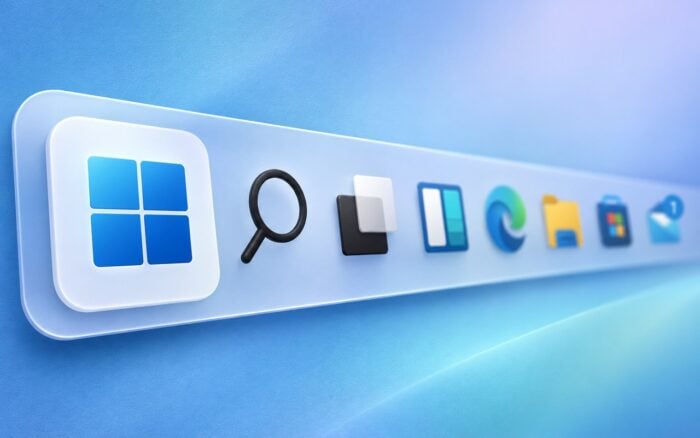
Microsoft has confirmed that Windows 11’s movable Taskbar will not support drag-and-drop repositioning, unlike Windows 10. The company says this is an intentional design decision aimed at preventing accidental movements.
Microsoft’s Vice President of Design, Diego Baca, explained that users sometimes moved the Taskbar accidentally in Windows 10, which was one reason the operating system included a Lock the taskbar option.
Microsoft prefers a dedicated setting for moving the Taskbar
According to Baca, most users choose their preferred Taskbar position and rarely change it afterward. Microsoft believes a dedicated setting offers a more predictable way to customize its position without risking accidental changes.
Baca also clarified that the lack of drag-and-drop support is a deliberate design choice rather than a missing capability, suggesting Microsoft has no immediate plans to introduce the behavior.
The new approach will still allow users to change the Taskbar’s position, but they will need to use Windows settings instead of dragging it directly.
Microsoft believes this provides customization options while avoiding some of the usability problems that existed in Windows 10.
In other news, Windows 11 KB5127936 fixes a Smart App Control bug introduced by the October 2026 update.
The company also addressed networking and recovery problems, as Windows 11 KB5127936 fixes Always On VPN issues and Microsoft released Windows 11 recovery updates KB5128977 and KB5130881.
Via Windows Central

Read our disclosure page to find out how can you help Windows Report sustain the editorial team. Read more


Improve this guide




User forum
0 messages