
Microsoft Teams channels get threaded replies, emoji-powered workflows, and more
More changes on how you hold conversation


 2 min. read
  Published on

Microsoft is rolling out a new set of updates for Teams, and this batch could make everyday chats and workflows smoother. The latest features are now available in public preview across desktop, web, and mobile.
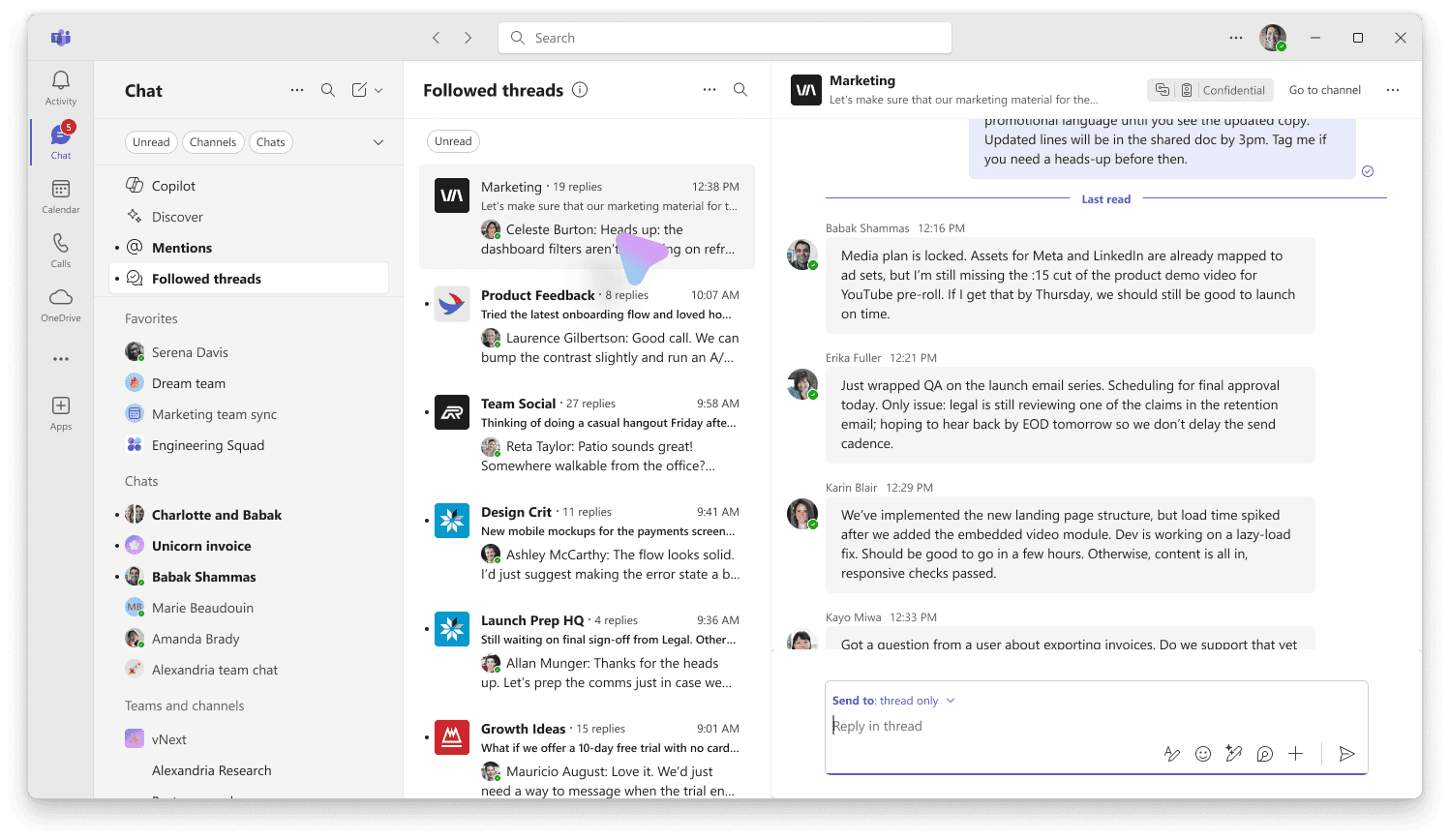
The biggest change is threaded conversations in channels. Instead of long reply chains cluttering the chat, replies now stay tucked neatly under the original message. If something needs more visibility, you can bump it to the main channel. You’ll also get the option to follow threads you care about, or unfollow when you don’t.

Both the new threaded view and the old Posts layout are supported, so channel owners can switch between them without losing any messages. But if you rely on bots, you’ll need to use the Threads layout, it’s the only one that supports them.
Alongside that, Teams now supports multiple emoji reactions on a single message, letting users respond with more than just a thumbs-up. Keyboard shortcuts can be customized too, which should help power users save time.
There’s also a new automation feature that ties emoji reactions to workflows. For example, reacting with a ❗️could create a helpdesk ticket if the Workflows app is enabled. It’s clever, but might lead to accidents if you’re not careful with your clicks.

Read our disclosure page to find out how can you help Windows Report sustain the editorial team. Read more



Improve this guide




User forum
0 messages