
Spotify Upgrades Lyrics Feature With More Translations, Offline Access & More


 2 min. read
  Published on

Spotify is rolling out three new upgrades to its lyrics feature, giving listeners a richer way to experience the songs and artists they love. Lyrics are already one of the platform’s most popular features, viewed hundreds of millions of times every day. The new updates make it easier to follow, understand, and enjoy the words in real time.
You can now read lyrics in your own language
Since launching translations in 2022, Spotify has gradually expanded the feature to meet listener demand. After reaching over 25 markets last year, translations are now available worldwide. Fans can unlock the meaning of songs across different languages.
For tracks with translations, tap the translate icon on the lyrics card. The translated lyrics appear beneath the original words. They match your device language, and you can switch back to the original lyrics at any time. These translations are available globally for Free and Premium users.
Follow along offline is now available for Premium users
Downloaded tracks now save the lyrics automatically. Whether you’re underground on your commute or flying at 30,000 feet, the words stay within reach without an internet connection. Offline lyrics are currently rolling out for Premium users worldwide.
See lyrics front and center
Lyric previews now appear directly beneath album artwork or short Canvas clips while songs play. Early tests suggest this layout makes it easier to engage with lyrics and helps listeners return to songs they discovered. You can also share favorite lines to social media directly from the Now Playing view.
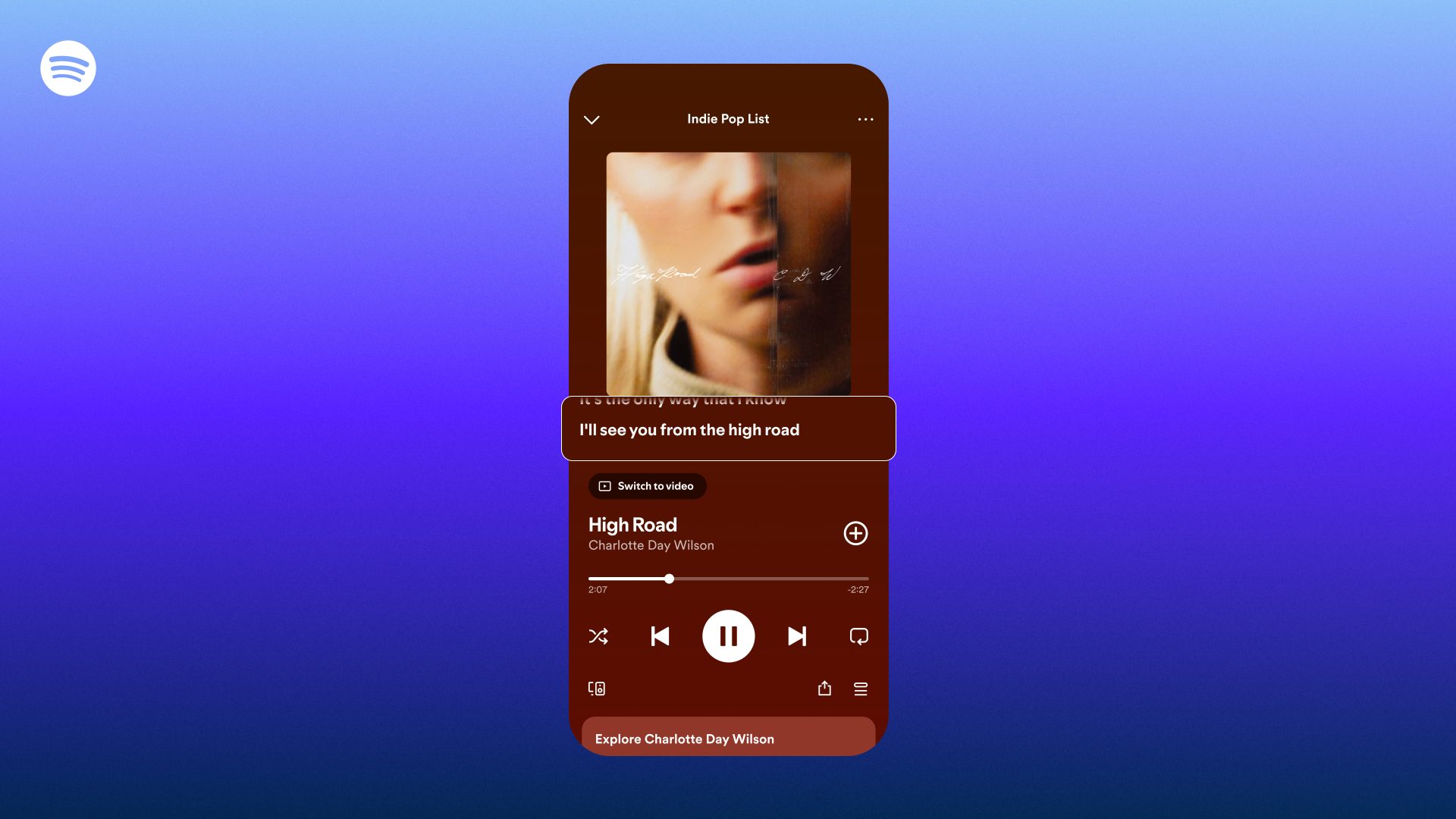
Lyric previews are available globally for Free and Premium users on mobile and tablet. You can turn previews off anytime via the three-dot menu. Moreover, Spotify says these updates are designed to bring listeners closer to the music and artists they love, making the connection smoother and more seamless than ever.

Read our disclosure page to find out how can you help Windows Report sustain the editorial team. Read more



Improve this guide



User forum
0 messages