
Windows 11 KB5089549 Fixes Taskbar Freeze and Explorer Bugs After Sign-In
Fixes taskbar freezes and slow desktop loading after sign-in


 2 min. read
  Published on
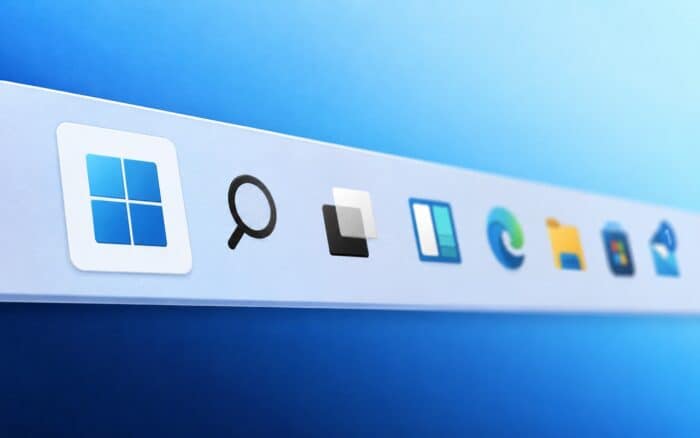
Microsoft has confirmed that a known Windows 11 issue could cause the taskbar to freeze after users sign in. The problem also affected desktop right-click menus, Task View, and File Explorer behavior on some systems, as Windows Latest reports.
The fixes are now rolling out through the May 2026 Windows 11 update KB5089549. Microsoft says the update improves explorer.exe reliability and reduces sluggishness after boot.
Taskbar and desktop freezes addressed
Some Windows 11 users reported seeing a blank or slow-loading desktop immediately after sign-in. In certain cases, the taskbar appeared several seconds late or stopped responding entirely.
Microsoft says KB5089549 fixes several explorer.exe reliability issues tied to startup behavior. The update also resolves cases where right-clicking the taskbar or desktop failed to respond.
Task View reliability has also improved. Some users previously experienced freezes or unresponsive behavior when switching between virtual desktops or opening Task View shortly after logging in.
File Explorer Quick Access fix included
The update also fixes a File Explorer issue where unpinning items from Quick Access sometimes did nothing.
Microsoft grouped the problem under the same broader explorer.exe reliability fixes. Users should now see more consistent behavior inside File Explorer after installing the update.
Startup apps should cause less slowdown
Microsoft says Windows 11 now handles startup apps more efficiently after boot.
The system should better balance CPU, memory, disk, and network usage so startup apps do not compete as aggressively for resources. This could reduce the sluggishness some users noticed after signing in, especially on systems with many background apps enabled.
Browser updaters, cloud sync apps, and other startup processes should now create less noticeable slowdowns during the first minutes after boot.
These fixes should make Windows 11 feel smoother immediately after sign-in, especially on systems with many startup applications running in the background.
More fixes included in KB5089549
KB5089549 also fixes incorrect BitLocker recovery prompts that appeared on some devices.
The update additionally adds a new SecureBoot folder as part of Microsoft’s ongoing Secure Boot certificate updates.
However, not every installation has gone smoothly. Some users report that KB5089549 fails to install, although Microsoft has already shared a temporary workaround for affected systems.

Read our disclosure page to find out how can you help Windows Report sustain the editorial team. Read more



Improve this guide


User forum
0 messages