
Xbox Insider Update Brings Rotating Backgrounds, Better Game Library Controls, and a Moveable Guide


 2 min. read
 Published on
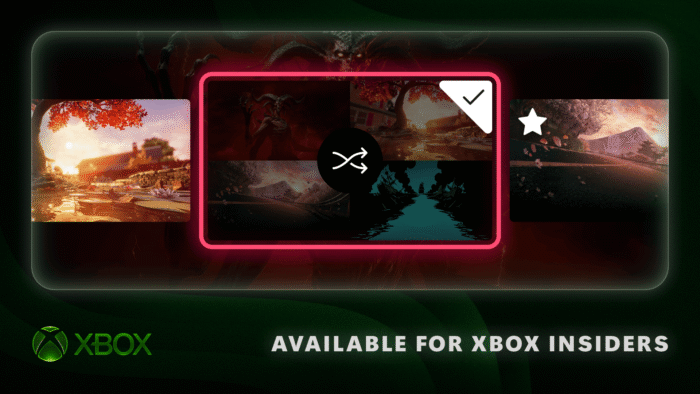
Xbox is giving players more control over how their consoles look and feel. Yesterday, the gaming division of Microsoft announced three new personalization features for Xbox Insiders, covering Home backgrounds, game libraries, and the Guide. The changes are rolling out first to Alpha Skip-Ahead members, with wider availability planned later.
Xbox Home backgrounds can now change automatically
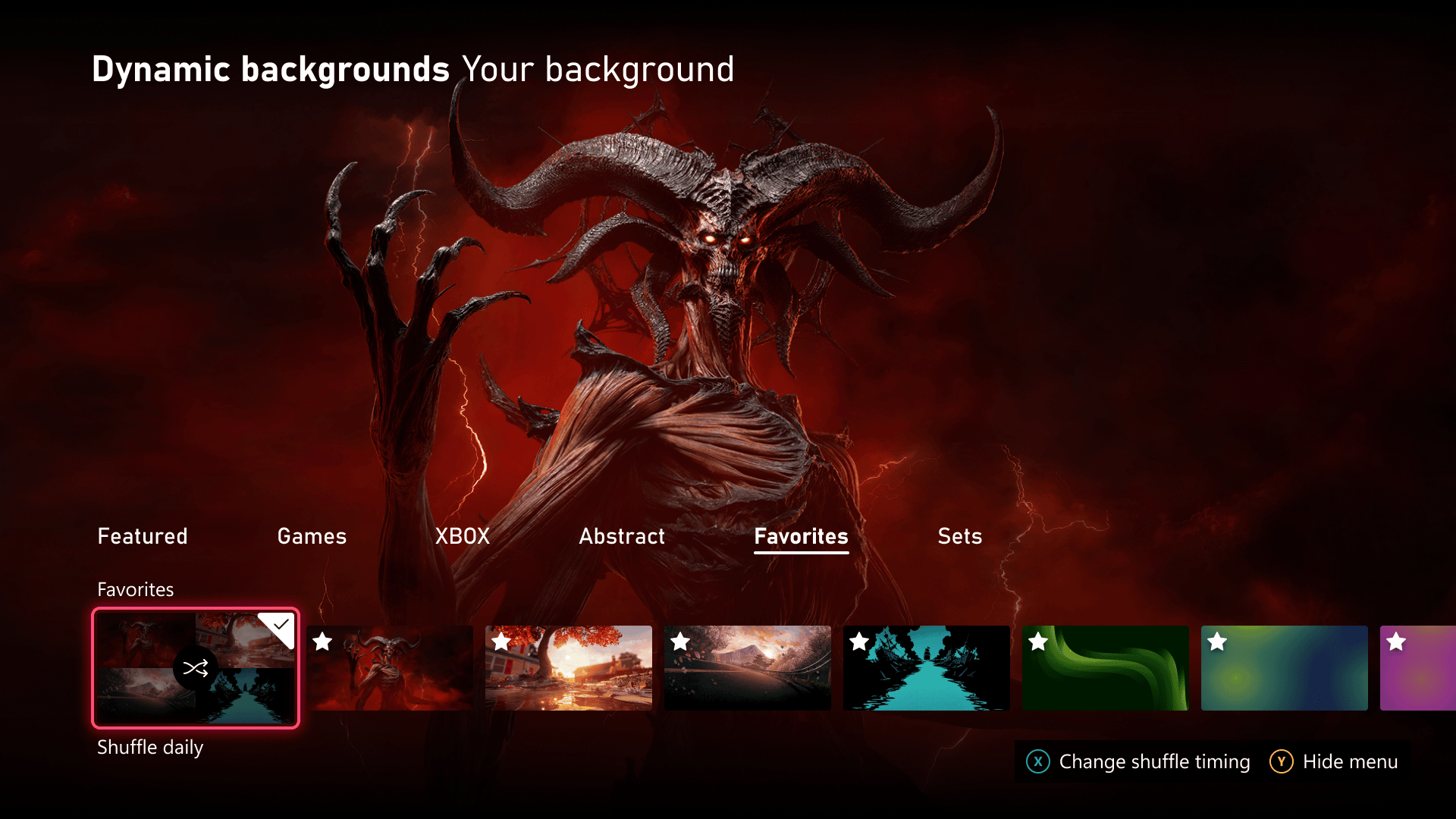
Aming the highlights are rotating dynamic backgrounds. Xbox Insiders can now save their favorite dynamic backgrounds and shuffle through them automatically. This means players no longer need to manually change their Home screen appearance every time they want something different.
Microsoft is also adding several shuffle options. Players can make backgrounds change whenever they sign in or set them to rotate hourly, daily, or weekly. They can shuffle saved favorites or choose an entire background category.
To save a background, head to Settings, General, Personalization, My Background, and Dynamic Backgrounds. Select your preferred background and press X to add it to Favorites.
Interestingly, this also works with exclusive controller backgrounds. Microsoft says players can save backgrounds tied to special controllers and continue using them even when those controllers aren’t connected.
Xbox makes digital game libraries easier to manage
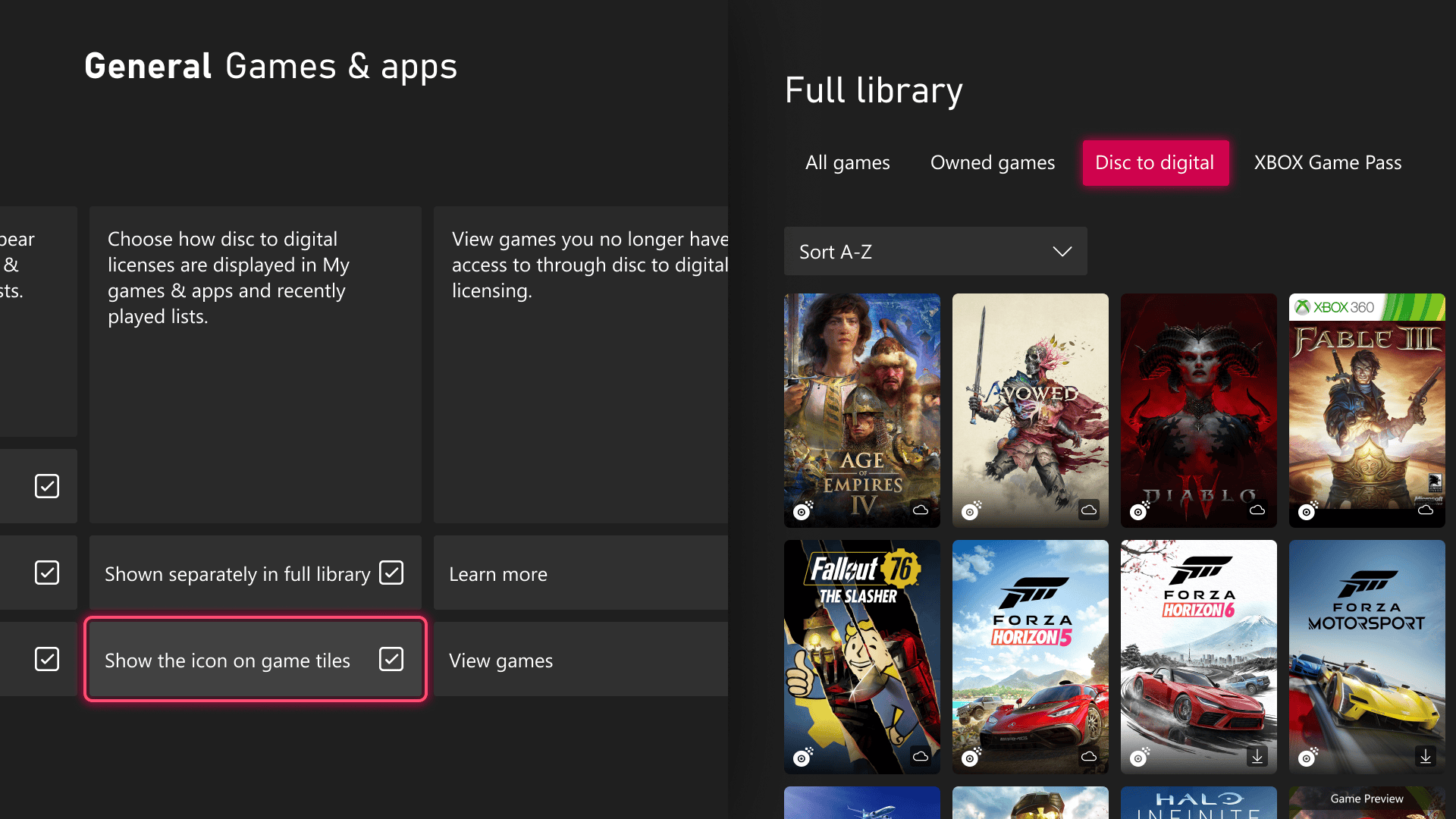
Microsoft is also improving how digital licenses for disc-based games appear in the library. Since August, Xbox players have been able to claim digital licenses for eligible disc-based games. Now, Insiders can view those titles in a separate category within their full library.
Players who prefer the traditional layout can switch back through Settings, General, Personalization, and Games & Apps. The same menu also lets users hide the digital license icon displayed on game tiles.
The Xbox Guide can finally move to the right
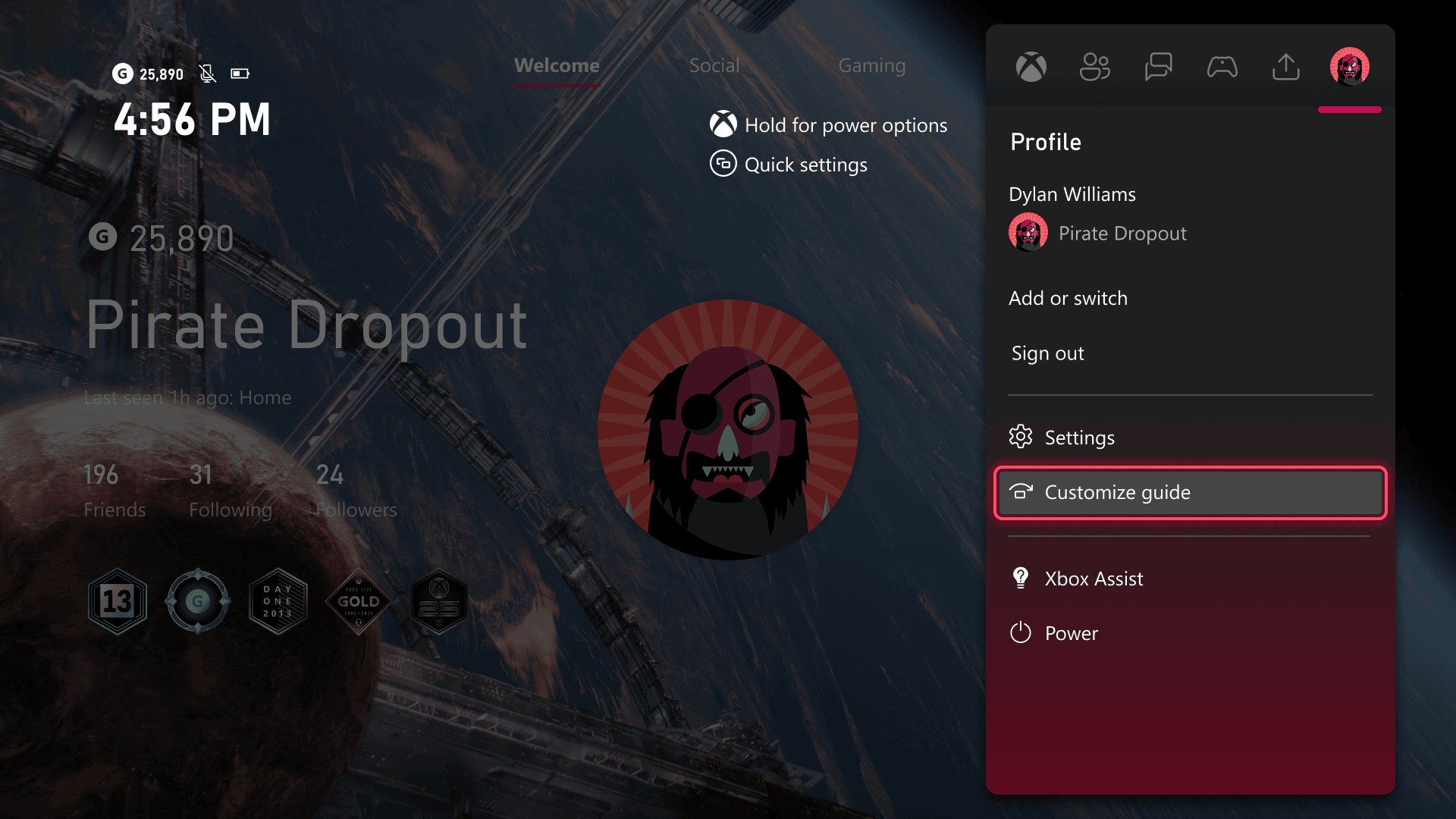
Another welcome change lets players choose which side of the screen opens the Xbox Guide. Insiders can now move it from the left to the right, depending on their preference.
The setting is available under Settings, General, Personalization, and Guide. That being said, these features are still in testing.

Read our disclosure page to find out how can you help Windows Report sustain the editorial team. Read more


Improve this guide



User forum
0 messages