
How to Login to Army Email: Fast, Secure Steps


 3 min. read
  Published on

Learn how to login to Army email securely through webmail and official DoD portals. This guide explains the steps for desktop and mobile users, plus common login issues and fixes.
Table of contents
How to Access Your Army Email?
1. Use the Official Webmail Portal
To sign in through the Army’s official webmail, follow these steps carefully:
- Go to Army 365 Webmail.
- Insert your Common Access Card (CAC) into the card reader.
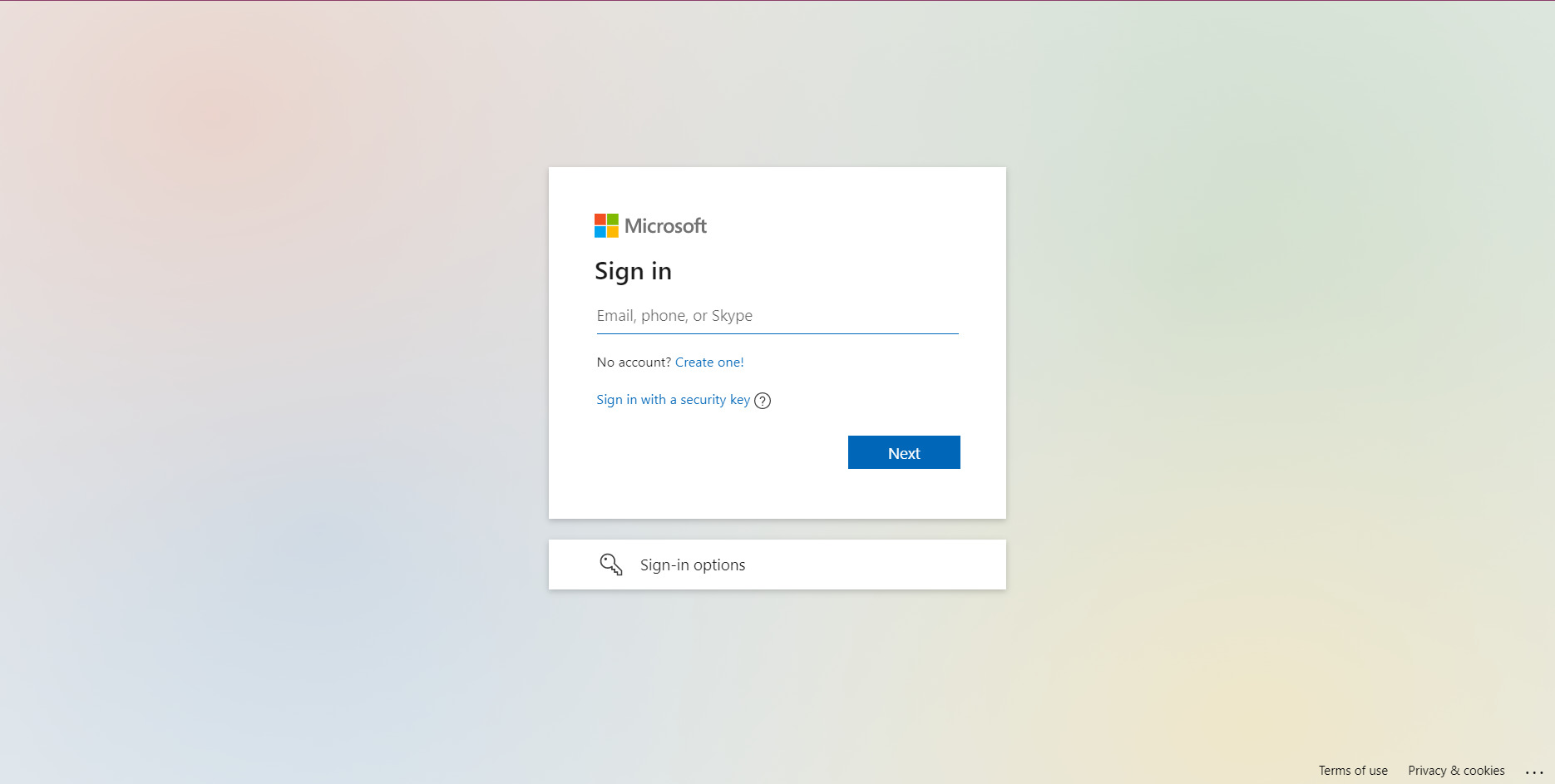
- Select the Authentication certificate when prompted.
- Enter your PIN to proceed.
If you also use Outlook for personal or work emails, you can follow this separate guide on how to login to Outlook email.
2. Login on a Government Computer
If you are on a government-issued computer, the process is slightly different:
- Press Ctrl+Alt+Del and select Switch User.

- Insert your CAC card into the reader.
- Enter your PIN and select the Army account.
- You will be logged into your Army email automatically.
3. Access from a Personal Device
When using your own phone or computer, install and configure the approved apps:
- Download the Microsoft Authenticator app.
- Use the Outlook app for Army 365 accounts.
- Sign in with your Army.mil credentials.
- Approve login via CAC or MFA (multi-factor authentication).
Many users also rely on cloud services for productivity. If you need guidance, here’s how to login to OneDrive to sync and store your files securely.
Common Problems and Solutions
If you are having trouble signing in, try these troubleshooting steps:
- Clear the browser cache before retrying.
- Use Microsoft Edge or Chrome for compatibility.
- Update root certificates if you cannot select your CAC certificate.
- If issues continue, contact your unit’s IT support or DoD help desk.
Why CAC and MFA Are Required?
Army email requires CAC authentication and MFA to prevent unauthorized access and protect DoD communications. Even on personal devices, use approved apps and authentication steps.
FAQs
You cannot fully access Army email without a CAC. Limited mobile access may be possible with Army 365 and MFA.
Yes. Install Outlook, authenticate with CAC or MFA, and follow Army 365 setup instructions.
Army 365 is the cloud-based Microsoft platform used for official Army email and collaboration tools.
Army 365 is built on Microsoft cloud services, so Outlook is the supported client for full functionality.
Final Take
To login to Army email, use the Army 365 Webmail portal or the Outlook app with CAC or MFA. Following the right steps ensures secure access across all devices. If you also manage personal accounts, it may help to know how to login to Gmail quickly and securely.

Read our disclosure page to find out how can you help Windows Report sustain the editorial team. Read more



Improve this guide




User forum
0 messages