
BrandCrowd Logo Maker Review: Can It Replace Traditional Design Tools?


 6 min. read
  Updated on
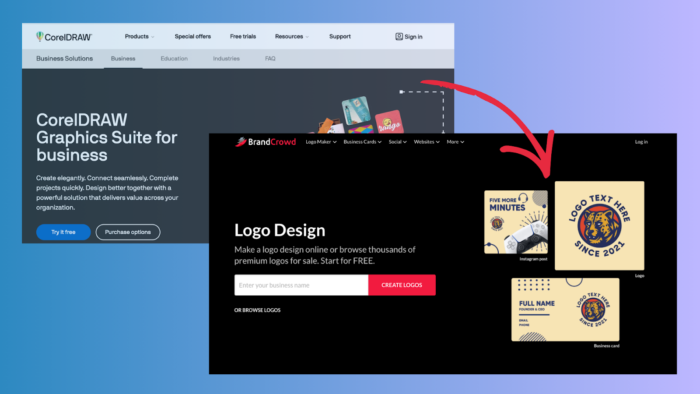
Designers have long relied on traditional design tools like Illustrator or CorelDRAW to create logos and visual identities. These programs give fine‑grained control but come with steep learning curves and require design expertise. Meanwhile, online logo generators and logo maker platforms like BrandCrowd promise fast results with minimal technical skills. Today we will explore whether BrandCrowd’s workflow, features, and output quality can genuinely stand in for classic design software, especially for everyday users, startups, and small companies that do not have dedicated designers.
Traditional Design Tools Versus Modern Platforms
What Traditional Tools Offer
Traditional graphic design applications remain industry standards because they give designers total control over every visual detail:
- Precise vector editing with path manipulation.
- Full control over typography at the glyph level.
- Integration with professional print workflows.
- Unlimited layering, masking, and effects.
Tools like Adobe Illustrator or Affinity Designer have been the default choice for agencies and design professionals for decades due to these deep capabilities. But they also require training, time, and a creative foundation most everyday users do not have.
Limitations for Everyday Users
For someone launching a side business or building a personal brand, traditional design software can feel intimidating. Learning curves are steep, trial and error is common, and results depend heavily on design knowledge. Beginners often end up with inconsistent layouts, improper file exports, or logos that look great on screen but fall apart in print. This disconnect has created demand for simpler logo maker tools that automate repetitive tasks and reduce the need for design expertise.
What BrandCrowd Is and How It Works
BrandCrowd is an online logo generator and branding suite that focuses on usability. It offers:
- A huge library of professionally crafted templates (over 230,000 designs).
- A drag‑and‑drop editor that works right in your browser.
- Suggestions powered by smart tools often called AI logo generator features, though they are based on structured templates rather than free‑form AI art.
Where a traditional tool forces you to build a logo from scratch, BrandCrowd asks for a few details and instantly shows you options to refine. Templates cover many industries and styles, so you can explore directions quickly without having to understand grids, bezier curves, or vector paths.
Workflow Comparison: Traditional Tools vs BrandCrowd
1. Starting a Project
Traditional Tools
- You build from a blank canvas.
- You choose fonts, icons, shapes, and layouts manually.
- You must know how to organize layers and use vector tools.
BrandCrowd
- Enter your company name and keywords.
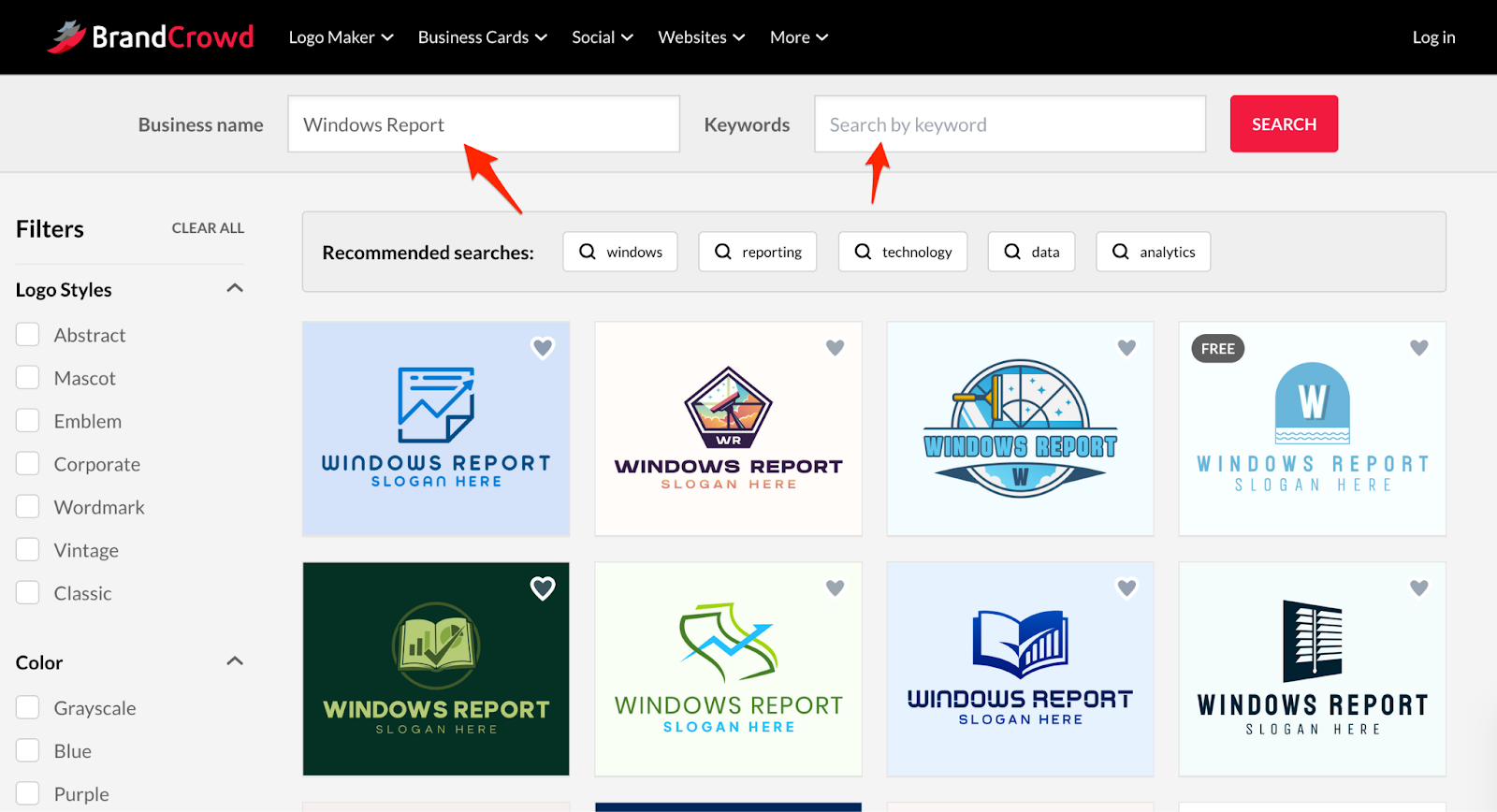
- See relevant logos immediately based on a library of templates.
- Select a starting point and customize colors, text, and layout.
BrandCrowd’s flow focuses on iteration and choice rather than construction. This makes it far more approachable for someone who simply needs a usable logo without learning design fundamentals.
2. Customization and Control
Traditional Tools
- Unmatched freedom: move nodes, adjust kerning, create custom shapes.
- Ideal for designers who need unique visuals.
BrandCrowd
- Predictable editing: change fonts, colors, layout blocks.
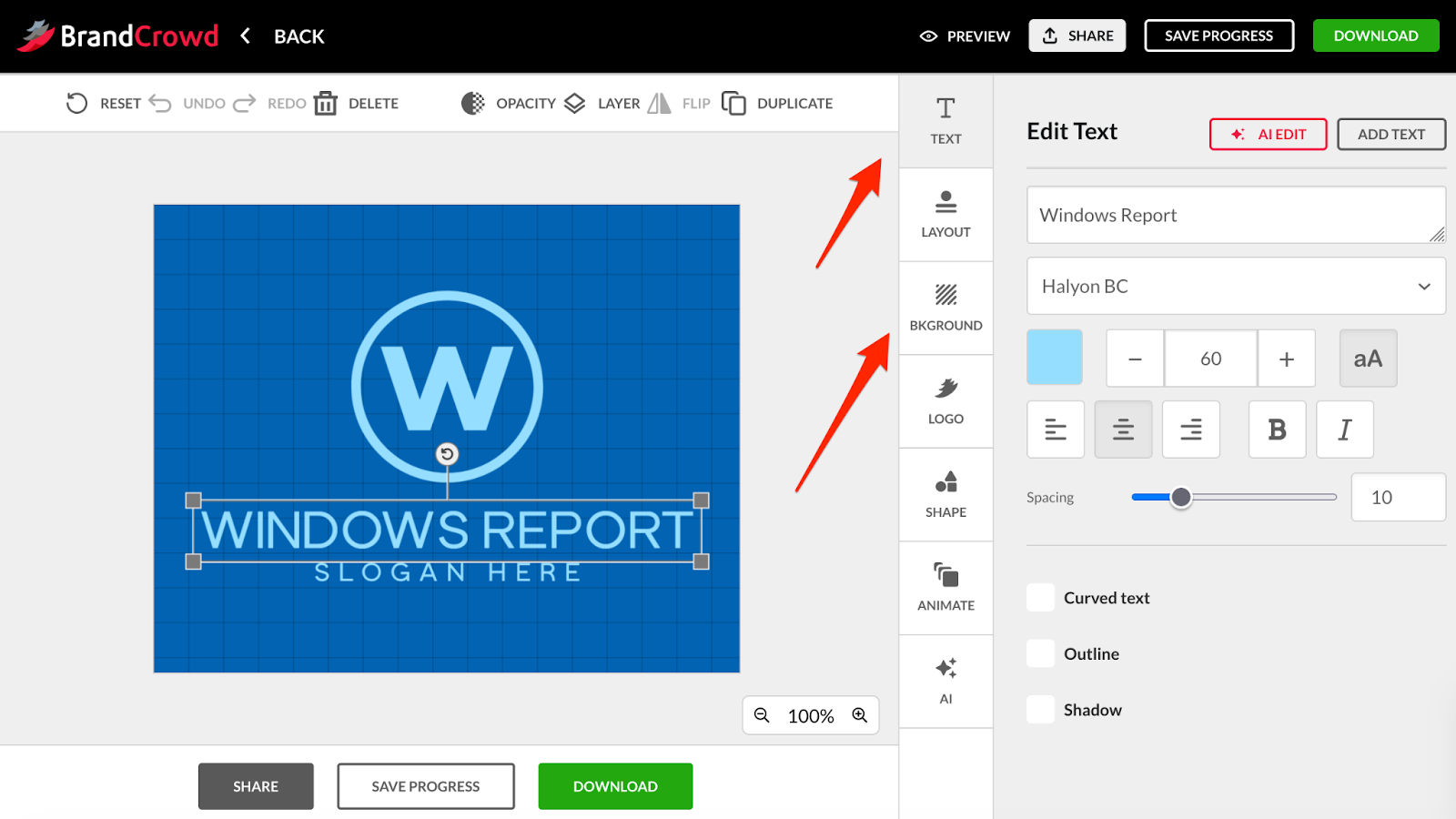
- Limited deep design control: you cannot upload custom fonts or create native vector shapes from scratch.
BrandCrowd shines when you want a logo that looks good and functions well across digital and print without spending hours tweaking details. However, if your brand demands something highly unique or you want to sculpt every visual angle, traditional tools still win.
Template Quality and Design Outcomes
BrandCrowd’s template ecosystem comes from professional designers rather than being purely generated by an algorithm. This hybrid approach means logos tend to look intentional and structured, even if they are based on pre‑made patterns.
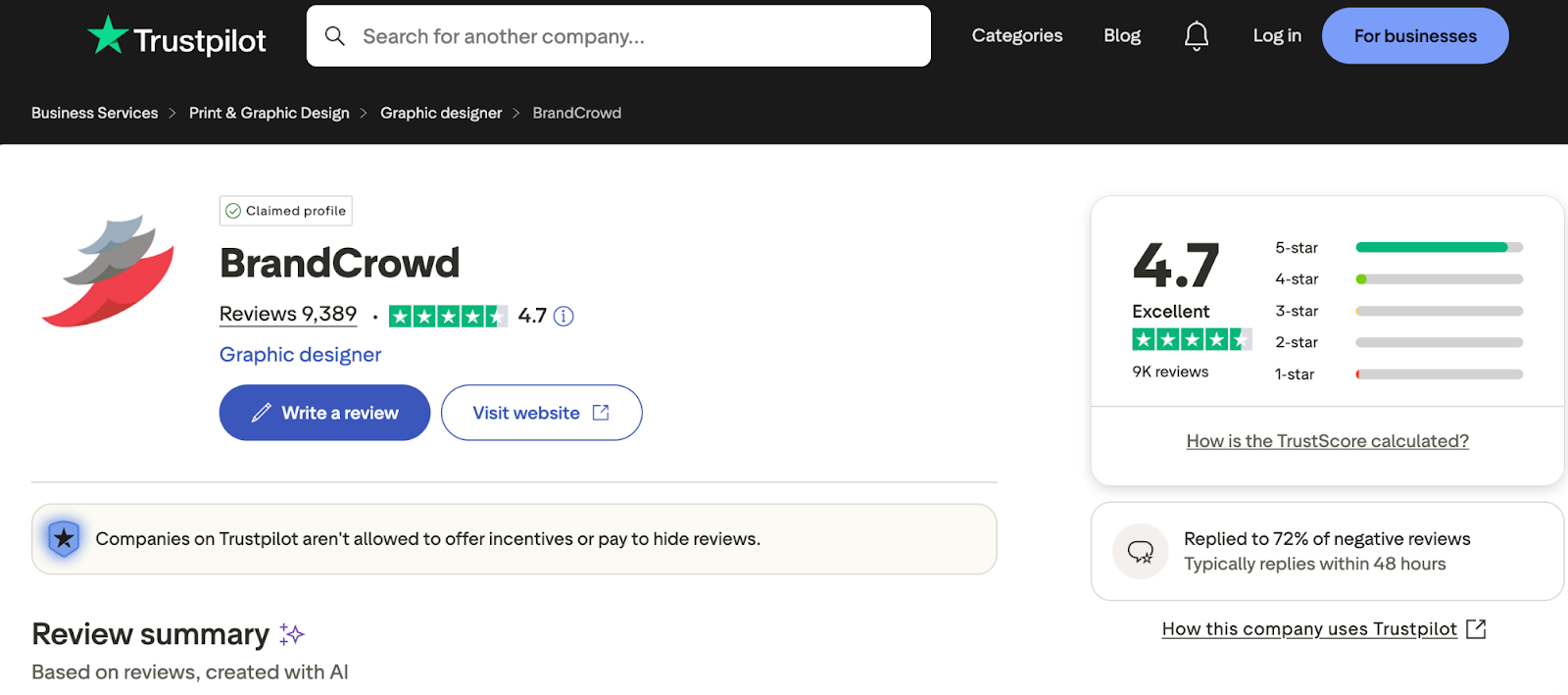
Users report that designs feel refined and usable for real business use, and the platform scores a strong rating around 4.7 out of 5 from thousands of reviews on Trustpilot.
One of BrandCrowd’s strengths is how it packages brand extensions into the workflow. After picking or editing a logo, the platform can carry your colors, fonts, and design style into business cards, social graphics, and other assets.
This helps everyday users maintain a consistent identity without manual effort that would otherwise be required in traditional design tools.
Why We Recommend BrandCrowd
Real Efficiency
For most entrepreneurs and small business owners, the time from idea to usable logo matters. BrandCrowd lets you generate ideas quickly and refine them without advanced skills. Users often create logos in minutes rather than hours or days.
Quality Where It Counts
Templates in BrandCrowd’s library are crafted with professional design principles, and multiple file formats (like SVG, PDF, PNG, JPG) are available for export. This is critical for logos that must appear on websites, business cards, or merchandise.
Strong User Feedback
With nearly 10,000 customer reviews and high satisfaction scores, many users praise the ease of navigating the interface and the breadth of design options. While not perfect, BrandCrowd earns praise for helping users produce professional branding without a designer.
Pricing and Value
BrandCrowd offers a free tier where you can browse templates and start designing at no cost. Paid options unlock high‑resolution downloads and commercial rights. Plans are generally affordable compared to hiring a professional designer or buying software licenses for traditional tools.
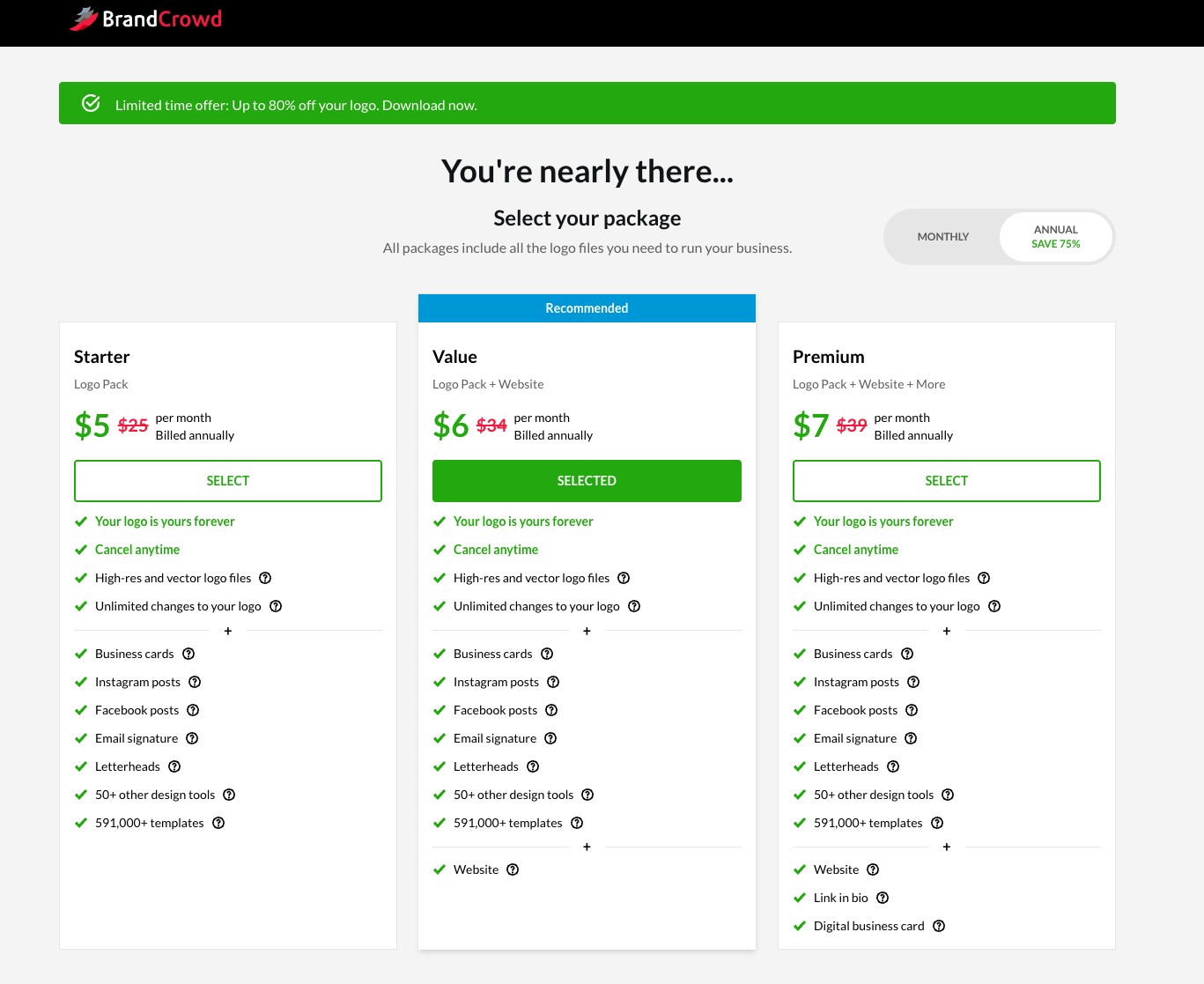
Be aware that some advanced features and exclusive logo ownership options require additional purchases. This means if you want a one‑of‑a‑kind logo that no one else can use, you may pay more than the base price to secure exclusivity.
Verdict: Does BrandCrowd Replace Classic Software?
For everyday users, startups, and small businesses, BrandCrowd is a compelling alternative to traditional design tools. It cannot replicate full creative freedom offered by professional‑grade software, but it bridges the gap between DIY logo creation and professional design output. Its focus on templates, structured editing, and branding workflow makes it ideal for anyone who wants a good logo quickly without mastering complex design skills.
If your goal is a distinctive, custom‑crafted brand symbol for a major market launch or trademark filing, traditional tools or a human designer remain more capable. For most real world logo and brand kit needs, BrandCrowd delivers professional results with a fraction of the effort and cost.


Read our disclosure page to find out how can you help Windows Report sustain the editorial team. Read more



Improve this guide

User forum
0 messages