
How to Transfer Data to Samsung Galaxy S26: Smart Switch, Cloud or Wondershare MobileTrans


 4 min. read
  Published on
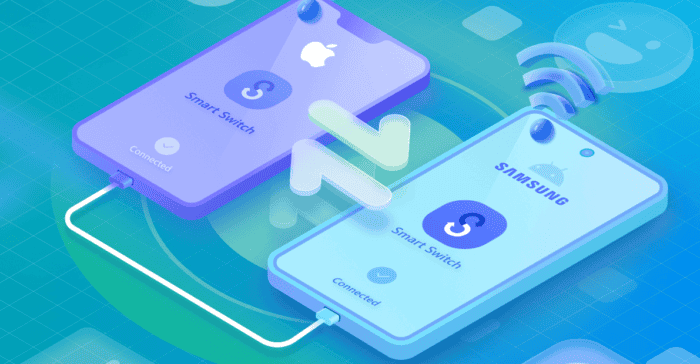
The Samsung Galaxy S26 is one of the most anticipated smartphones of the year, and many Android users are preparing to upgrade for better performance, improved cameras, and longer battery life. However, moving to a new phone isn’t always seamless. Data transfers can take time, some files may fail to transfer properly, and there’s always a risk of losing important information.
Fortunately, there are several ways to transfer data to a Galaxy S26. Some options are built into Samsung devices, while others rely on cloud backups or third-party tools. Understanding how these options work can help you transfer your data more safely and efficiently.
1. Samsung Smart Switch
One common option is Samsung Smart Switch, Samsung’s official data transfer tool. It supports both wired and wireless transfers and can move contacts, messages, photos, videos, and apps.
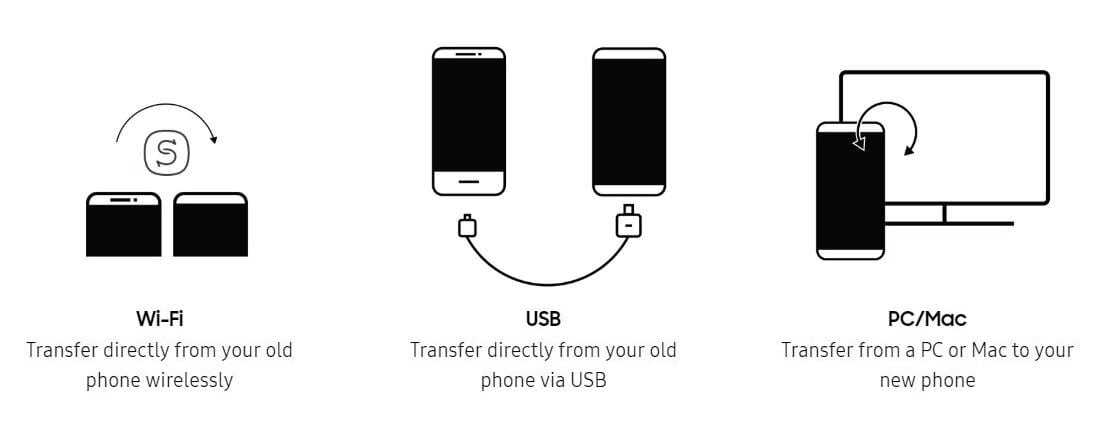
Smart Switch also works with iPhones running iOS 5.0 or later, facilitating a smooth transition from iOS to the Android ecosystem. Data can be transferred via USB, Wi-Fi, or through a computer backup, and users can also back up an old Galaxy phone to a PC or Mac and restore it to a new device. However, large transfers over Wi-Fi can be slow, and some older Android devices or custom ROMs may require additional setup.
2. Cloud Backups
Another option is using cloud backup services like Google Drive or iCloud. These services store a copy of your phone data online so it can be restored later on the Galaxy S26. Cloud backups are convenient because they don’t require cables and both devices don’t need to be nearby. However, the process depends on internet speed. Uploading and downloading large files can take time, and free storage plans may not provide enough space for large backups.
Some users prefer manual transfers through a computer. By connecting both phones to a PC or Mac with USB cables, files can be copied directly between devices. This method gives full control over which files are transferred and works well for large media libraries, since USB transfers are usually faster than cloud uploads. However, manual transfers can be time-consuming, and important files may be missed during the process.
3. Wondershare MobileTrans
Because of these limitations, many users start looking for easier ways to transfer data to Samsung devices. One popular solution is Wondershare MobileTrans, a tool designed specifically for phone-to-phone data migration. The software offers both mobile and desktop versions and supports transfers between Android and iOS devices.
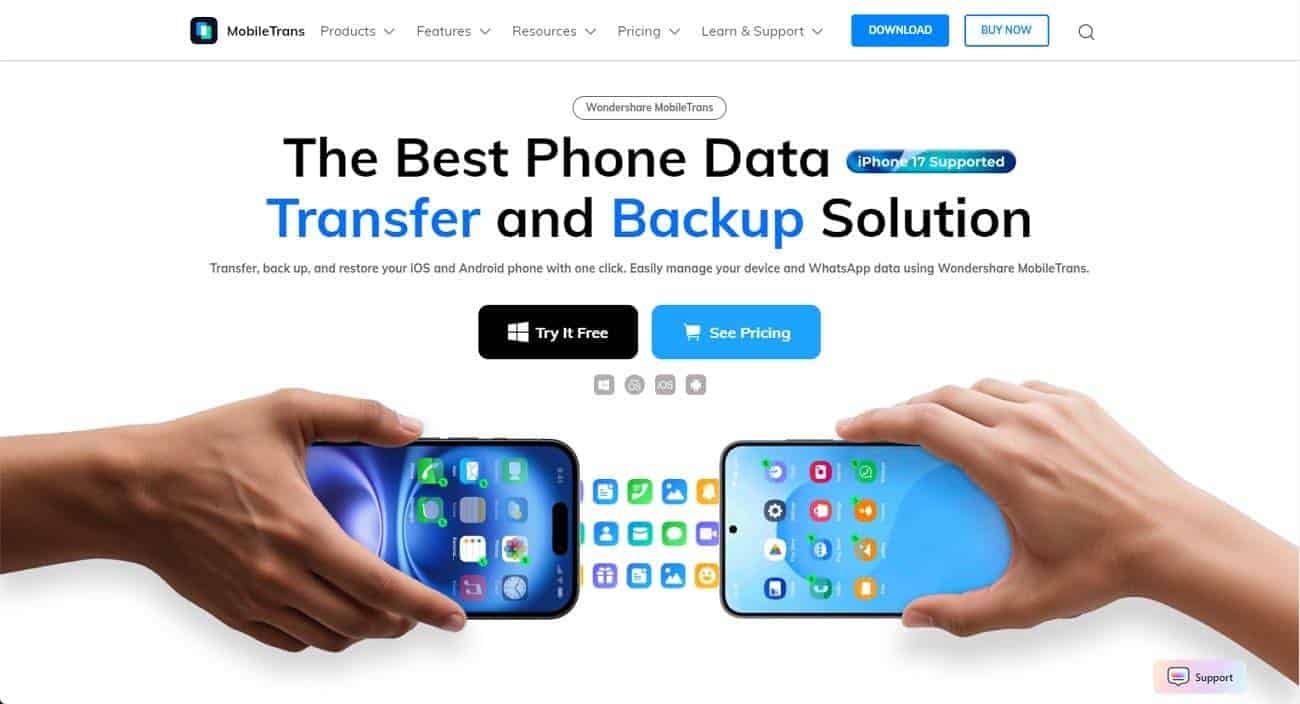
Wondershare MobileTrans focuses on speed and convenience. The tool can complete transfers in just 2–3 steps and supports 18data types, including contacts, messages, photos, videos, and apps. According to the company, a 1GB video can be transferred in about 30 seconds, with an average speed of 30MB/s. The software also uses military-grade encryption to protect user data and performs transfers directly between devices without requiring cloud storage or Wi-Fi. With compatibility for 6000+ mobile devices, it allows users to transfer data between Android-to-Android, iOS-to-iOS, or cross-platform combinations such as iOS to Samsung. If you’re upgrading to a new Samsung device, it’s also useful to understand the latest software features like One UI updates and compatible devices.
Using MobileTrans is straightforward. After opening the software, connect both devices and select the Phone Transfer option. Choose the data types, and then start the transfer. Once the process finishes, you can check the Galaxy S26 to confirm that all selected files have been transferred successfully.
Upgrading to the Samsung Galaxy S26 should be exciting rather than stressful. Whether you rely on Samsung’s native tools or opt for the lightning-fast efficiency of Wondershare MobileTrans, the goal is the same getting your life back onto your new screen without missing a single photo or message. Ready to make the switch? Start your migration today.


Read our disclosure page to find out how can you help Windows Report sustain the editorial team. Read more



Improve this guide


User forum
0 messages