
Malicious Perplexity AI Chrome Extension Removed After Microsoft Warning


 2 min. read
  Published on

A malicious Perplexity AI-themed Chrome extension has been removed from the Chrome Web Store after Microsoft researchers found that it could capture user searches and keystrokes.
Microsoft’s Defender Security Research Team identified the extension under the name “Search for perplexity ai.” The extension pretended to be connected to Perplexity AI, but it routed browser searches through a typosquatted domain instead of the real perplexity.ai website.
Although Google has removed the extension from the Chrome Web Store, users who installed it before its removal may still have it active in their browser.
Fake Perplexity Extension Captured Chrome Searches
The malicious extension requested permission to become Chrome’s default search engine. This gave it access to searches typed directly into the browser’s address bar.
According to Microsoft, the extension could log full search requests, including the search query, HTTP headers, user-agent details, and the user’s source IP address.
More concerningly, the extension could also capture real-time keystrokes while users were still typing, before they pressed Enter. After collecting the data, it redirected users to a selected search provider.
Microsoft Found Suspicious Permissions and Infrastructure
Microsoft said the extension used the declarativeNetRequest permission to redirect traffic and rewrite URLs.
This permission can serve legitimate purposes, but Microsoft noted that the fake Perplexity extension did not need it for its claimed search functionality. That made the permission request suspicious.
The extension also used a fake Perplexity-related domain and included its own server-side infrastructure code. Microsoft said this exposed parts of the attack architecture, although the operator behind the extension and domain remains unknown.
How to Check If You Installed the Malicious Extension
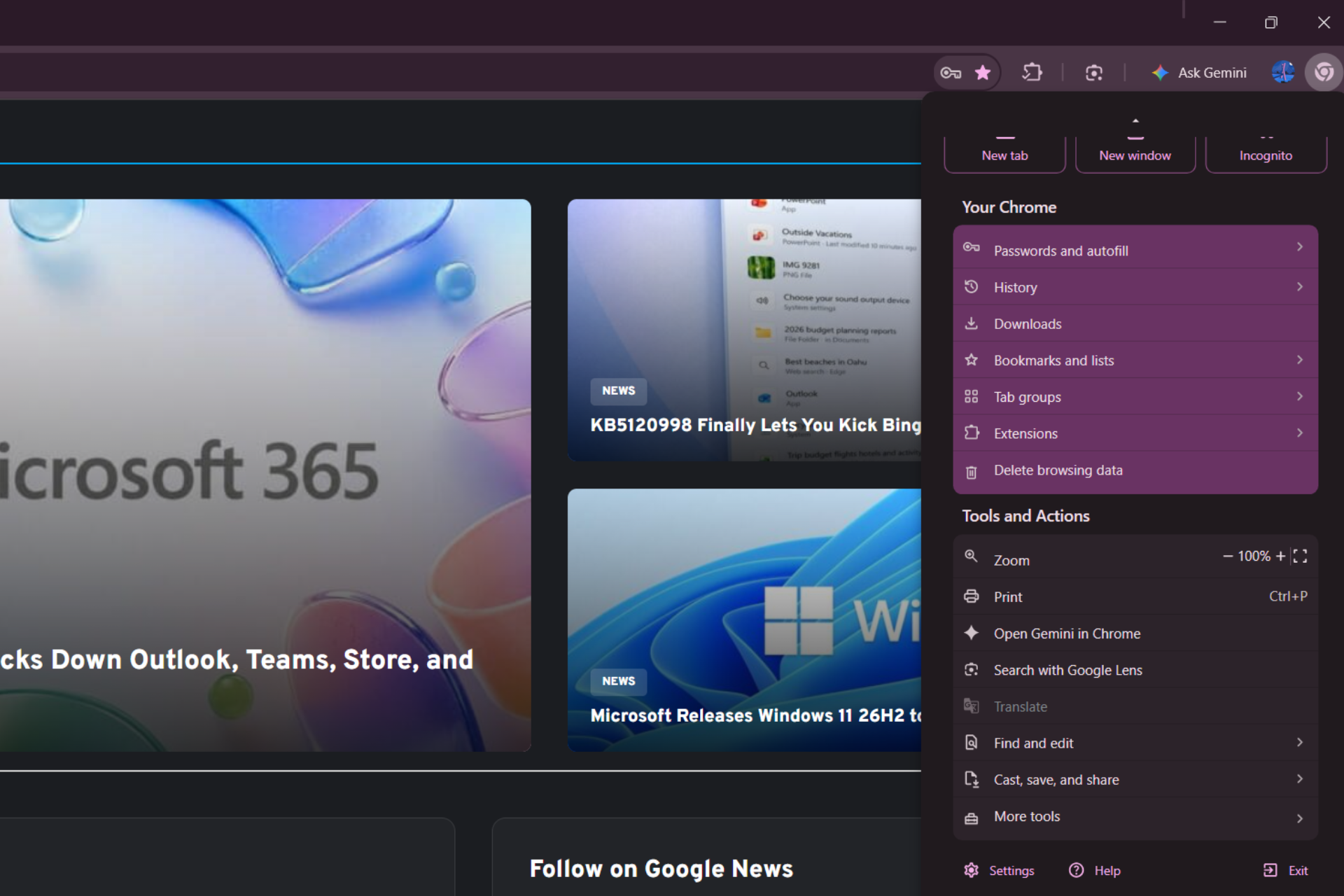
Chrome users can check for the extension manually by opening Chrome, navigating to the Extensions page, enabling Developer mode, looking for any Perplexity-related extension, and checking the extension ID.
If the extension ID is flkebkiofojicogddingbdmcmkpbplcd, the extension is malicious and should be removed immediately.
Users should also review their installed Chrome extensions and delete anything they no longer use or fully trust.
The warning comes as Google continues testing new Chrome features.
Chrome is also testing a Session Encryption feature. The browser is also expected to auto-pin newly installed extensions to the toolbar by default, which could make new extensions more visible to users.
In another upcoming change, Chrome could show an AI Mode shortcut even when users are not using Google as their default search engine.

Read our disclosure page to find out how can you help Windows Report sustain the editorial team. Read more



Improve this guide


User forum
0 messages