
Chrome could show AI Mode shortcut even when Google isn't your default search engine
The AI Mode shortcut in Chrome's address bar currently disappears when users switch search engines.


 2 min. read
  Published on
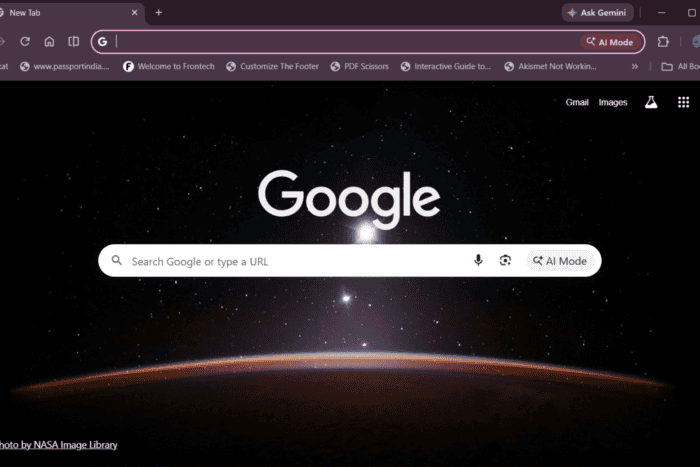
Google introduced AI Mode as a conversational search experience for Google Search and integrated it into Chrome. The company is now testing a change in Chrome Canary that could make the AI Mode shortcut available even when users choose a different search engine.
Right now, AI Mode entry points in Chrome are tied to Google’s search experience. With Google Search set as the default provider, users see AI Mode shortcuts in places like the omnibox and the Google-powered New Tab page.
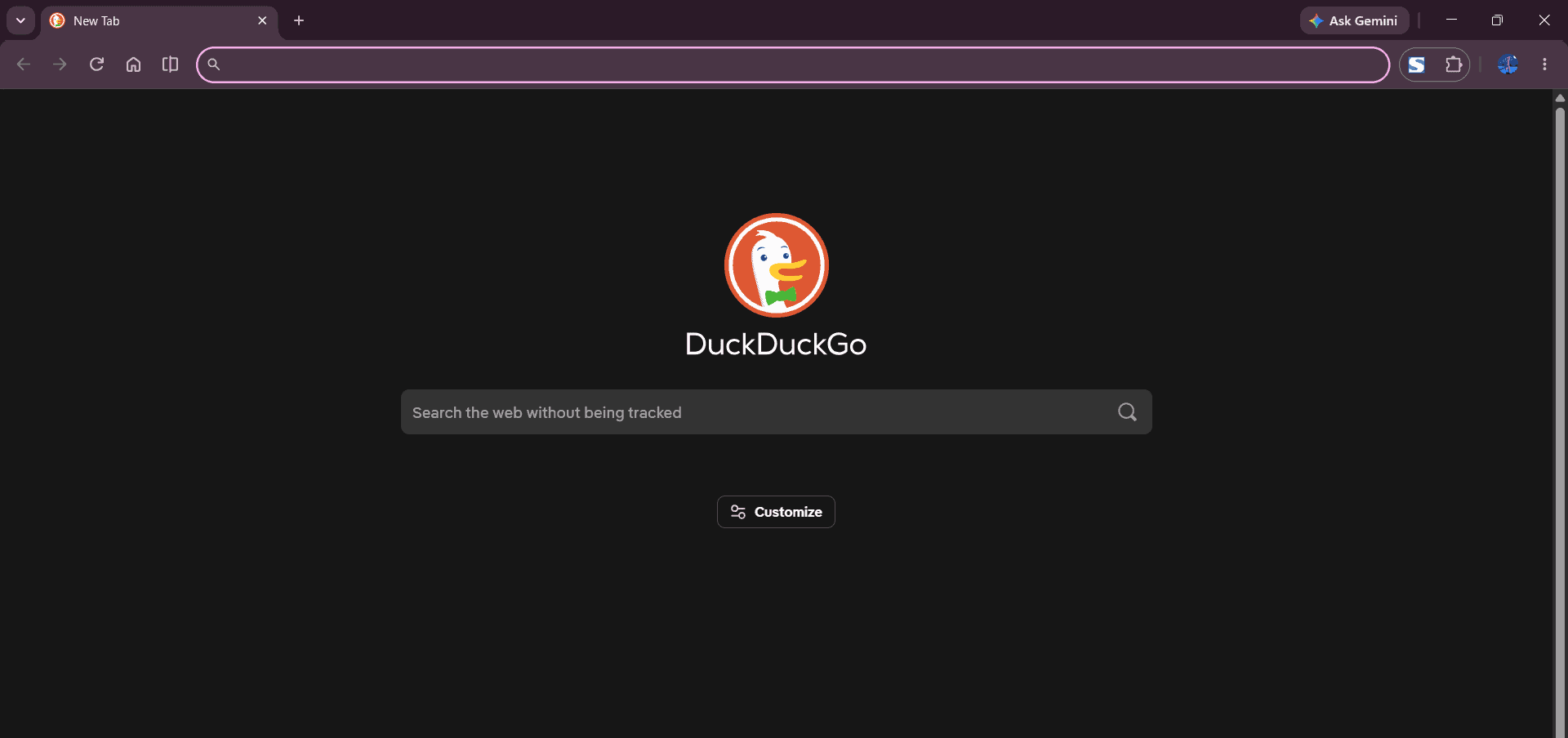
If users switch to Bing, Yahoo, DuckDuckGo, Yandex, or another provider, those entry points disappear as Chrome replaces Google’s search surfaces with the selected provider’s experience.
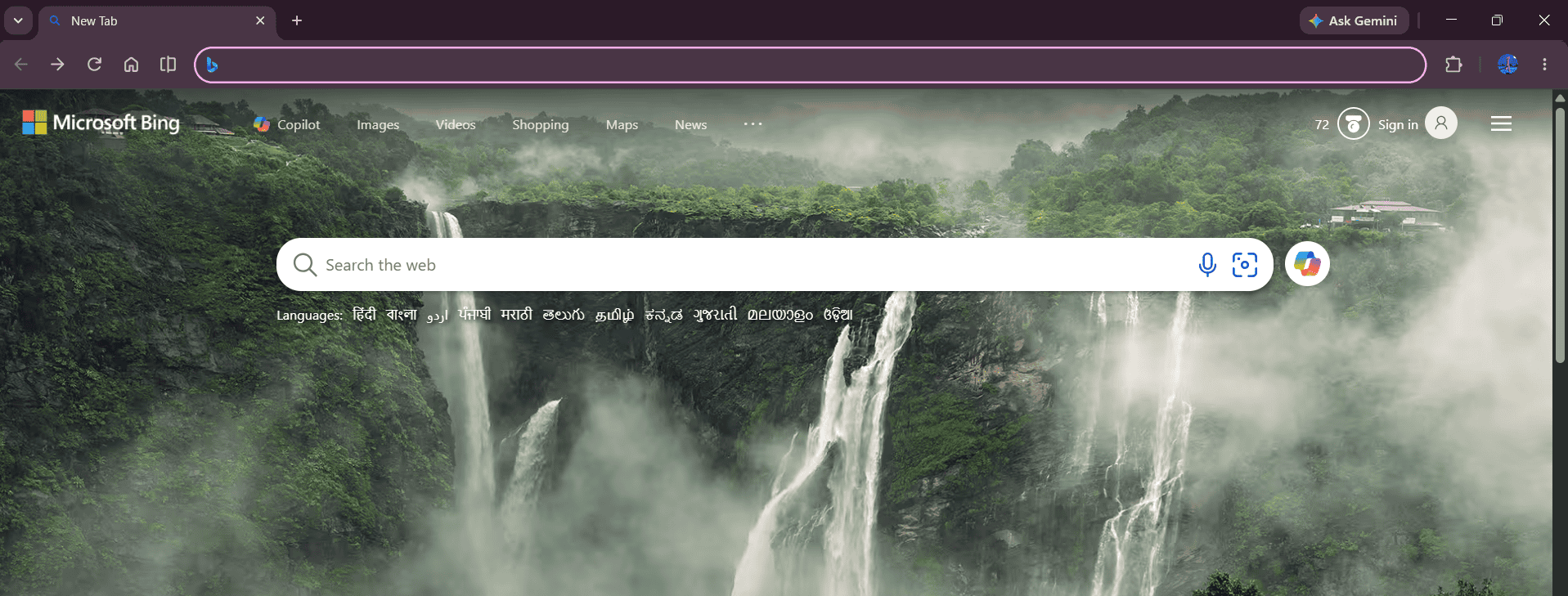
As shown in the attached screenshots, when Bing or DuckDuckGo is set as the default search engine, the New Tab page changes to reflect that provider. That contrasts with Chrome’s New Tab page when Google Search is selected, which shows the familiar Google logo and search bar.
Chrome tests AI Mode shortcut for third-party search engines
A new Chrome Canary flag called “AIM 3P entrypoint” suggests the change. Its description reads: “Enables the omnibox AI Mode entrypoint for third-party search engines.”
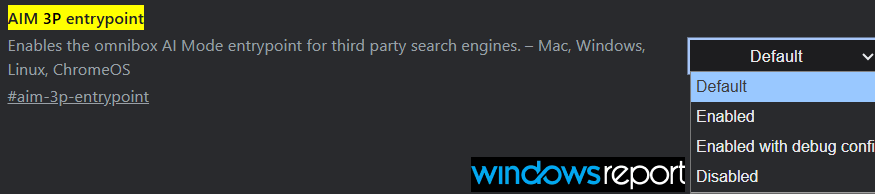
Chrome is testing access to the AI Mode shortcut beyond Google Search defaults. The flag doesn’t reveal the final user experience.
AI Mode provides AI-generated answers and supports follow-up questions, offering an alternative to traditional search results. Google has steadily expanded access to it, including a recent Canary test that sent omnibox searches straight to AI Mode instead of standard results.
The feature is being tested in Chrome Canary on Windows, Mac, Linux, and ChromeOS. If it ships, Chrome users could continue to see the AI Mode shortcut regardless of which supported search engine they choose.
As of testing, the flag doesn’t yet change the AI Mode shortcut’s behavior for non-Google search engines. The button remains hidden with Bing or DuckDuckGo set as default, even with the flag enabled.


Read our disclosure page to find out how can you help Windows Report sustain the editorial team. Read more



Improve this guide



User forum
0 messages