
Chrome prepares to auto-pin new extensions to the toolbar by default, but you can turn it off
Chrome is testing automatic extension pinning, along with a new toggle that lets users disable the behavior for a cleaner toolbar.


 3 min. read
  Published on
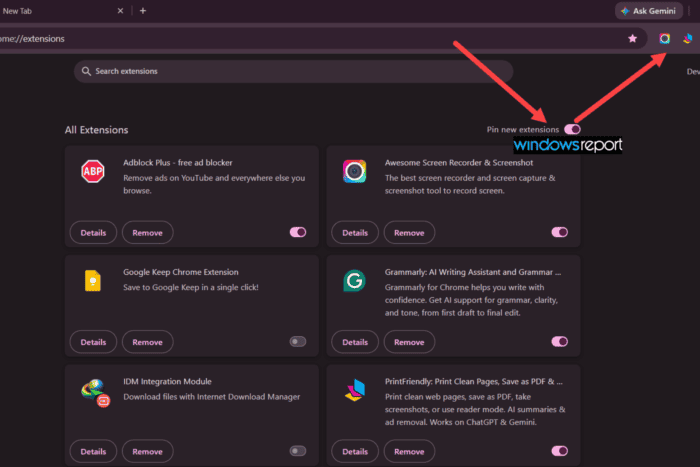
Chrome is testing a new way to make extensions easier to find after installation. Instead of keeping new extension buttons tucked away in the Extensions menu, Chrome can automatically pin newly installed extensions to the toolbar.
Why Chrome is making this change
A cleaner setup for some users, a crowded toolbar for others
The change could make extensions easier to discover, especially for tools users use often, such as password managers, screenshot tools, and productivity extensions.
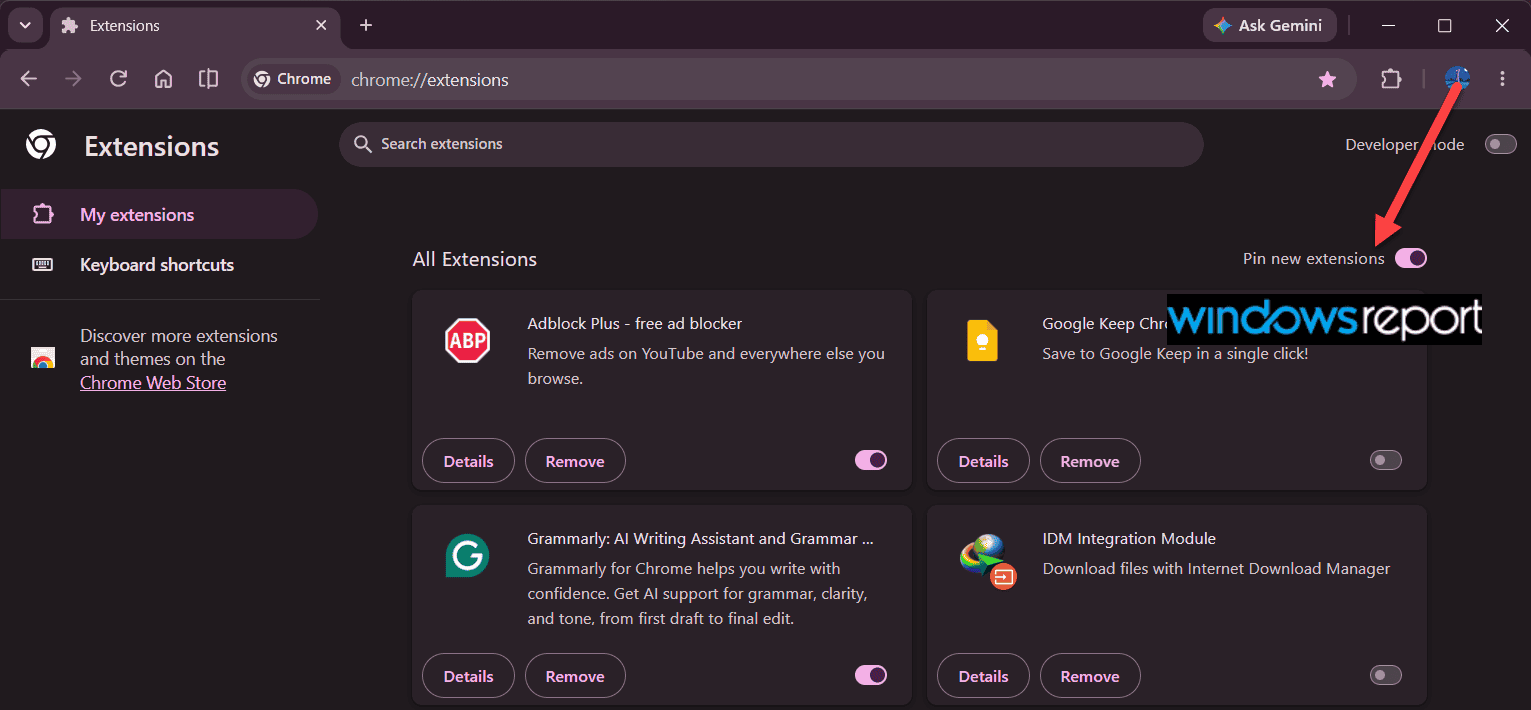
At the same time, users who install many extensions may find their toolbar filling up faster. Users can already customize the Chrome toolbar and hide buttons they do not use. This new setting takes the opposite approach by placing newly installed extensions front and center.
Google describes the change in a commit titled “[Extensions] Add toggle for default pinning in chrome://extensions]” which says the change adds “a new user preference and a corresponding UI toggle” to control whether newly installed extensions are pinned to the toolbar by default. The commit also says the toggle is only shown when the feature flag is enabled and that the preference is set to true by default.
That means Chrome’s new “Pin new extensions” toggle controls whether newly installed extensions with toolbar actions appear on the toolbar automatically. Users who prefer a cleaner toolbar can switch the setting off.
Chrome is testing automatic extension pinning in Canary. The feature has been in development since at least March, and the underlying code is now in place. We tested it and confirmed the behavior: when enabled, newly installed extensions automatically pin to the toolbar. Turning off “Pin new extensions” in chrome://extensions disables auto-pinning for future installations, while extensions already pinned remain on the toolbar.
Any extensions installed after disabling the toggle stay hidden in the Extensions menu by default, just as they do in current Chrome. Google is also preparing to alert users about the change once it launches. There is still no guarantee the feature will reach Stable.


Read our disclosure page to find out how can you help Windows Report sustain the editorial team. Read more



Improve this guide



User forum
0 messages