
Chrome tests a shortcut to manage Google Search AI Mode Workspace connections
The new AI Settings option opens Google's Connected content apps page, where users can manage Search AI Mode's Workspace connection.


 2 min. read
  Published on
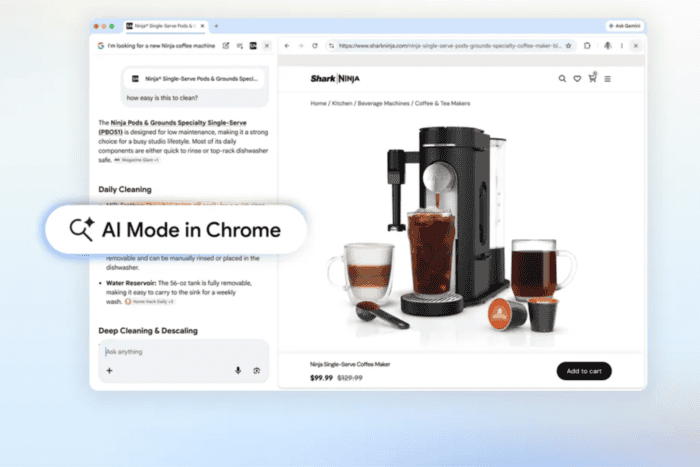
Google has added a new shortcut to Chrome Canary that gives users easier access to the permissions behind Google Search AI Mode. A new option in Chrome’s AI settings takes users directly to a page where they can manage AI Mode’s connection with Google Workspace apps.
Rather than adding new AI features, the change makes it easier to review and manage the permissions that let AI Mode use personal Google Workspace content, such as files in Drive, when answering questions.
The new option appears under “AI in Chrome” settings as “Google Search AI Mode and connected apps”. Its description reads: ” Manage the connection between Search services and Google Workspace apps, like Google Drive.”
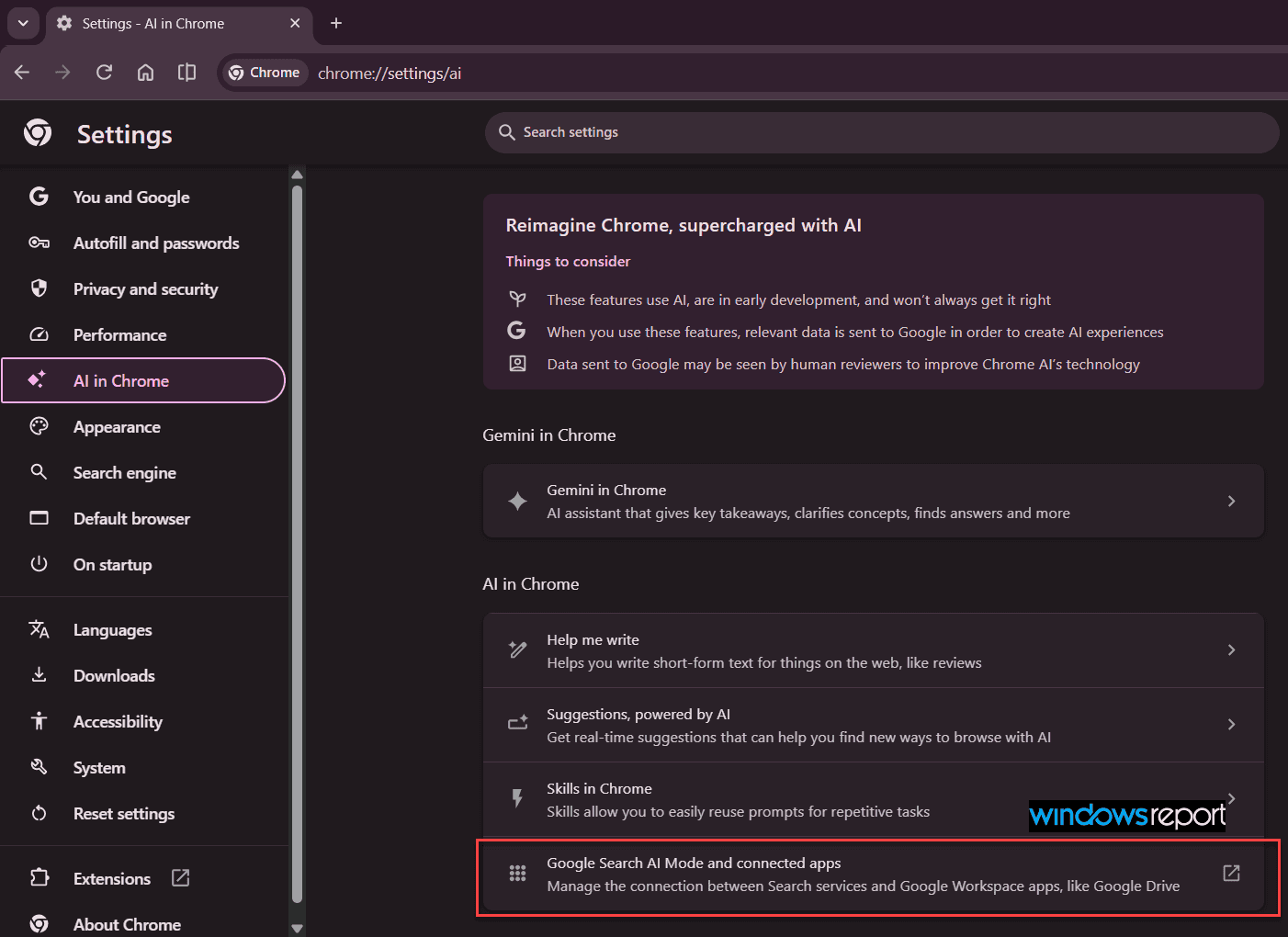
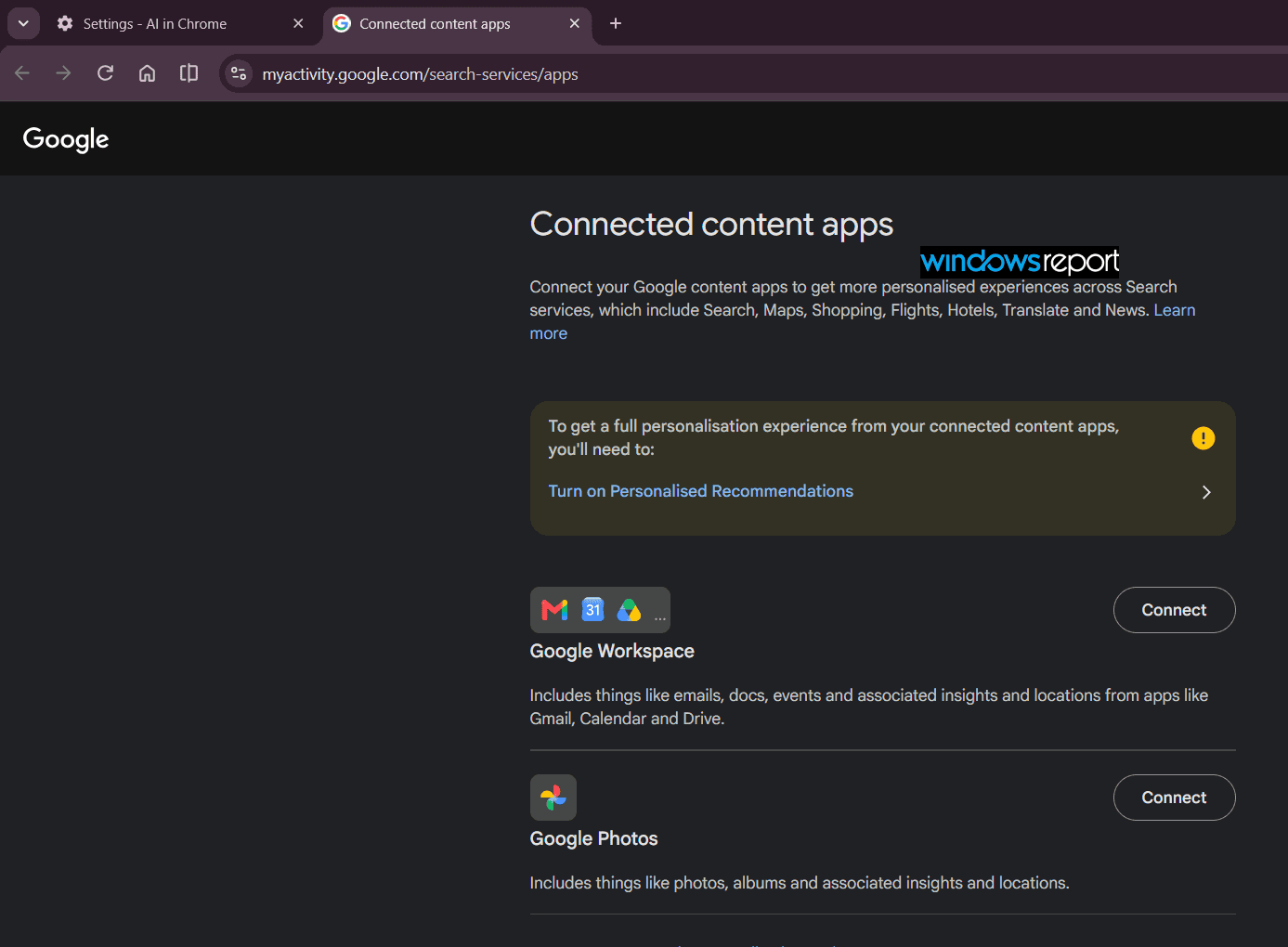
Clicking the option opens Google’s Connected content apps page, where users can manage these connections through their Google Account.
The Chrome setting itself only covers AI Mode’s Workspace connection, though the linked page also lets users connect other Google apps, like Photos, to Search.
The addition matches a recent Chromium change titled “[aim-drive] – Create a settings linkout for users to manage AIM consent.” The change adds the strings and mappings for the new Google Search AI Mode and Workspace apps connection row in Chrome’s AI settings.
Another code comment further explains its purpose:
Controls whether the Google Search AI Mode Workspace link (Connected Apps) is shown in AI Settings. Acts as a killswitch.
In other words, Chrome isn’t building a new AI feature here; it’s just pointing to a page Google already runs. The connection settings stay managed through Google’s Search services. For now, the shortcut’s only available in Chrome Canary.


Read our disclosure page to find out how can you help Windows Report sustain the editorial team. Read more



Improve this guide



User forum
0 messages