
Chrome for Android's AI Mode Can Now Pull Answers From Your Recent Tabs
Contextual Tasks in Chrome Canary for Android lets users attach recent tabs to AI Mode prompts, in addition to images and files.


 2 min. read
  Published on
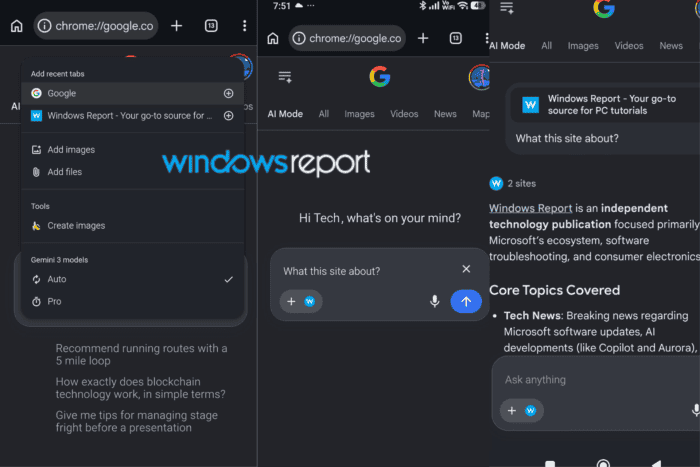
Chrome is expanding its AI Mode integration on Android, with Google testing contextual browsing capabilities that let users ask questions about their recent tabs. We first spotted Contextual Tasks in May, when enabling the flag simply redirected users to AI Mode. Google has since turned it into a much more capable experience.
AI Mode is Google’s conversational search experience, letting users ask follow-up questions and receive AI-generated answers instead of a standard results page. Chrome’s New Tab page has had an AI Mode shortcut for a while, but what happens after you tap it is changing.
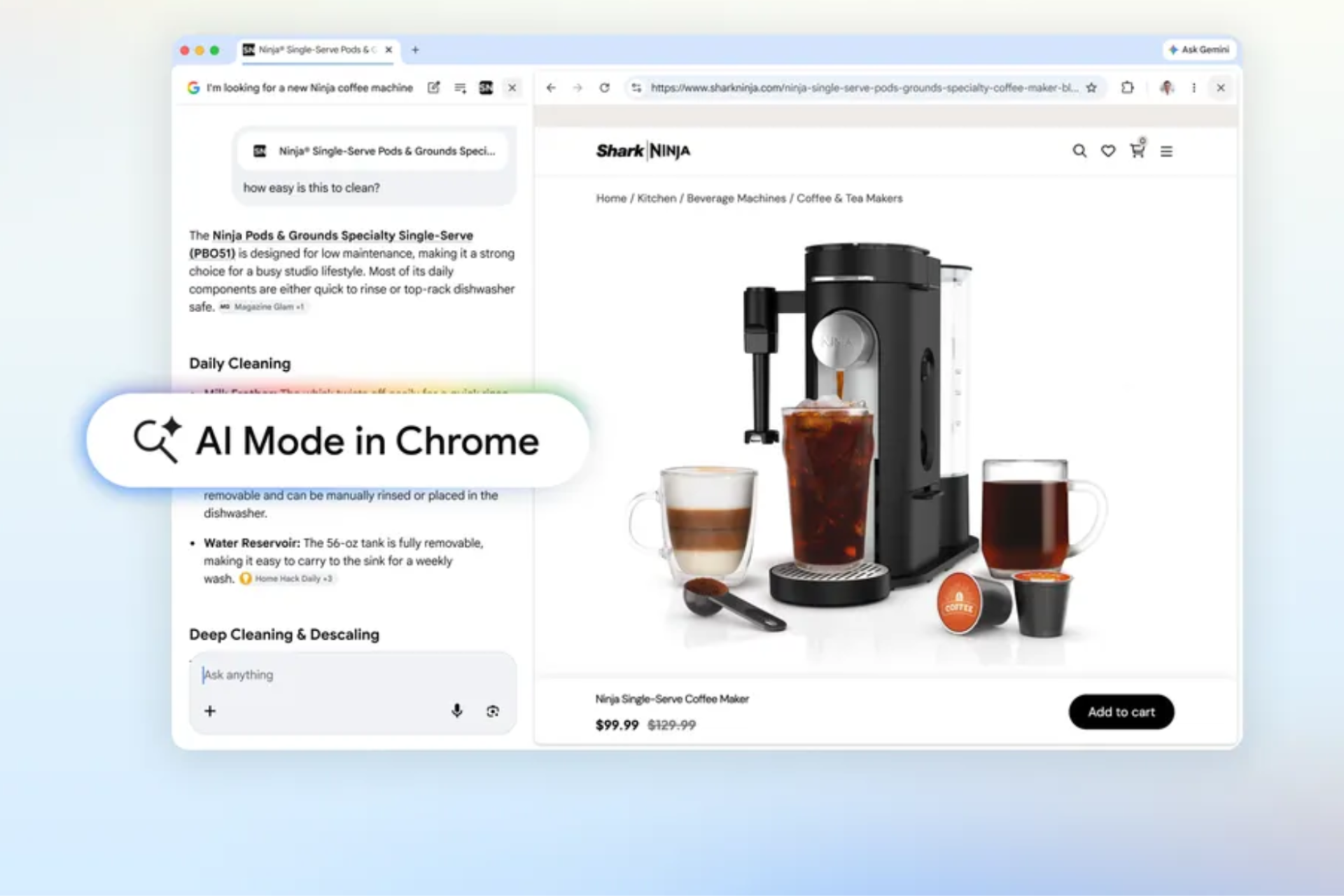
Contextual Tasks is what powers that experience. Google first developed the feature for desktop Chrome so AI could work with the pages users are already viewing instead of relying only on typed prompts. The same concept is now making its way to Chrome Canary for Android.
When you tap the AI Mode shortcut, Chrome opens its own AI Mode page before loading google.com/aimode. Chrome injects its own compose interface ahead of the page instead of taking users directly to AI Mode’s standard web interface.
From there, users can attach images and files before submitting a prompt. The compose box also includes an “Add recent tabs” option. Selecting one or more tabs attaches them directly to the prompt, allowing AI Mode to answer questions about those pages without requiring users to copy links or text manually.
For example, attaching an open webpage and asking, “What is this site about?” prompts AI Mode to analyze that tab and generate a summary based on its contents.
Contextual Tasks for Chrome on Android remains under development behind the same flag in Chrome Canary, and while Google hasn’t announced a release timeline, the feature now passes recent tabs into prompts instead of simply redirecting users to AI Mode, making browsing context part of the conversation.


Read our disclosure page to find out how can you help Windows Report sustain the editorial team. Read more



Improve this guide


User forum
0 messages