
Chrome Adds “Write a Review” Links for Eligible Extensions
Chrome Canary is testing review links for eligible extensions.


 2 min. read
  Published on
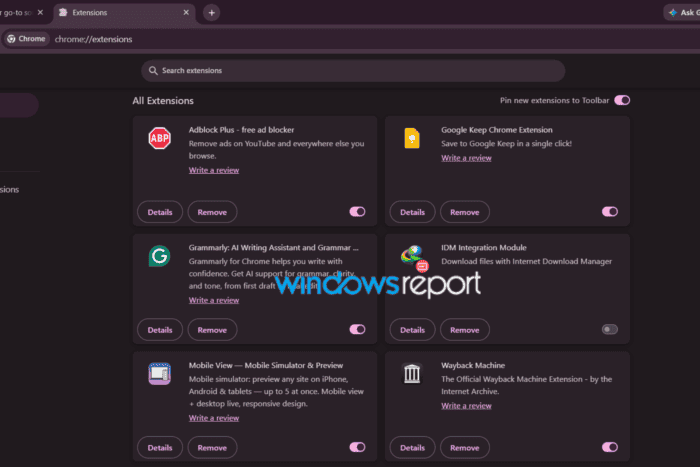
Chrome Canary now shows “Write a review” options for eligible extensions, letting users open an extension’s Chrome Web Store review page without first searching for it in the store.
We first reported earlier this month that Google was preparing native review entry points for installed extensions. At the time, the feature was hidden behind the “CWS Review Prompting Native UI” flag, but enabling it in Chrome Canary did not show any review options.
That has changed in a newer Canary build.
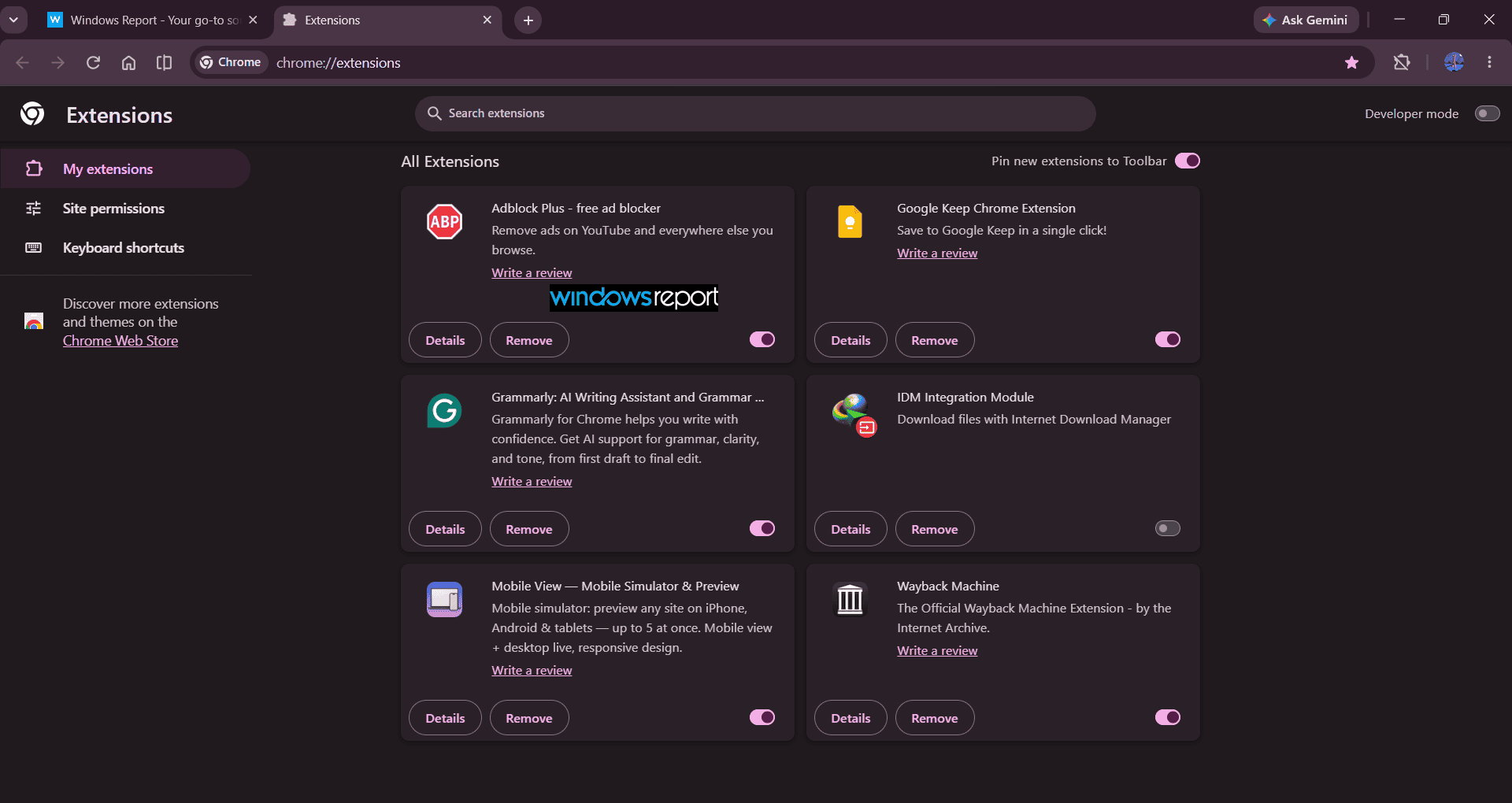
Open chrome://extensions with the feature enabled, and you can see a “Write a review” link inside the cards of eligible extensions. It appears below the extension description, above the “Details” and “Remove” buttons.
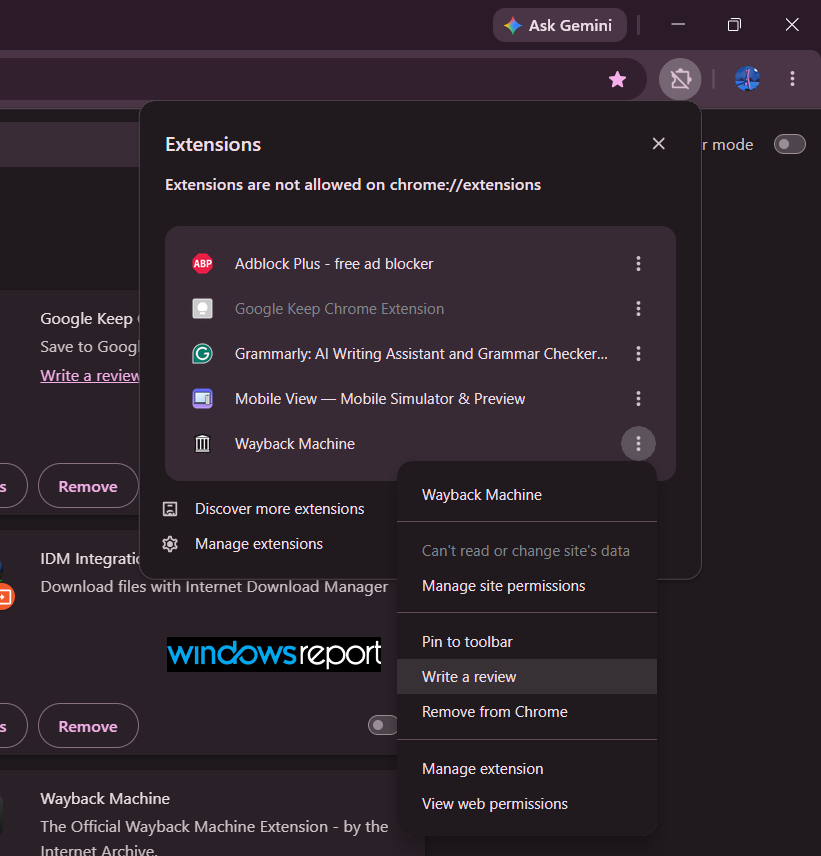
There is another way to access it. Open an extension’s three-dot menu, and Chrome also shows a “Write a review” option there.
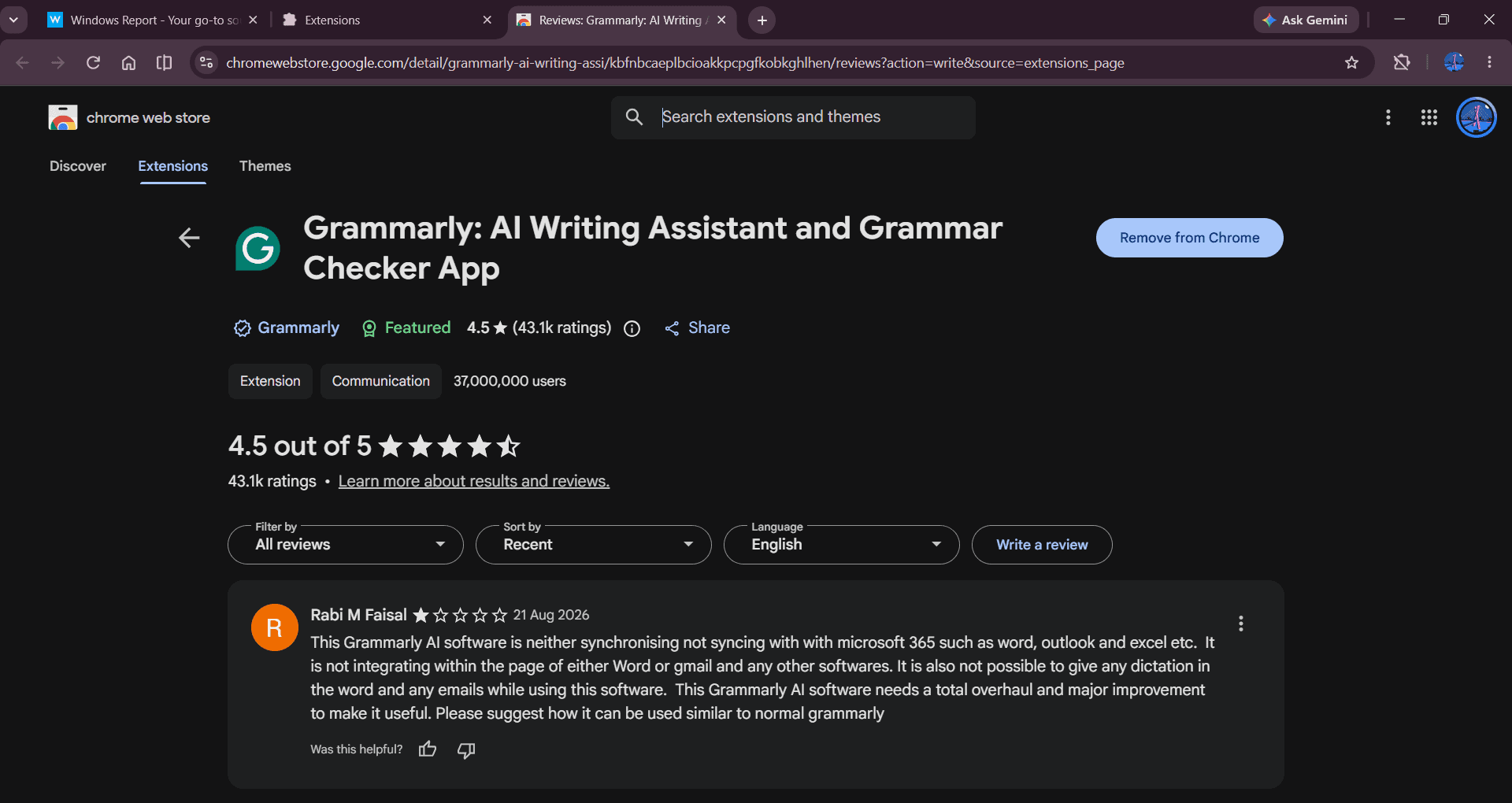
We tested the link with an extension, and Chrome took us straight to its Chrome Web Store listing with the review interface open. That is something we could not confirm when we first spotted the feature.
The option does not appear for every extension, either. Several regular Chrome Web Store extensions show it in our testing, while the IDM Integration Module does not. So Chrome is not simply adding the review option to everything listed on the Extensions page.
This lines up with eligibility checks in the Chromium code. They cover extension types and states that should not receive the review entry point, including component, unpacked, unpublished, removed, and policy-violating extensions.
For now, you need to enable the “CWS Review Prompting Native UI” flag in Chrome Canary to see the feature. Google has not said when these review links will become available by default.
The earlier code showed that Google was preparing the review flow. The latest Canary build now makes that flow visible, with Chrome able to take users from the Extensions interface straight to the review form for eligible extensions.


Read our disclosure page to find out how can you help Windows Report sustain the editorial team. Read more



Improve this guide



User forum
0 messages