
From Still Photos to Moving Visuals: How Image-to-Video AI Is Changing Digital Media


 5 min. read
  Published on

Photos are widely used across websites, social media, and online marketing. As video becomes an increasingly popular way to share information, businesses and creators are finding new ways to turn existing images into video without the need for filming. Image-to-video AI tools make this process easier by adding motion to still images. This gives creators more options for visual storytelling, product promotion, and digital communication.
Why Image-to-Video AI Matters for Digital Content Creation
An AI video tool uses generative models to create or modify video content from inputs such as text, images, or existing footage. Image-to-video AI focuses specifically on animating still images, giving businesses, educators, and individual creators another way to develop visual material.
- More efficient content production: Existing photographs can serve as starting points for video clips, reducing the need to arrange a new shoot for every creative idea.
- Greater flexibility with visual assets: Businesses and creators can explore different forms of presentation using images they already own or have permission to use.
- Lower technical barriers: Users without advanced video-editing skills can experiment with motion and visual effects through AI-assisted workflows.
- More options for digital communication: Animated visuals can help present products, illustrate concepts, and make online content more engaging.
- Support for creative experimentation: Different motion styles and scene variations allow creators to test ideas before committing time and resources to full-scale production.
These advantages do not make traditional photography or video production unnecessary. Instead, they provide an additional option for situations where speed, flexibility, or creative exploration matters.
How Image-to-Video AI Is Changing Digital Media
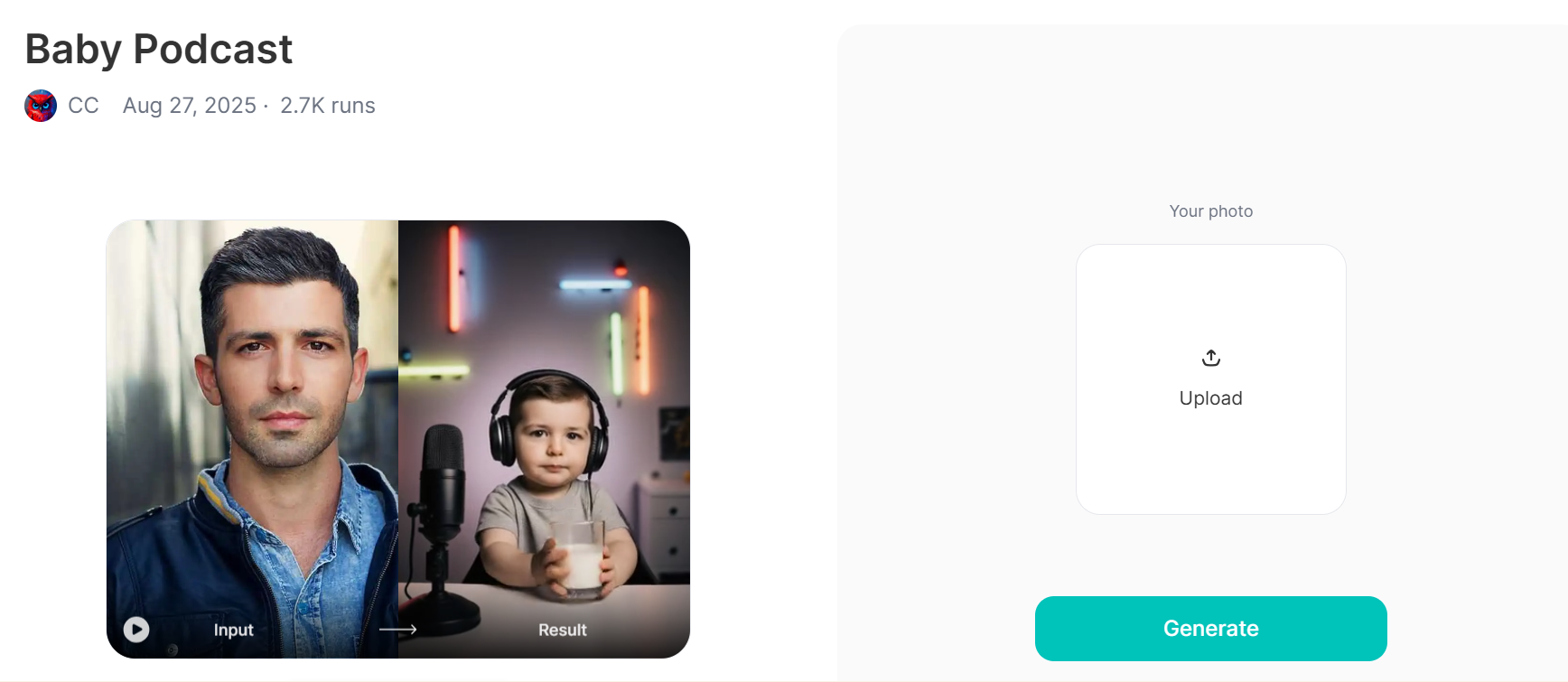
Image-to-video AI is finding its way into different areas of digital media, from marketing campaigns to social media posts. Various platforms such as Usgen and Vimi give creators another way to turn visual ideas into video content. This technology is also changing how images are reused, stories are presented, and digital content is produced.
Extending the Life of Existing Visual Assets
A photograph originally created for a website or presentation may have uses beyond its original format. AI-generated motion can help transform suitable images into short clips for other channels, allowing organizations to reuse visual material rather than creating every asset from the beginning.
Changing How Visual Stories Are Produced
Traditional video storytelling often requires multiple shots, careful editing, and coordination between production stages. Image-to-video technology offers another starting point: creators can begin with a single image and explore how movement, framing, and pacing might communicate an idea. Human direction remains important for coherent storytelling.
Supporting Faster Creative Testing
Marketing teams frequently need to test different visual approaches for campaigns. AI-generated clips can help them explore alternative concepts before investing in a complete production. However, generated results still require review to ensure that product details, brand elements, and other important information remain accurate.
Expanding Access to Video Creation
Independent creators, small businesses, and educational organizations may not have dedicated video production teams. Image-to-video AI can give these users a practical way to experiment with animated content using available photographs and illustrations. The final quality still depends on the source material, the generation process, and subsequent editing.
Introducing New Questions About Authenticity
As generated motion becomes more convincing, audiences may find it harder to distinguish edited visuals from footage of real events. Organizations therefore need to consider consent, copyright, disclosure, and the risk of misleading viewers. For news, education, and other factual applications, visual accuracy is particularly important.
From Product Photos to Travel Memories: Practical Uses of Image-to-Video AI
The practical value of image-to-video AI depends on the task rather than the novelty of the effect. A retailer may want to give a product image more visual depth, while a traveler may want to animate a landscape photograph. In each case, the original image provides the foundation, and generated movement offers a different way to present it.
| Application | How Image-to-Video AI Can Help | Important Consideration |
| E-commerce | Add subtle movement to product photographs for promotional content or social posts. | Keep product shapes, colors, labels, and proportions accurate. |
| Travel and tourism | Turn landscape photographs into short clips for destination stories and travel campaigns. | Avoid generating scenery or activities that misrepresent the actual location. |
| Personal memories | Add motion to selected family photographs or travel snapshots. | Obtain consent before animating or sharing images of other people. |
| Education | Animate illustrations or diagrams to help introduce a process or concept. | Verify that generated movement does not distort the underlying information. |
| Digital marketing | Repurpose existing visual assets for different campaign formats and channels. | Check brand consistency, licensing, and platform requirements before publication. |
Bottom Line
Image-to-video AI is broadening the ways static images can be used across digital media. From product promotion to travel storytelling and educational content, the technology offers new opportunities to reuse visual assets and experiment with motion without building every video from scratch.
Its long-term value, however, will depend on more than generation speed. Reliable results require appropriate source material, careful review, and respect for consent and intellectual property.


Read our disclosure page to find out how can you help Windows Report sustain the editorial team. Read more



Improve this guide




User forum
0 messages