
How to stop your Discord messages from appearing in Google Search


 3 min. read
  Published on

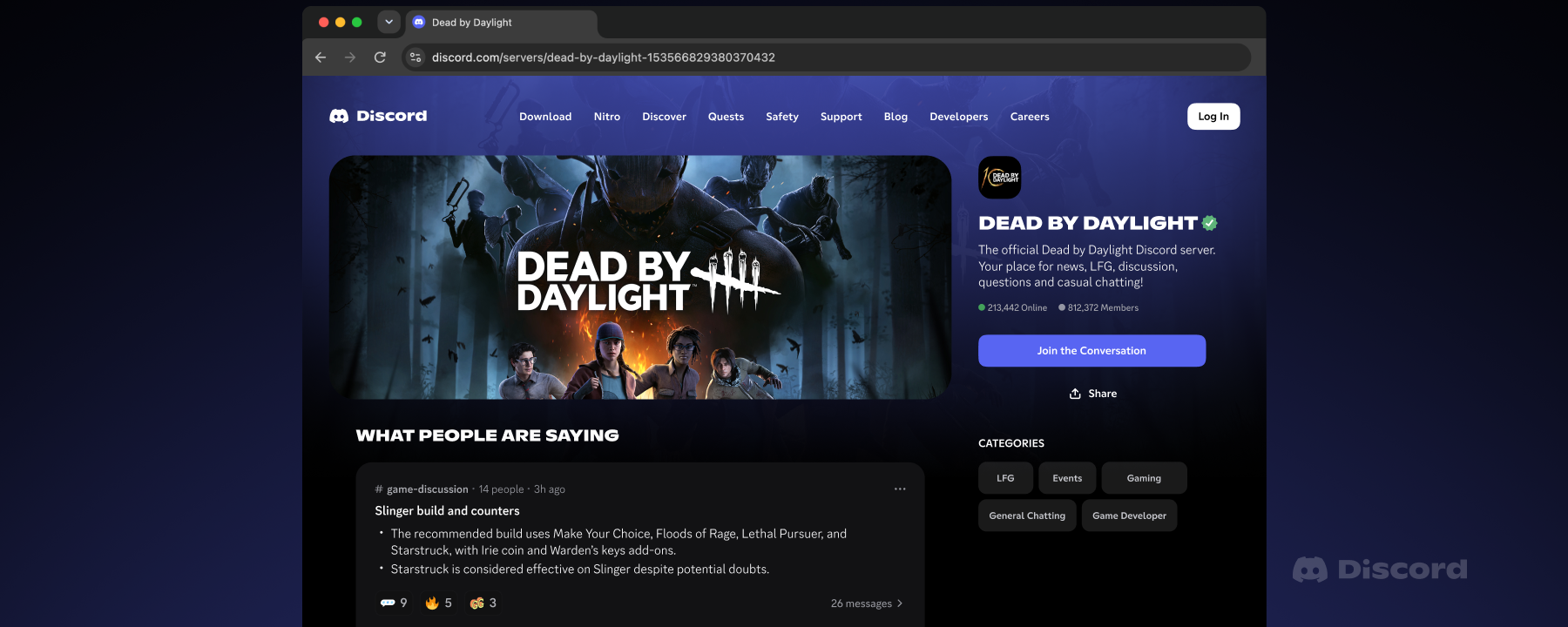
Your Discord messages might soon show up in Google Search, and you don’t need to wait for that to happen before protecting your privacy. Discord is rolling out a new feature that can make messages from eligible public servers searchable online. Thankfully, you can turn it off with a quick change in your privacy settings.
How to stop Discord messages from showing up on Google Search
Discord’s new feature applies to eligible public channels in Discoverable Servers. Messages may appear on public web pages and in search engines, including Google, starting in mid-December 2026. Private servers, direct messages, group DMs, and private channels are excluded.
Here’s how to stop your Discord public server messages from showing up in Google Search:
1. Open Discord: Launch the Discord desktop app or visit Discord on the web and sign in to your account.
2. Open User Settings: Click the gear icon next to your username in the bottom-left corner.
3. Go to Data & Privacy: Find the “Data & Privacy” option in the settings menu and open it.
4. Find the message visibility setting: Look for “Show my message content from Discoverable channels on web pages.”
5. Turn off the setting: Disable the toggle besides the option mentioned in the Step 4 to stop eligible messages you send afterward from appearing on Discord’s public web pages.
That’s it! Your future eligible messages should no longer be published through this feature. Keep in mind that previously published messages may need to be deleted individually, and Google can take additional time to remove indexed results.
What if your Discord messages are already on Google?
Turning off the setting does not automatically remove messages you sent while it was enabled. If an eligible message has already appeared on a Discord web page, you’ll need to delete that message from Discord.
Google may continue showing cached or indexed copies for some time after deletion. You might need to submit a removal request through Google’s outdated content removal tool if a deleted page continues appearing in results.
Can Discord server admins stop messages from appearing online?
Yes. Server owners and administrators can open Server Settings > Community > Web Presence on desktop or the web. They can disable Channel Messages, turn off Channel Summaries, or choose which public channels can contribute content.
Keep in mind that these are separate controls. Turning off Channel Messages prevents new eligible messages from appearing, while Channel Summaries may still be published unless administrators disable that feature separately.
Discord’s rollout is gradual, so the settings may not appear for every account immediately. If you can’t find the option, check again later and review Discord’s official Discoverable Content on the Web guide.

Read our disclosure page to find out how can you help Windows Report sustain the editorial team. Read more



Improve this guide


User forum
0 messages