
Windows 11 KB5127936 Fixes Modern Standby Battery Drain With Smarter Hibernation


 2 min. read
  Published on
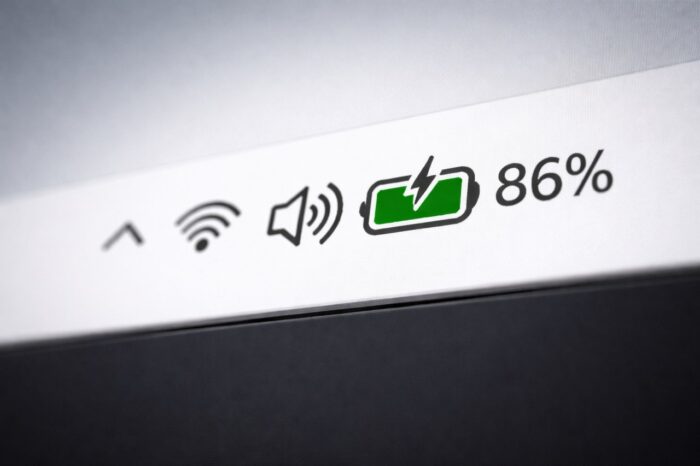
Microsoft is improving Modern Standby in Windows 11 to reduce battery drain while keeping wake-up times fast.
The changes arrive with the optional October 2026 preview update KB5127936 for Windows 11 versions 25H2 and 26H2.
The update adjusts how adaptive hibernation works, allowing Windows to decide when to enter hibernation based on the device’s remaining battery charge.
Windows 11 will hibernate sooner when battery levels are low
Modern Standby allows Windows laptops to stay connected and resume quickly from sleep, similar to smartphones. However, devices can continue consuming power while sleeping, sometimes leaving users with an unexpectedly drained battery.
Adaptive hibernation helps prevent this by monitoring battery consumption and automatically switching the device from Modern Standby to hibernation when necessary.
With the latest update, Microsoft has adjusted the behavior based on battery levels.
When the battery charge is above 80%, Windows will hibernate less frequently, allowing users to enjoy more instant-on resumes.
However, when the battery drops below 10%, Windows will enter hibernation sooner to preserve the remaining charge.
The changes aim to balance battery conservation with faster wake-up times, particularly for laptop users who frequently leave their devices in sleep mode.
The improvements are part of Microsoft’s broader effort to refine power management in Windows 11.
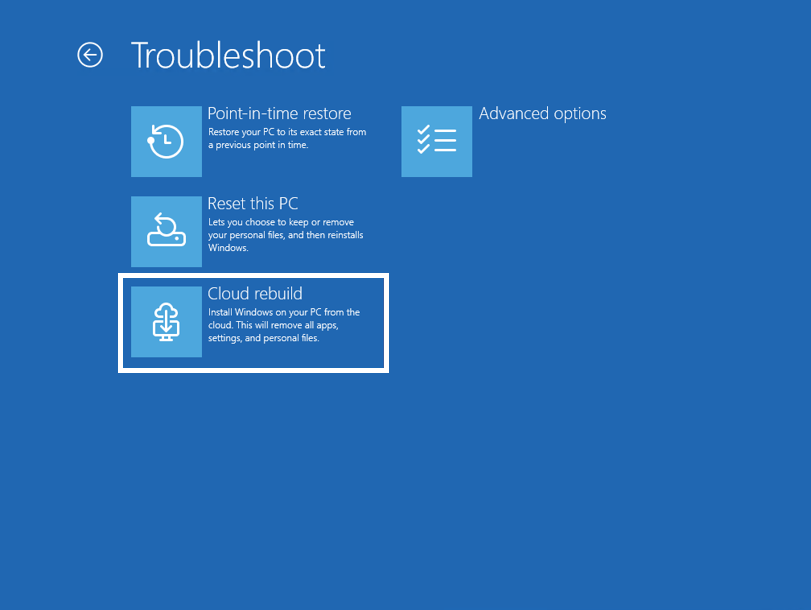
In other news, Windows 11 KB5127936 and KB5127653 add Administrator Protection and other improvements. Microsoft is also introducing a new cloud-based recovery option, while KB5127936 brings customizable File Explorer context menus.
Via Neowin

Read our disclosure page to find out how can you help Windows Report sustain the editorial team. Read more



Improve this guide



User forum
0 messages