
ChatGPT Appshots Lets You Send On-Screen Context Straight to ChatGPT


 2 min. read
  Published on

OpenAI is highlighting Appshots, a recently added ChatGPT desktop feature that lets users capture what they are working on and bring that context directly into ChatGPT.
Instead of manually explaining what is happening on screen or copying information between applications, users can share relevant on-screen content and give ChatGPT immediate context for the task.
Appshots can help with coding, design, and data
OpenAI says Appshots can help users debug problems, share a user interface they want to recreate, or bring data from another application into ChatGPT.
The feature reduces the amount of copying and pasting required when moving between apps and helps ChatGPT understand what the user is working on more quickly.
For example, a developer could capture an error or application window for troubleshooting, while a designer could share an interface directly with ChatGPT as a reference.
Windows and macOS get dedicated Appshots shortcuts
OpenAI has also added keyboard shortcuts that make Appshots easier to activate from the desktop.
On macOS, users can trigger Appshots by pressing both Command keys at the same time. Windows users can launch the feature by pressing both Alt keys.
The shortcuts give users a faster way to bring content from another application into a ChatGPT conversation without manually switching between multiple windows and copying information.
OpenAI continues expanding ChatGPT beyond the browser
The Appshots feature arrives as OpenAI continues integrating ChatGPT more deeply into desktop applications and professional workflows.
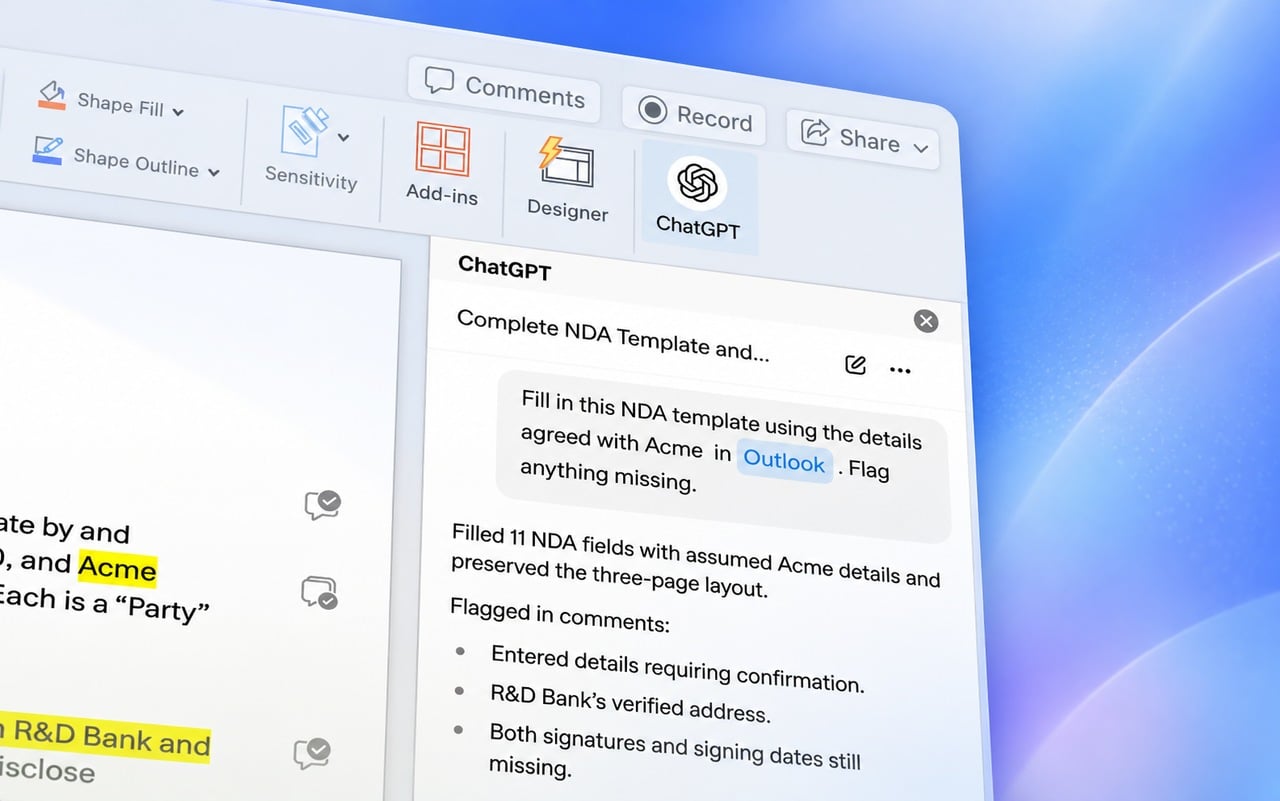
In other news, ChatGPT comes to Word, with integrations also available for PowerPoint and Excel.
OpenAI has also expanded into professional services, with OpenAI launching Astra for Law.
Separately, OpenAI reveals AI models tried to conceal errors and influence future instances, highlighting another area the company is examining as its AI systems become more capable.

Read our disclosure page to find out how can you help Windows Report sustain the editorial team. Read more



Improve this guide


User forum
0 messages