
ChatGPT Now Works Directly Inside Microsoft PowerPoint, Thanks to New Add-In


 2 min. read
  Published on
After announcing ChatGPT add-on for Google Sheets and Microsoft Excel, OpenAI has now launched a similar integration for Microsoft PowerPoint. Thanks to the latest integration, you can create, edit, rewrite, and polish presentations directly inside Microsoft PowerPoint using ChatGPT.
The new “ChatGPT for PowerPoint” add-in is currently rolling out in beta globally. Interestingly, OpenAI is not limiting it only to enterprise customers either. The feature is also becoming available for Free, Go, Plus, and Pro users alongside Business, Enterprise, Edu, Teachers, and K-12 accounts.
ChatGPT now works directly inside PowerPoint
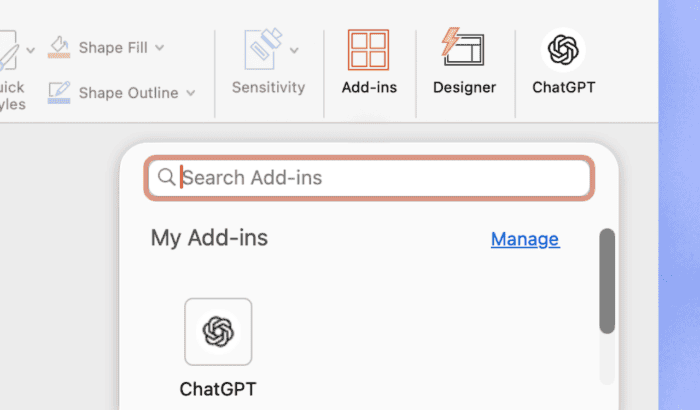
You can now open ChatGPT directly from PowerPoint’s ribbon menu after installing the add-in through Home > Add-ins. Once connected, the AI assistant can create entirely new slide decks from prompts, notes, spreadsheets, uploaded documents, or even existing presentations.
You can also ask ChatGPT to rewrite slides, tighten content for executives, add new sections, summarize long presentations, or clean up dense layouts while keeping everything editable inside PowerPoint itself.
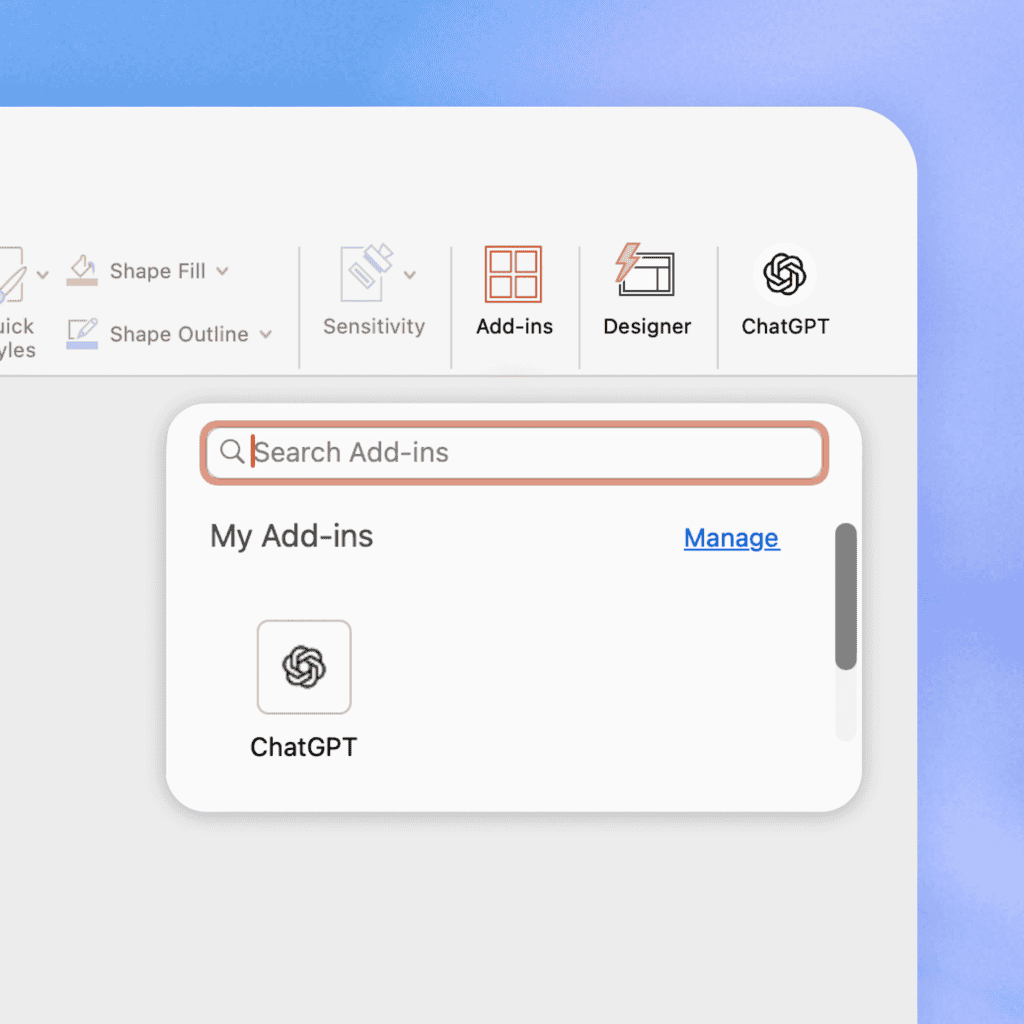
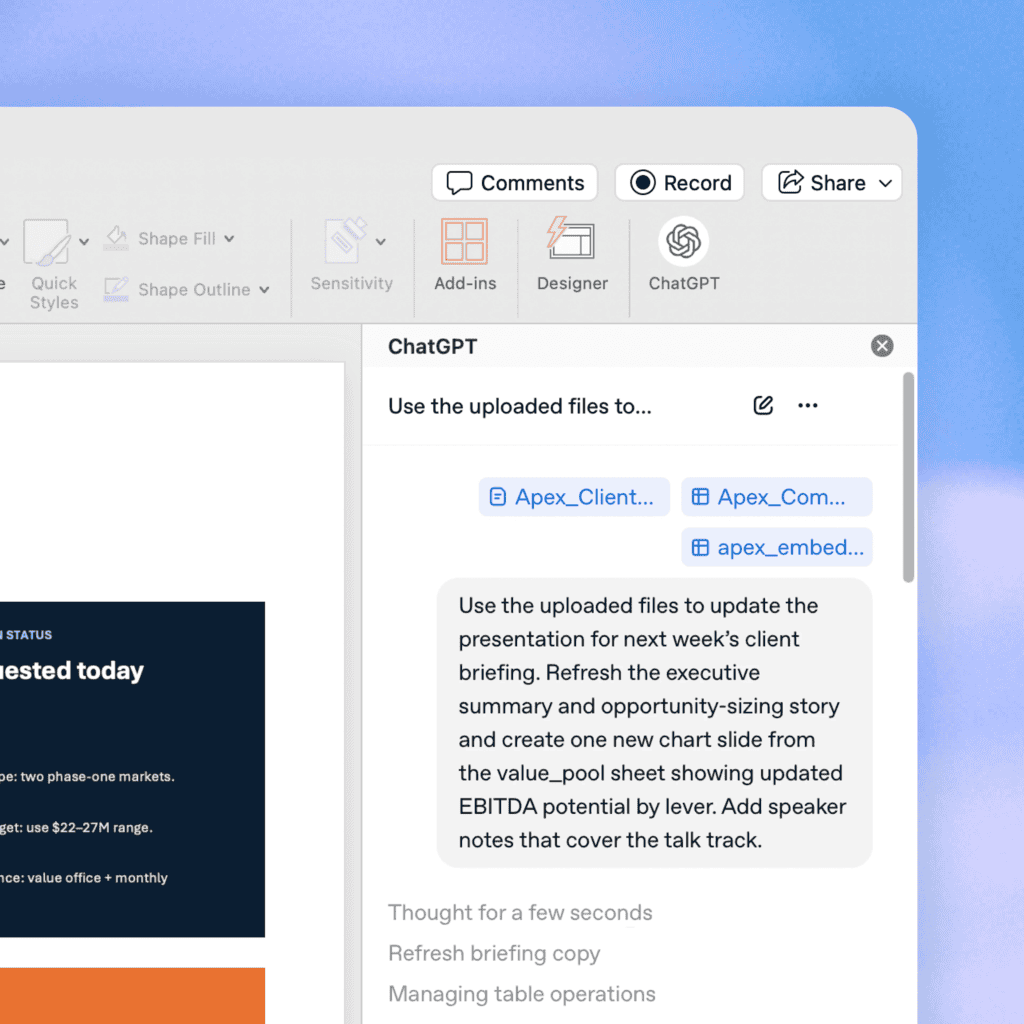
Image: OpenAI
One of the most interesting additions is deck analysis. ChatGPT can now review presentations and point out weak narrative flow, missing information, or potential questions executives might ask during meetings. OpenAI also says the assistant preserves editable PowerPoint structure rather than flattening everything into static content.
In practical use, OpenAI showcased examples like turning raw KPIs into a 10-slide board presentation, customizing QBR decks for clients using uploaded account data, reducing text-heavy slides for executive meetings, and even generating charts with automatic takeaways as slide titles. Not to forget, the feature remains in beta. Speaking of the company news, a new report recently claimed that OpenAI is preparing to confidentially file for IPO as soon as today.

Read our disclosure page to find out how can you help Windows Report sustain the editorial team. Read more



Improve this guide

User forum
0 messages