
Claude Now Allows You to Create and Edit Files Directly
New feature rolls out to Max, Team, and Enterprise plans


 2 min. read
  Published on
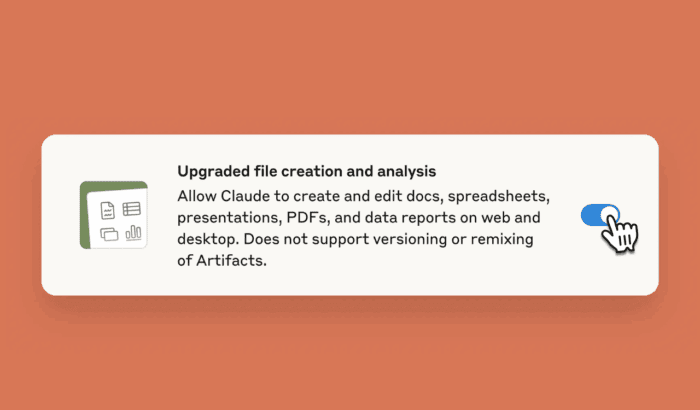
Anthropic has expanded Claude’s capabilities once again. Starting this week, the AI assistant can now create and edit files directly inside Claude.ai and the desktop app, covering formats like Excel spreadsheets, Word-style documents, PowerPoint slide decks, and PDFs.
The new feature is rolling out first in preview for Max, Team, and Enterprise subscribers, with Pro users set to receive access in the coming weeks.
Claude’s file creation goes beyond usual exports. Users can upload raw data, describe their goals, and receive working outputs with formulas, charts, analyses, and formatted content.
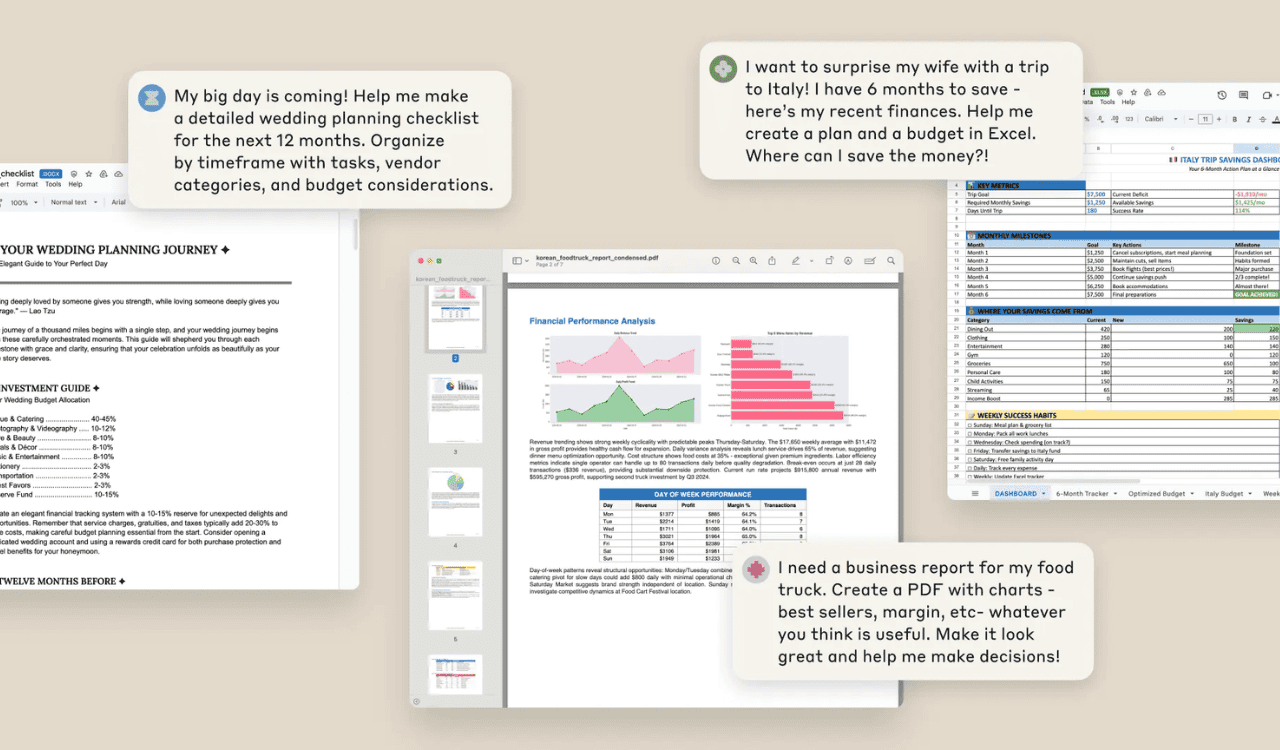
For example, Claude can build financial models, trackers, or budget templates with live calculations. That’s not all; you can also convert PDFs into slides, or notes into polished documents. Moreover, analysis of datasets is posible, after which you’ll get charts plus written insights.
According to Anthropic, Claude achieves this by running inside a private computer environment where it can write code and execute programs on demand.
The company says the latest change will turn Claude from a “text-only advisor” into an active collaborator, capable of handling multi-step technical work behind the scenes.
You must switch on “Upgraded file creation and analysis” to enable this feature. To do that, head to Settings > Features > Experimental, then upload files or provide instructions. Then, you can download and save outputs directly to Google Drive.
Anthropic further warns that the feature grants Claude internet access for file creation and analysis, which may pose privacy or security risks. Users are advised to monitor their chats closely when working with sensitive data.

Read our disclosure page to find out how can you help Windows Report sustain the editorial team. Read more



Improve this guide




User forum
0 messages