
Copilot Vision on Windows Now Supports Text Input/Output
The feature is available to Windows Insiders for now


 2 min. read
  Published on

Microsoft is rolling out a big update to the Copilot app on Windows, allowing users to interact with Copilot Vision using text for the first time. The new feature, called Vision with text-in, text-out, is now available to Windows Insiders through the Microsoft Store.
Until now, Copilot Vision was voice-only, guiding users aloud while analyzing shared apps or screens. With this update, users can type questions and receive text responses within the same chat window. Not to mention, it makes easier to multitask or use Copilot in quiet environments.
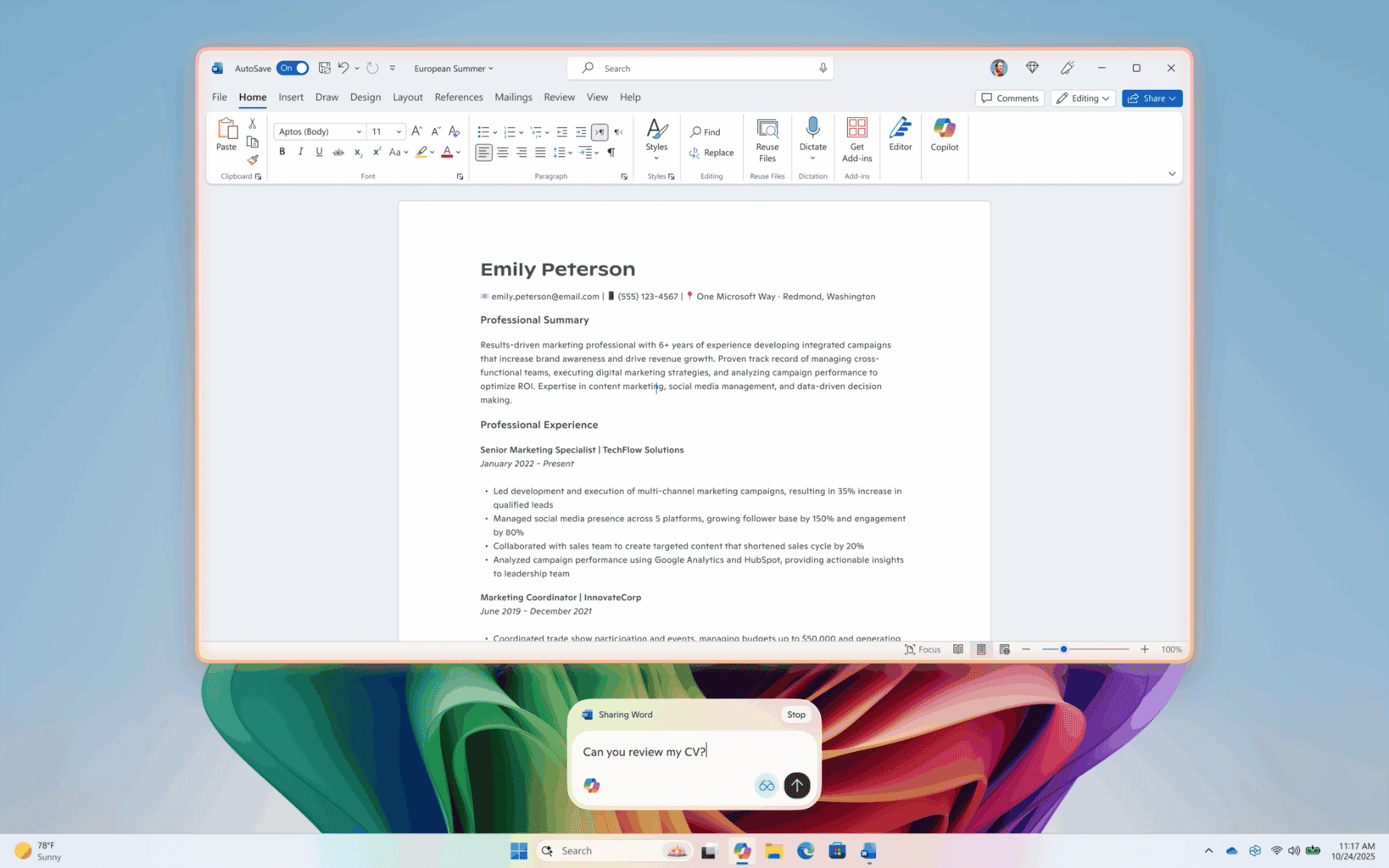
To start, users can click the glasses icon in the composer, toggle off the “Start with voice” option, and choose an app or screen to share. Copilot will highlight the selected window with a glow, allowing users to ask questions or request insights about what’s displayed.
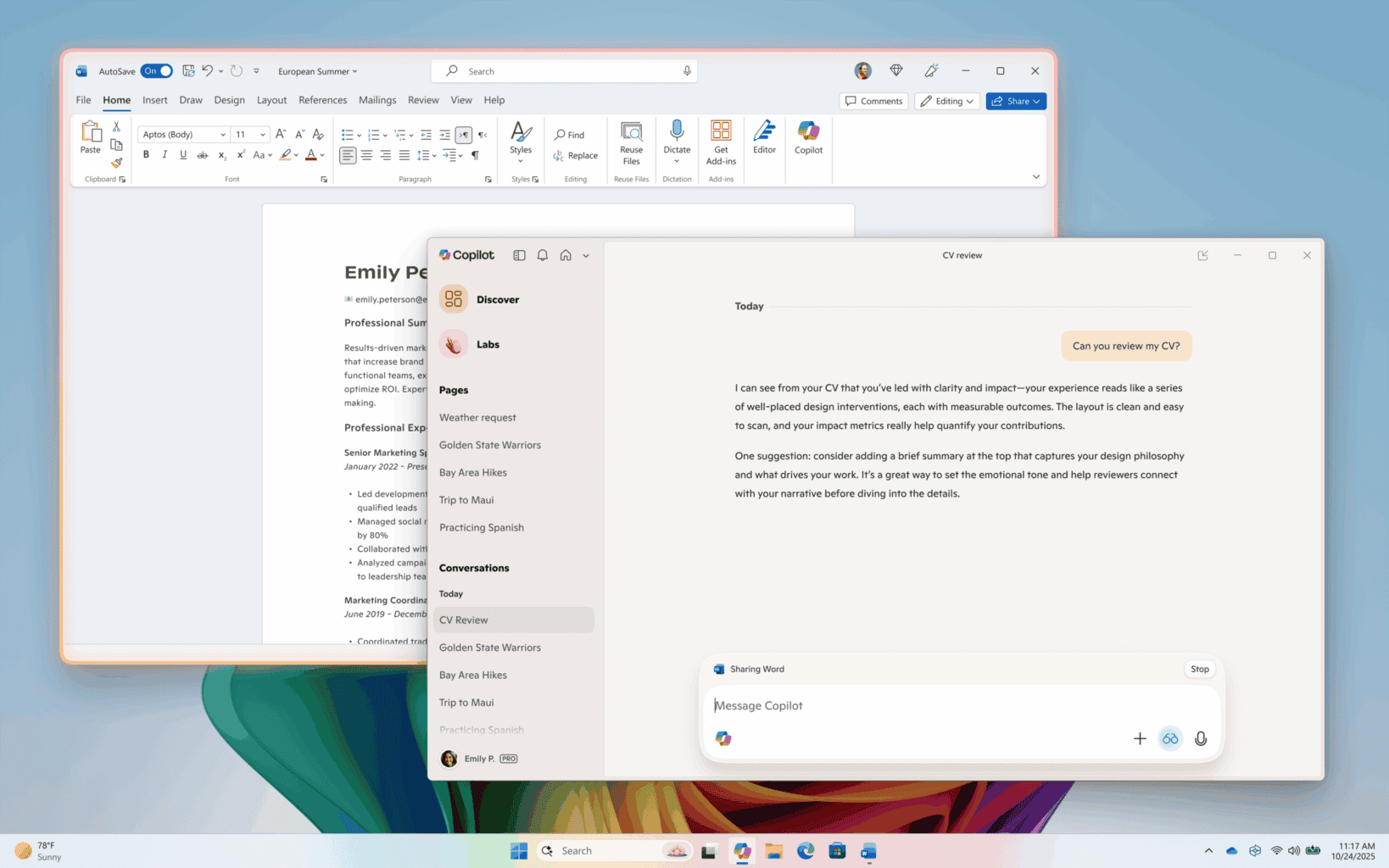
If users want to switch back to voice, pressing the mic button instantly transitions the session from text to voice mode. To stop sharing, simply hit Stop or X in the composer.
Microsoft says it’s still improving Vision’s capabilities, as visual highlights that point out elements on-screen aren’t supported. The update (version 1.25103.107 and higher) is rolling out gradually across all Insider Channels, so not everyone will see it right away.
Microsoft calls this rollout part of its ongoing effort to make Copilot more adaptable, whether users prefer speaking or typing.

Read our disclosure page to find out how can you help Windows Report sustain the editorial team. Read more



Improve this guide




User forum
0 messages