
Latest Windows 11 Experimental (26H1) Build Adds Two Useful Sign-In Improvements


 2 min. read
 Published on
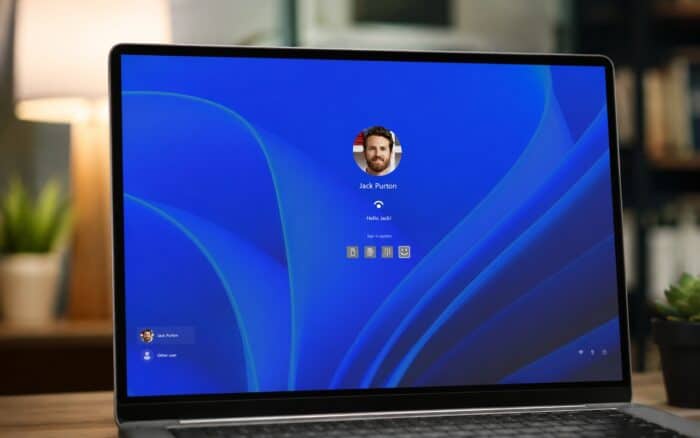
In addition to rolling out Experimental Build 26340.9882, Microsoft has released Windows 11 Insider Preview Build 28120.3454 for Experimental Channel testers running version 26H1. The latest update is relatively small, but it brings two useful improvements to Windows Hello and security key sign-ins.
Windows Hello can now brighten your screen before sign-in
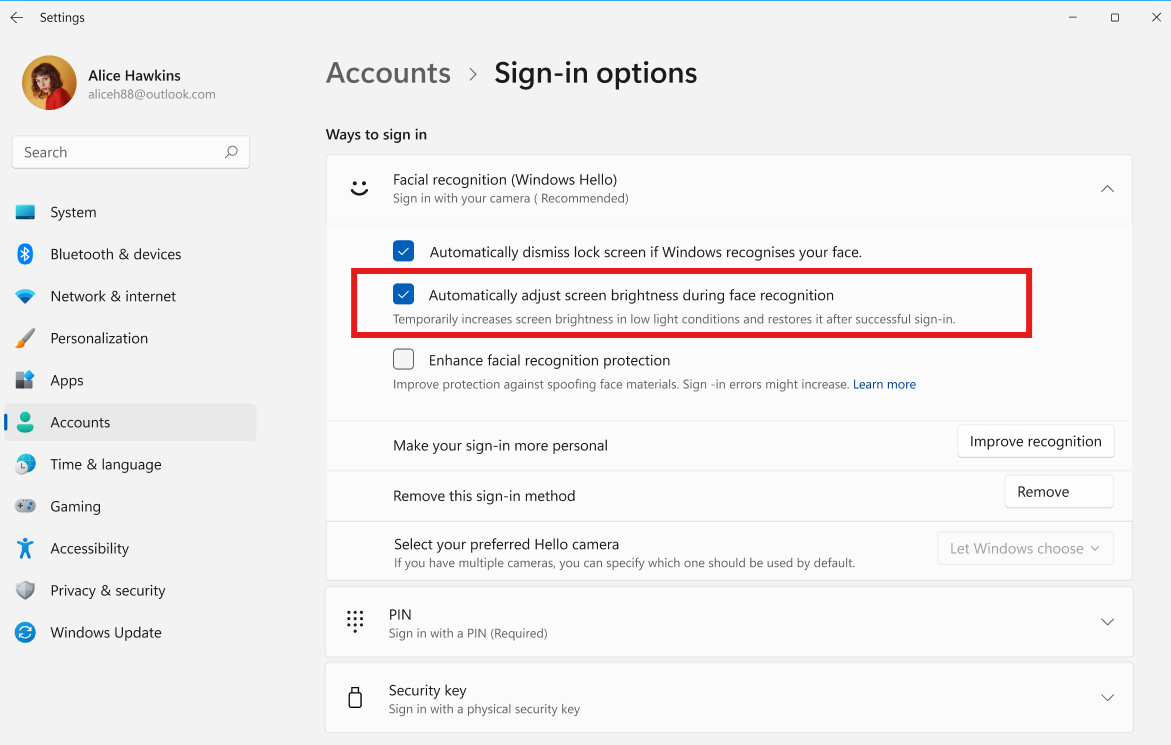
Windows 11 can now temporarily increase screen brightness when users try signing in from a dark or dimly lit room. This should make facial recognition more reliable when lighting conditions aren’t ideal. Microsoft is letting users control the feature through a dedicated setting.
To enable it, head to Settings > Accounts > Sign-in options > Facial recognition (Windows Hello). Then turn on Automatically adjust screen brightness during face recognition.
Interestingly, this is a small change that could make a noticeable difference during everyday sign-ins. Users won’t have to manually increase screen brightness whenever they need Windows Hello in darker surroundings.
Security key sign-in gets a cleaner interface
Microsoft is also updating the security key PIN entry experience. The company has removed the “other user” icon from the screen, giving users a cleaner sign-in interface. The change is relatively minor, but it should make the security key authentication process less confusing.
In addition to these improvements, Microsoft says the build includes general improvements and fixes. Not to forget, Microsoft has also released two other builds for Beta channel insiders, including one which moves the channel to version 26H2. You can read about the one rolled out for Insiders in the Beta 26H1 channel here.

Read our disclosure page to find out how can you help Windows Report sustain the editorial team. Read more


Improve this guide

User forum
0 messages