
Microsoft Finally Lets You Make Windows 11 Taskbar Smaller
Rolling out to users in the Experimental channel


 2 min. read
  Published on
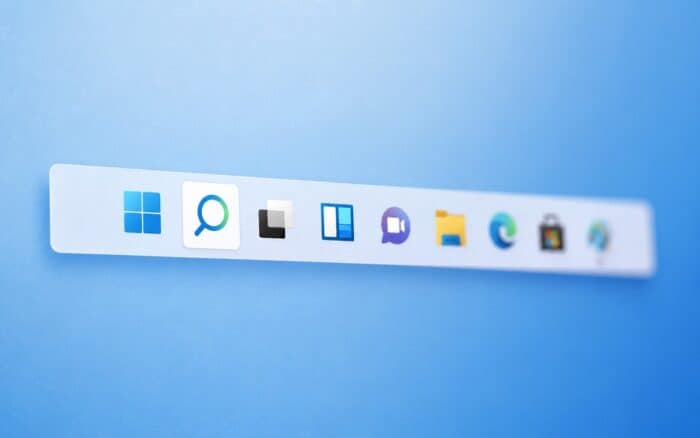
The new Experimental build brought many improvements, and the most notable ones involve the Start Menu and Taskbar. Previous reports suggested that the movable Taskbar is coming, and the latest build finally allows you to move your Taskbar, like in the earlier versions of Windows.
Microsoft adds more Taskbar customization options
However, that’s not all. Microsoft has been working on additional Taskbar size options, and this feature has made its way to the latest Experimental build.
This update finally adds the ability to make your Taskbar smaller, and this is especially useful on smaller screens or for users who like to keep their workspace minimal.
By switching to the smaller Taskbar, the icons shrink, allowing you to fit more of them, and the Taskbar will become shorter, giving you some extra space for your apps. Just like in previous versions of Windows, this is a visual change, and it requires no restart or sign-out.
How to enable the smaller Taskbar
Changing the Taskbar size is quite simple, and it can be done from the Taskbar settings in the Settings app. Just go to the Taskbar behaviours settings and set “Show smaller taskbar buttons” to “Always”.
This changes both the icons and the Taskbar to their smaller size. While this isn’t a major change, like the movable Taskbar, it’s still useful, and it will benefit users with smaller screens or those who want a bit more screen space.
Regarding the availability, the feature is rolling out to users in the Experimental channel. If you want something more stable, the company has also released a new Windows 11 Beta build.

Read our disclosure page to find out how can you help Windows Report sustain the editorial team. Read more



Improve this guide

User forum
0 messages