
Microsoft Photos App Gets AI Auto-Categorization on Copilot+ PCs
The app can now detect and organize images


 2 min. read
  Published on
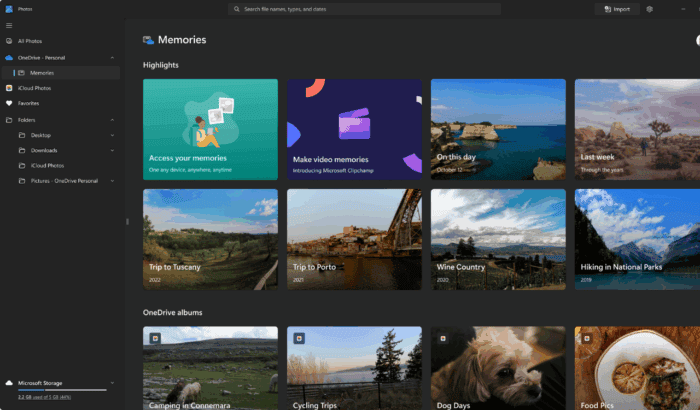
Microsoft is rolling out a major update to the Photos app on Windows 11 Copilot+ PCs. The feature in question here is Auto-Categorization, which is now live across all Insider channels and makes it easier to manage growing photo libraries.
With the update, Photos can now detect and organize images into four smart categories: screenshots, receipts, identity documents, and notes. Using AI, the app automatically sorts content regardless of language, so even a non-English passport is still tagged as “Passport.”
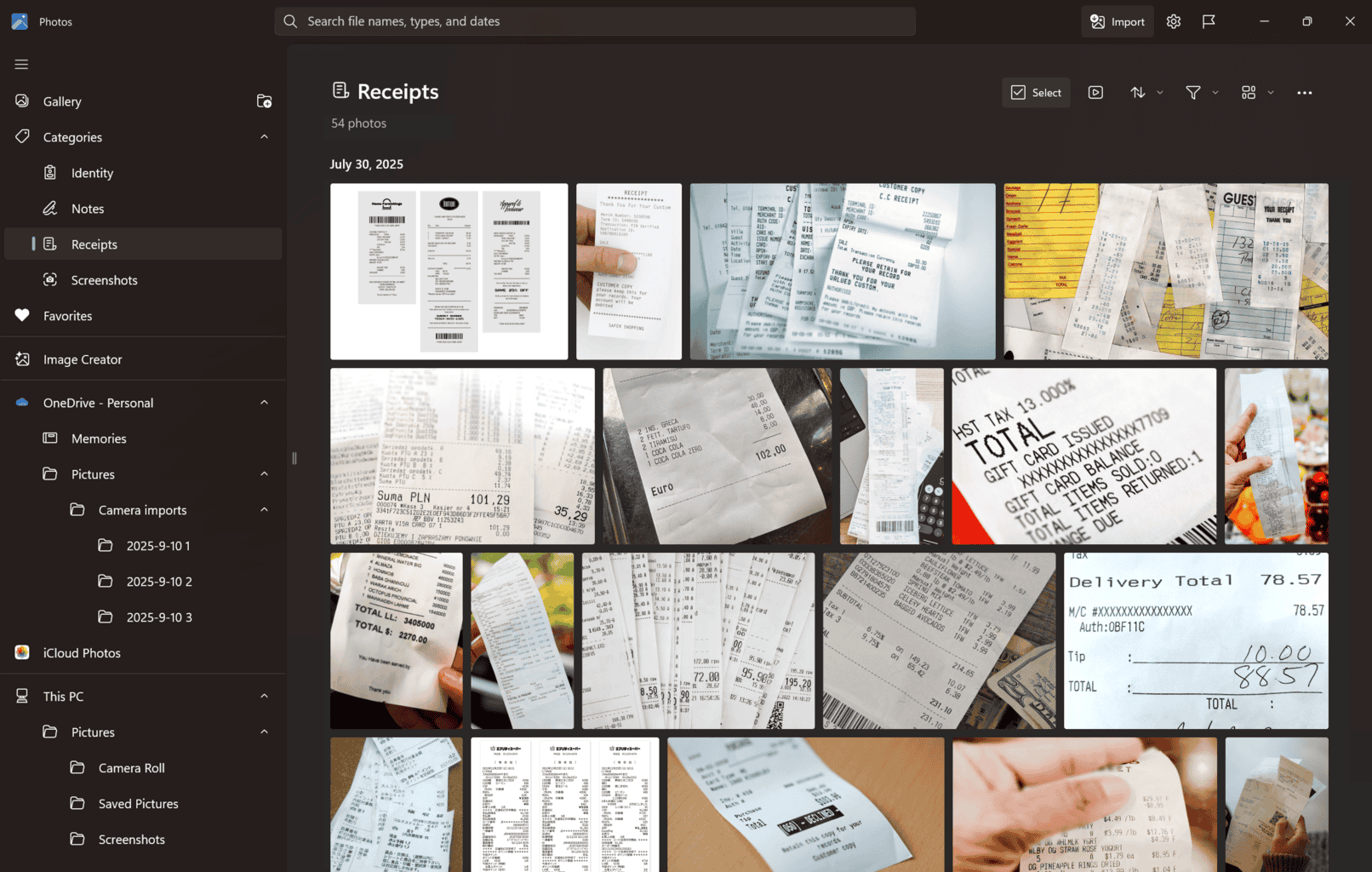
You can browse through categories using the left navigation panel or the search bar, making it quicker to retrieve specific images. Microsoft also allows manual reclassification, giving users a way to refine categories and provide feedback to improve accuracy.
Besides Auto-Categorization, Microsoft confirmed that Super Resolution is expanding to all Copilot+ PCs, including Snapdragon, AMD, and Intel-powered models. You will be prompted to download a model package to take advantage of the feature.
To access these updates, you must ensure that the Photos app is running on version 2025.11090.25001.0 or higher via the Microsoft Store. Since the rollout is gradual, some users may not see the changes right away.
This AI-powered update makes managing cluttered photo libraries much simpler, especially for students and professionals who work around documents and notes a lot.

Read our disclosure page to find out how can you help Windows Report sustain the editorial team. Read more



Improve this guide



User forum
0 messages