
Microsoft previews Project Manager Agent skills in Teams
Available for Teams meetings and channels


 2 min. read
  Published on
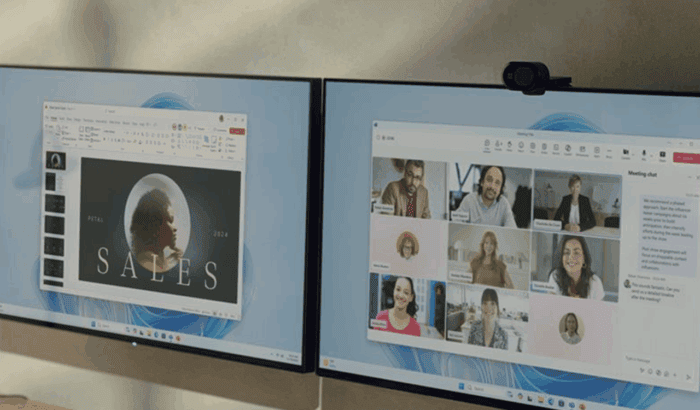
Microsoft is taking project management capabilities inside Teams one notch up with the rollout of the new Project Manager Agent skills. It’s now available in public preview.
The update brings a set of intelligent tools designed to help teams capture, track, and act on tasks without ever leaving their conversations.
The agent builds on the Facilitator in Teams meetings, which already helps guide discussions and keep them productive. Now, with the latest integration, conversations can be turned into tasks instantly.
For example, users can ask the agent to create or assign a task directly from meeting transcripts, ensuring nothing slips through the cracks. Microsoft also says that meeting follow-ups also sync automatically to Planner for tracking beyond the call.
To top it up, the agent can also draft documents from discussions, slashing the usual post-meeting cold start. Outside of meetings, the benefits of the Project Manager agent extend to Teams channels.
Each standard or shared channel can have its own dedicated agent that works within the context of ongoing discussions. Teams can simply mention the agent to generate tasks, set deadlines, or pull updates on progress. This allows projects to move forward without any delays.
Organizations looking to start using the agent have to confirm licensing and enable the preview. Microsoft notes that a Microsoft 365 Copilot license is required, alongside Loop for full functionality.
Premium features such as dependencies, baselines, and advanced timelines remain tied to Planner Premium licenses. Moreover, language support is broad for meetings and currently limited to English in channels. Speaking of agents, Microsoft also launched Knowledge Agent for SharePoint in public preview.

Read our disclosure page to find out how can you help Windows Report sustain the editorial team. Read more



Improve this guide



User forum
0 messages