
Microsoft Releases WinUI Gallery 3.0 With TableView, Charts, InkCanvas, and More


 2 min. read
  Published on
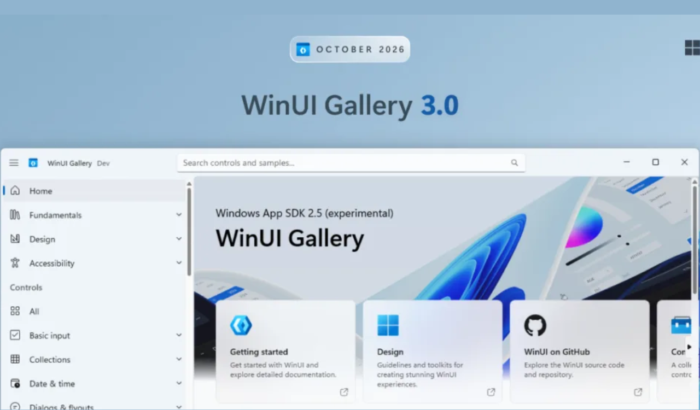
Microsoft has rolled out WinUI Gallery 3.0, offering developers a new way to explore upcoming Windows app controls before they reach stable releases. The update introduces experimental charts, TableView, drawing tools, and windowing APIs. It also improves navigation, sample coverage, accessibility, and developer feedback opportunities.
WinUI Gallery 3.0 brings experimental controls to developers
According to Microsoft’s official announcement, the Gallery now targets the experimental Windows App SDK 2.5.4 release. It ships as a self-contained app, so developers don’t need additional installations. This approach delivers new samples sooner and gives developers more opportunities to influence APIs before stabilization.
One of the highlights of WinUI Gallery 3.0 is TableView, a native control for displaying and editing large datasets. Its samples demonstrate sorting, filtering, grouping, column resizing, validation, custom cells, and virtualized rows. Meanwhile, the new Charts page covers line and bar charts, legends, axis ranges, grid lines, combined series, data labels, and live data updates.
Microsoft has also added WrapPanel, LayoutPanel, and PagerControl samples. InkCanvas and InkToolbar demonstrate drawing with a mouse, touch, or pen. Developers can customize drawing tools and save or restore ink strokes. The updated Window page showcases experimental sizing properties, including minimum and maximum dimensions.
Navigation, samples, and accessibility get improvements
The update makes everyday navigation easier with mouse back and forward buttons. Search now recognizes additional tags, while empty results provide tips and a shortcut to all samples. Other improvements cover ItemsRepeater virtualization, ListView scroll restoration, TitleBar drag regions, storage picker thumbnails, animated GIFs, PipsPager wrapping, and camera selection in CaptureElement.
Developers can also explore DataTemplateElementFactory, theme resource bindings, and improved guidance for SystemBackdropElement, TimePicker, and AppWindow. In addition, Microsoft has also removed the Windows Application Packaging project and updated settings storage. The Gallery now displays its Windows App SDK version and release channel on Home and Settings pages.
The release also includes more than ten accessibility fixes covering Narrator, keyboard navigation, focus visibility, contrast, and accessible names. Microsoft fixed malformed XAML across 13 samples and removed the ListBox sample, recommending ListView instead. Moreover, you can check the full releae notes here.
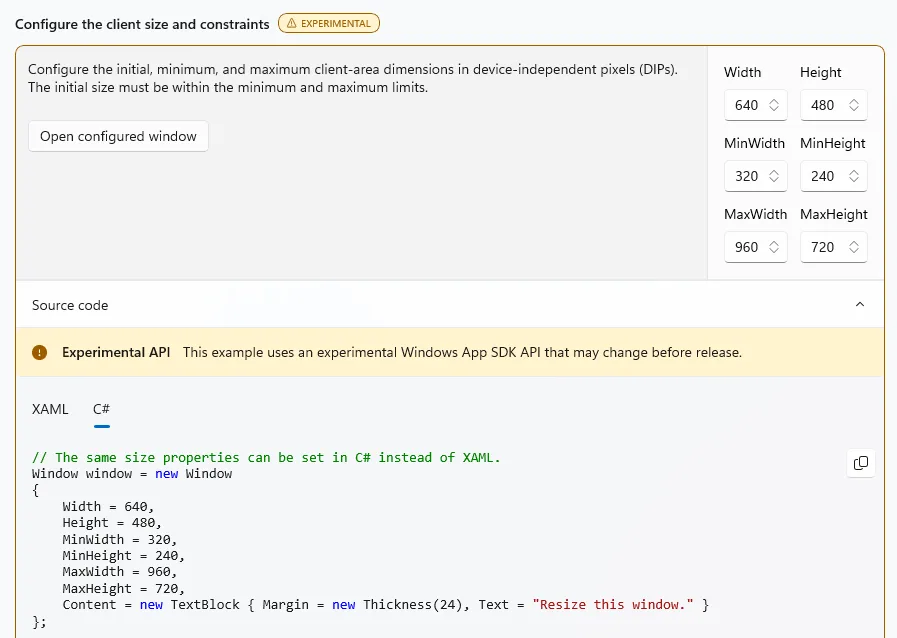
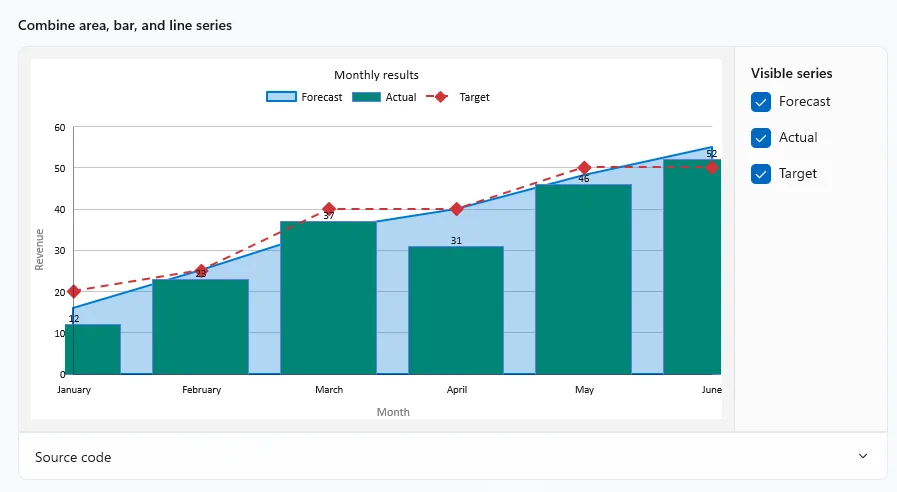
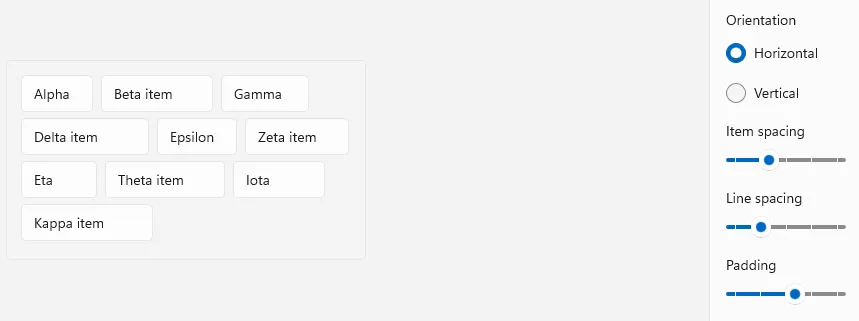
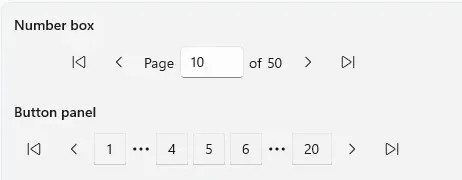
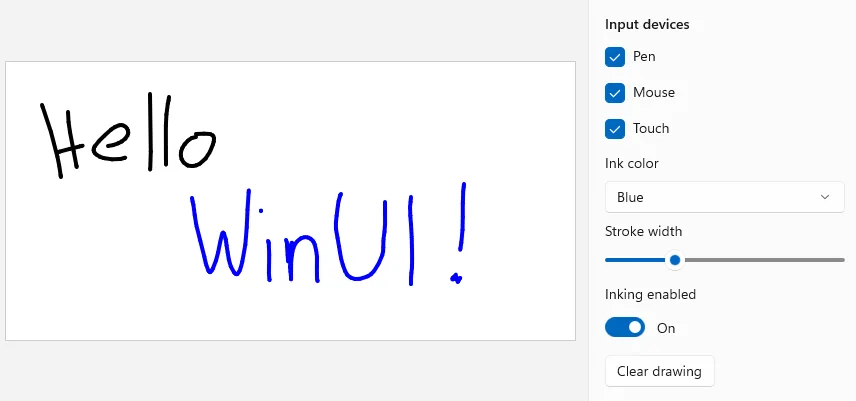
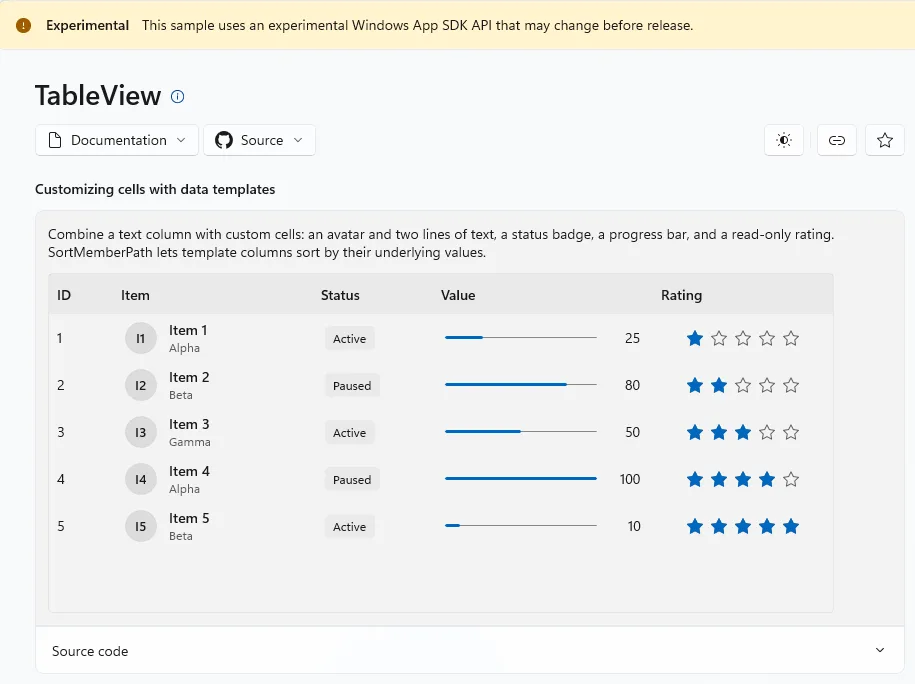
Image credit: Microsoft

Read our disclosure page to find out how can you help Windows Report sustain the editorial team. Read more



Improve this guide

User forum
0 messages